10 AllevaRed Pro User Manual Lifepro
OPERATING INSTRUCTIONS
Please read the operating instructions before using the AllevaRed Pro Light
Therapy Belt. Keep this manual for reference.
POWERING THE ALLEVARED PRO WITH THE WALL ADAPTER
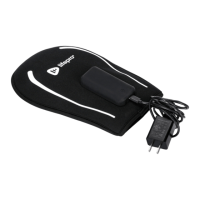
1. Connect the USB end of the remote control cable to the USB power
port on the AllevaRed Pro belt.
2. Connect the wall power adapter to the female DC port on the remote
control cable.
3. Plug the power adapter into a standard wall outlet.
WARNING: Only use the AllevaRed Pro with the included AC power
adapter.
POWERING THE ALLEVARED WITH THE USB ADAPTER
1. Connect the male end of the remote control cable to the DC power port
exiting the AllevaRed belt.
2. Connect the USB adapter to the female end of the remote control
cable.
3. Insert the other end of the USB adapter into a USB device, such as a
laptop or computer. Alternately, you may insert the USB connector into
a standard mobile phone 5V–1A or 5V–2A USB charging adapter and
then plug the adapter into a wall outlet.
WARNING: The AllevaRed cannot be used with a 12V USB charging
adapter.
POWERING THE ALLEVARED PRO WITH AN EXTERNAL BATTERY
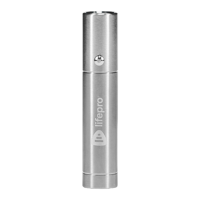
The AllevaRed Pro supports the use of a 5V external battery, also called
a power bank. The external battery is not included and must be purchased
separately from other retailers. To power the AllevaRed Pro with an
external battery:
1. Connect the male end of the remote control cable to the USB power
port on the AllevaRed Pro belt.
2. Connect the external battery pack to the female end of the remote
control cable, via the cable included with the battery pack.
3. Place the battery in the pocket at the front of the belt.
USING THE CONTROL PANEL
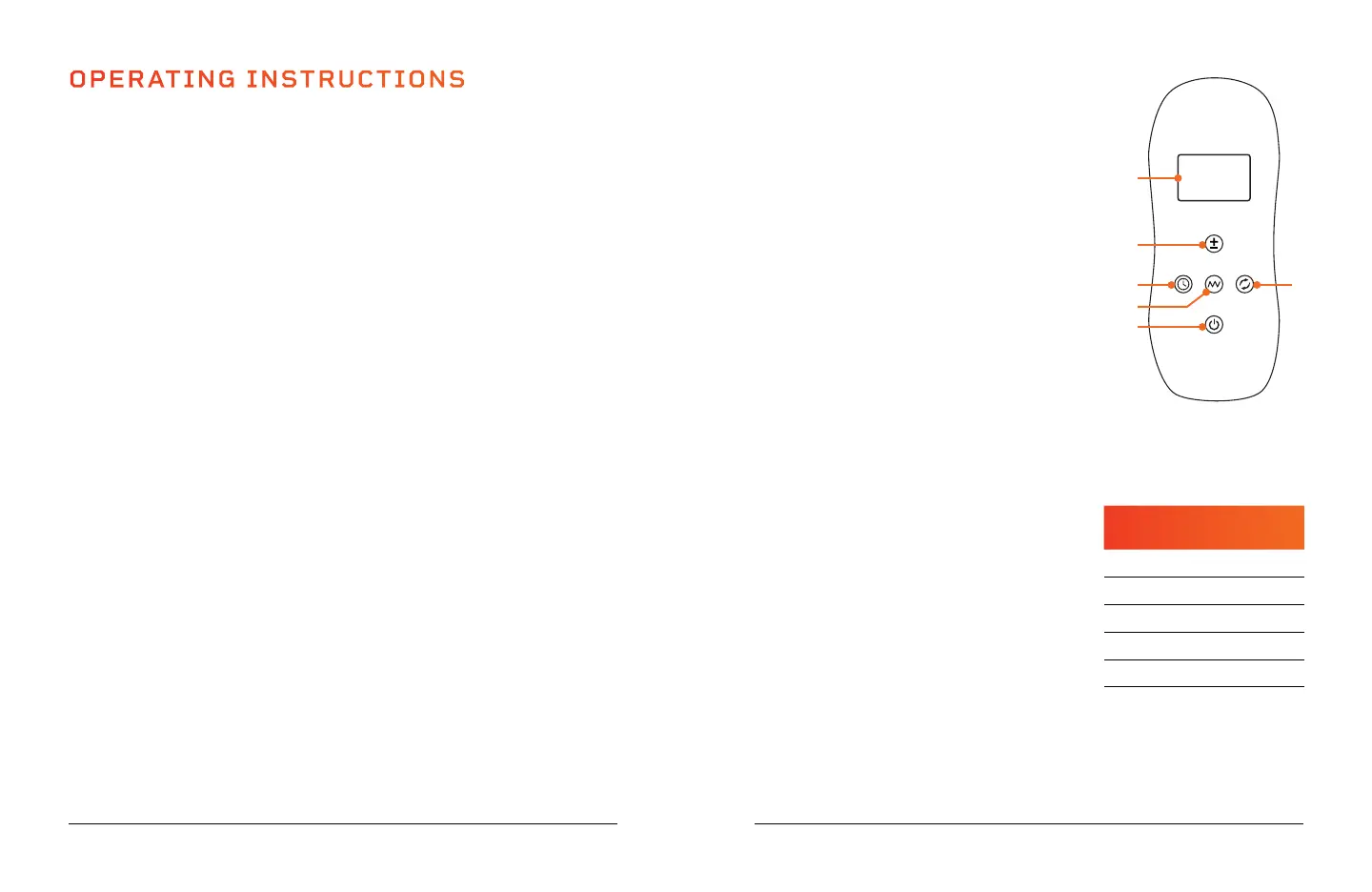
1. Display Window: Shows the current working
time, intensity, vibration, or mode.
2. Intensity Button: Press to adjust the light
intensity level from L0–L4.
3. Time Button: Press to set the time duration
from 5–30 minutes, in 5-minute increments.
The default time is 5 minutes.
4. Vibration Button: Press to adjust the
vibration level from S1–S5 and off (S0). The
default vibration setting is S1.
5. On/Pulse/Off Button: Press the button once
to turn on the device, press a second time to
turn on the 10 Hz pulsed-light feature, press
a third time to turn off the device.
6. Mode Button: Press to toggle through the three modes: red mode
(660nm), near-infrared mode (850nm), and red + near-infrared mode
(660+850nm).
INTENSITY OPTIONS
Five different intensity settings, L0–L4,
allow you to choose the right setting for your
particular need. Each of the five settings
offers a different power (in Watts) to help
reduce inflammation, increase blood flow,
relieve pain, and lose fat.
MODE OPTIONS
Red mode (660nm) is best for skin health and has anti-aging properties.
Near-infrared mode (850nm) is stronger and is best for decreasing
inflammation and repairing deeper tissues, such as muscles and joints.
Red + near-infrared mode combines the benefits of the first two modes.
Wellness Recovery Collection 11
INTENSITY
LEVEL
POWER
(IN WATTS)
L0 0.9W
L1 4.9W
L2 8.5W
L3 12.3W
L4 16.0W
6
5
3
4
2
1


 To Next Page