OPERATING INSTRUCTIONS
USING THE ALLEVARED PRO LIGHT THERAPY BELT
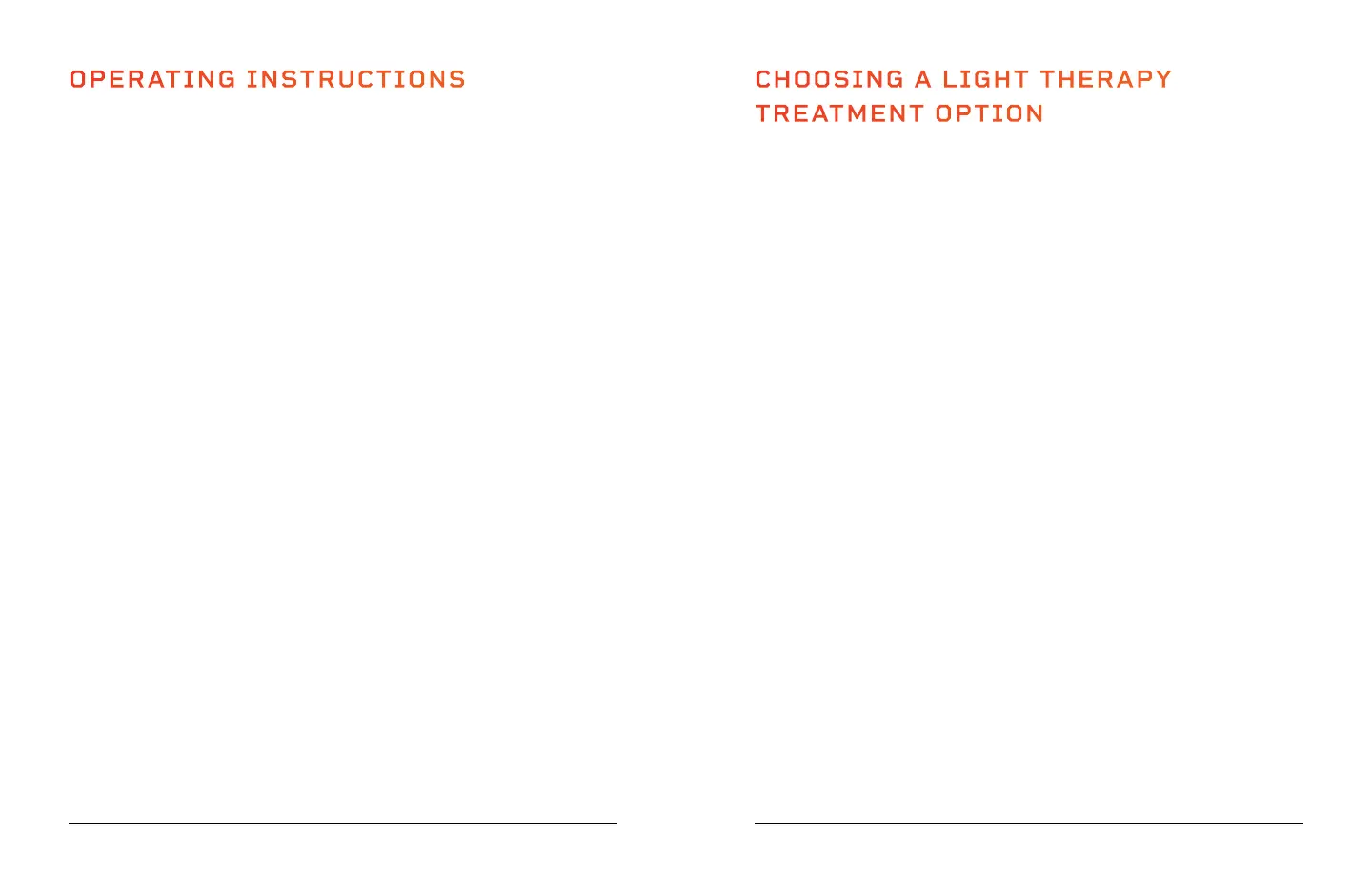
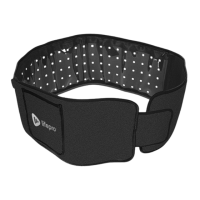
1. Place the AllevaRed Pro therapy belt in position around your waist, or other
area to be treated, with the adjustment strap in the front, ensuring that the
LED side of the belt is touching your body or clothing.
2. Use the Velcro
®
adjustment strap to secure the belt. It should be snug, but
not too tight. Use the Velcro
®
extension belt if you need more length, for
example, when treating your shoulder, chest, or upper back.
3. Connect the AllevaRed Pro to a power source (see page 10).
4. Press the On/Pulse/Off button on the remote control to turn on the device.
The display screen will light up and the display will show "OFF".
5. Press the Intensity button to choose from five light intensity levels
L0–L4. Your selection appears in the display window. L0, the lowest setting,
is the default. You may adjust the intensity at any time.
6. Press the Time button to adjust the therapy session duration from 5–30
minutes, in five-minute increments. The default duration is five minutes.
Each time you press the Time button, the duration increases by five minutes.
To decrease the duration, press the Time button until the number is 30.
Continue to press the Time button, and the timer will start over again at
5 minutes. Keep pressing to reach your desired session duration. Your
selection appears in the display window and may be adjusted at any time.
7. Press the Vibration button to select from five vibration levels, S1–S5. Your
selection appears in the display window. S1, the lowest vibration, is the
default. Vibration is off when S0 is selected. You may adjust the vibration
level at any time.
8. Press the Mode button to select from three modes. Press once to select red
mode (660nm), press twice for near-infrared mode (850nm), and press three
times for red + near-infrared mode (660+850nm). You may change the mode
at any time.
9. Press the On/Pulse/Off button a second time to turn on the pulse function.
The LEDs will pulse, or flash, on and off in a cycle.
10. Press the On/Pulse/Off button a third time to stop the therapy session at
any time. The AllevaRed Pro will automatically shut down when the set time
duration is complete. Press the On/Off/Pulse button again if you wish to
continue using the device.
11. Always power off and unplug the unit after each use.
CHOOSING A LIGHT THERAPY
TREATMENT OPTION
TREAT YOUR UPPER BACK WHILE SITTING IN A CHAIR
1. Sit down on a sofa or chair.
2. Place the AllevaRed Pro behind your upper back with the LEDs toward
you.
3. Turn on the AllevaRed Pro and treat while seated.
TREAT YOUR UPPER BACK WHILE LYING DOWN
1. Place the AllevaRed Pro on the floor with the LEDs facing up.
2. Lie on the floor with your upper back positioned over the belt.
3. Turn on the AllevaRed Pro and begin your treatment.
TREAT YOUR QUADS (FRONT OF THIGHS)
1. Sit down on a sofa or chair.
2. Wrap the belt around your thigh. Adjust the Velcro
®
strap until the belt
is snug.
3. Turn on the AllevaRed Pro and treat one thigh at a time.
TREAT YOUR HAMSTRINGS (BACK OF THIGHS)
1. Sit down on a sofa or chair.
2. Wrap the belt around your thigh. Adjust the Velcro
®
strap until the belt
is snug.
3. Turn on the AllevaRed Pro and treat one thigh at a time.
TREAT YOUR IT BANDS (OUTER THIGHS)
1. Sit down on a sofa or chair next to the padded arm.
2. Wrap the belt around your thigh OR place the AllevaRed Pro between
the sofa arm and your outer thigh with the LEDs facing toward you.
3. Turn on the AllevaRed Pro and treat one thigh at a time.
12 AllevaRed Pro User Manual Lifepro
Wellness Recovery Collection 13


 To Next Page