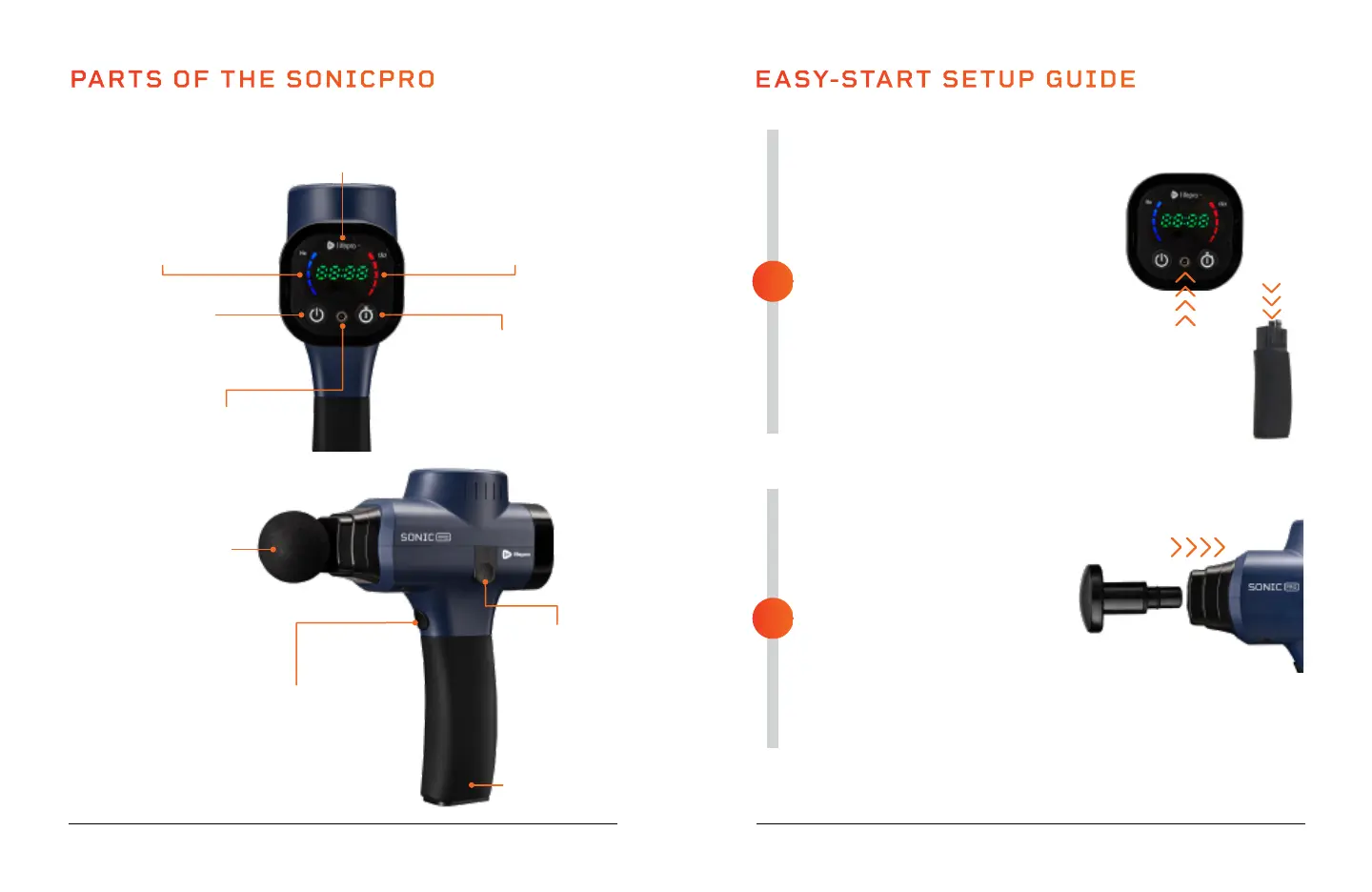
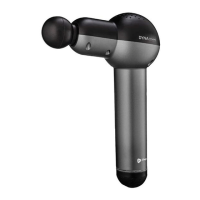
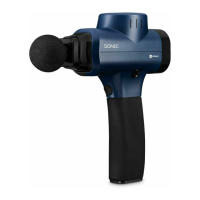
PARTS OF THE SONICPRO
Massage
Attachment
(1 of 8)
Battery/Handle
Power Button
Press to power ON
the SonicPro
Charging Port for
AC Charging Adapter
Speed Button
Press to toggle through the
speed levels (1-15). Press and
hold to rapidly toggle through
the speed levels.
Battery Release
Button
SoarFX Collection 9 8 SonicPro User Manual Lifepro
FULLY CHARGE THE BATTERY
• Ensure the SonicPro is OFF before
charging.
• Charge the battery fully (for up to
2 hours) before using your SonicPro
for the first time.
• There are two charging options:
Plug the adapter into the
charging port on the faceplate.
You may also charge the battery
separately. Plug the adapter into
the charging port at the top of
the battery.
• Plug the adapter into a wall outlet.
INSERT A MASSAGE ATTACHMENT
• Make sure the SonicPro is fully
charged and powered OFF.
• Select the desired massage
attachment.
• Insert the stem of the massage
attachment into the nozzle of
the SonicPro.
• Press the massage attachment
in firmly to secure it.
• See ATTACHMENT & SPEED
OPTIONS on page 12.
EASY-START SETUP GUIDE
2
1
Time Button
Press to set massage time (1-20)
in one-minute increments. Press
and hold to rapidly adjust time.
Battery Indicator LEDs
The 5 LEDs show the current
battery level. When fully
charged, all 5 LEDs will be lit.
Time/Speed Indicator
Shows countdown of the massage
time. Shows speed when selected.
Speed Indicator LEDs
The 5 LEDs show the current
speed selected (1-15). Each
LED = 3 speed levels.
1.
2.


 To Next Page