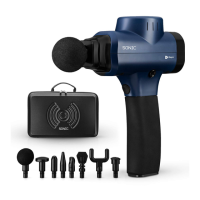
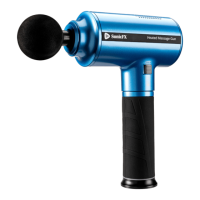
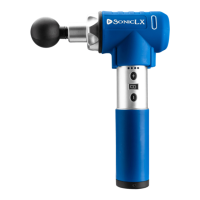
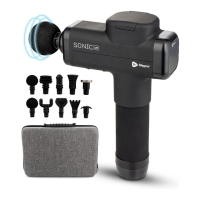
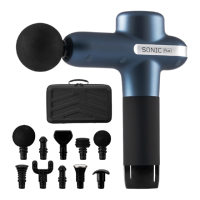
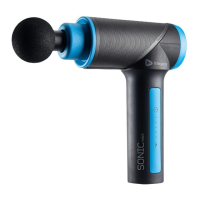
OPERATING INSTRUCTIONS
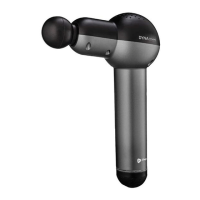
Please read the operating instructions before using the SonicPro.
Keep this manual for reference.
CHARGING THE BATTERY
• Fully charge your SonicPro for up to 2 hours before using it for the first time.
• When the battery is fully charged, all 5 Battery Indicator LEDs will be lit.
• The five Battery Indicator LEDs show the current battery level:
• 5 LEDs lit = 80-100%
• 4 LEDs lit = 60-80%
• 3 LEDs lit = 40-60%
• For best results, charge the battery before it goes below 20%.
• Average run-time is 3-4 hours per charge at higher speeds and 5-6 hours per
charge at lower speed levels.
USING YOUR SONICPRO
1. Press the Power button on the faceplate to power on the SonicPro. The
Battery Indicator LEDs will show the current battery level.
2. Press the Time button (optional), to set a specific massage duration, 1-20
minutes, adjusted in one-minute increments. Press and hold the Time button
to rapidly adjust time. If you choose not to set a time duration, the default
time of 10 minutes will be set.
3. Press the Speed button on the front of the handle to begin vibration at speed
level 1. The Speed Indicator LEDs will show the current speed, 1-15. To
adjust the speed:
a. Press the Speed button to toggle through the speed levels, one level
at a time.
b. Press and hold the Speed button to rapidly toggle through the speed
levels.
4. At the desired speed, float the head of the massage attachment along a
muscle group. Apply pressure as needed.
5. Press the Power button on the faceplate to power off the unit.
6. Always power off the unit after each use. The unit will auto shutdown after
the set massage time has expired, or after the default working time of 10
minutes if no specific massage time was set. To continue to use, press the
Power button to power on the unit.
10 SonicPro User Manual Lifepro
REMOVING AND REPLACING
A MASSAGE ATTACHMENT
1. Press the Power button on the faceplate to power on the SonicPro.
2. Grab the inserted attachment and firmly pull out to remove it.
3. Insert the stem of a new attachment into the nozzle of the unit.
4. Press the attachment in firmly to secure it.
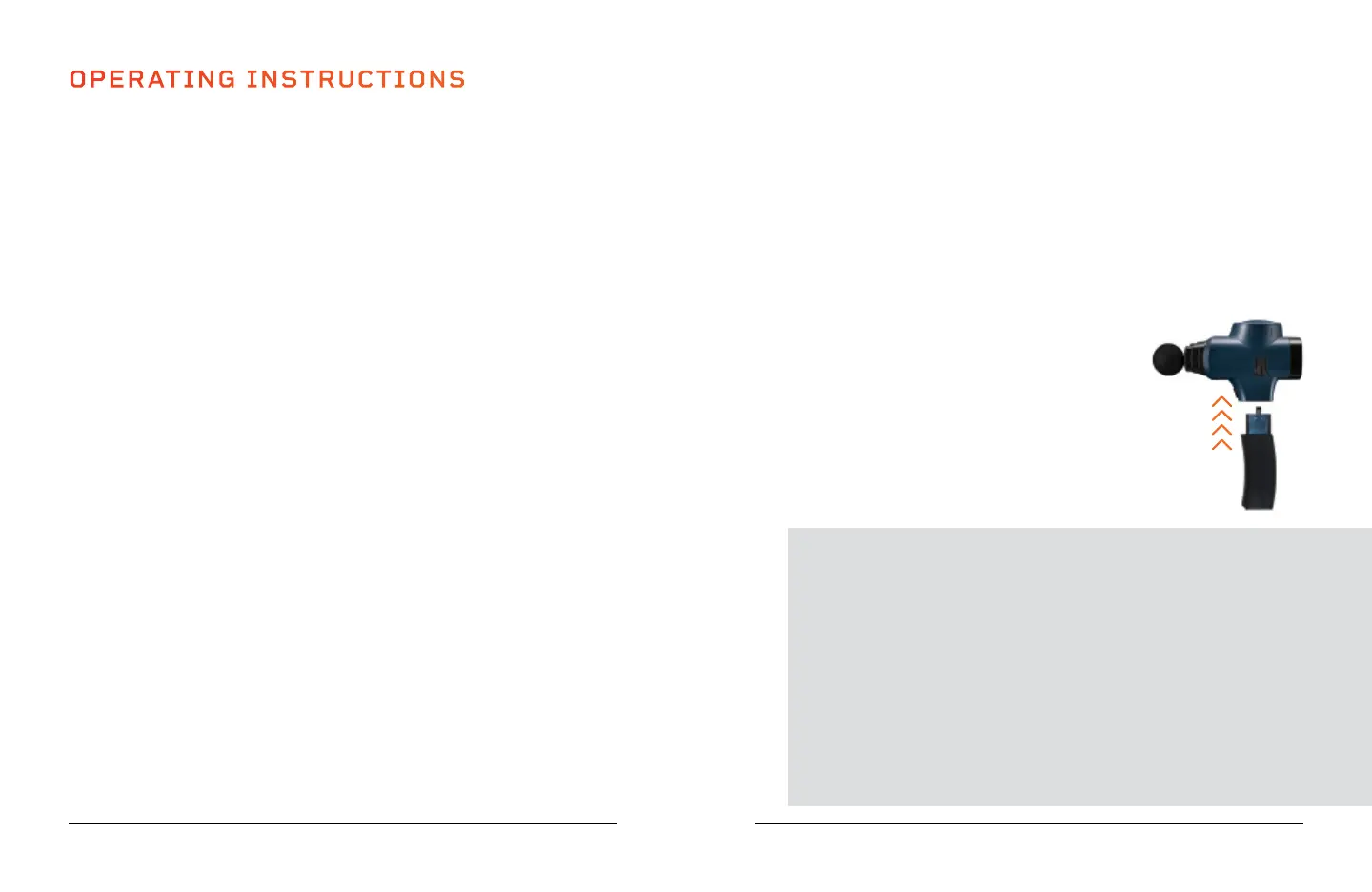
REMOVING THE BATTERY
1. Press the Battery Release button on the side of the Sonic.
2. Firmly pull down on the base of the battery with your
other hand to remove it.
RE-INSTALLING THE BATTERY
1. Insert the battery/handle firmly into the base.
2. Make sure the handle curves toward the front of the unit.
SoarFX Collection 11
TIPS FOR USING YOUR SONICPRO
• Move your SonicPro over the desired muscle groups, about
60 seconds per region.
• The slower you move the massage head over your muscles, the
better. Move approximately one inch per second.
• Avoid keeping the massage head in one area for more than two
minutes.
• Prolonged application can traumatize tissues.
• Apply pressure as needed; however, there should never be a need to
press very hard. The vibration pulses do all the hard work.
• Use the SonicPro for 15-minute sessions, up to three times per day.
• 2 LEDs lit = 20-40%
• 1 LED lit = 0-20%


 To Next Page
 Loading...