23
CONTROL SOLUTION TESTING
Preparing your meter for a control
solution test
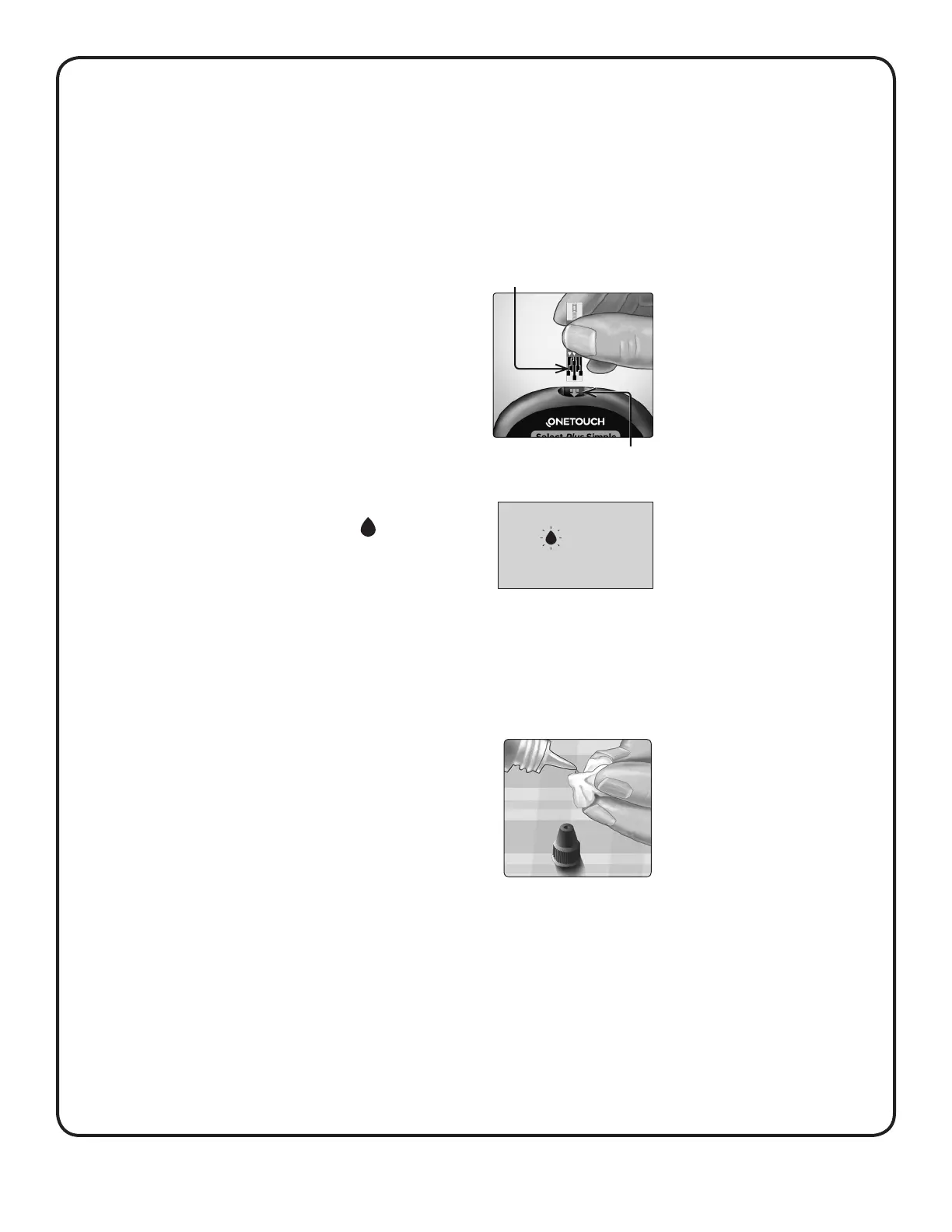
1. Insert a test strip to turn the meter on
Insert the test strip with the test strip port and contact bars
facing you.
Contact bars
Test strip port
2. Wait for the flashing blood
drop icon ( ) to appear on the
display
Preparing the control solution
1. Before removing the cap, shake the vial gently
2. Remove the vial cap and place it on a flat surface with
the top of the cap pointing up
3. Squeeze the vial to discard
the first drop



 To Next Page