34
TROUBLESHOOTING
What it means
One of the following may apply:
• Not enough blood or control
solution was applied.
• Blood or control solution was
added after the meter began to count down.
• The test strip may have been damaged or moved during
testing.
• The sample was improperly applied.
• There may be a problem with the meter.
What to do
Repeat the test with a new test strip. If the error message appears
again, contact Customer Care.
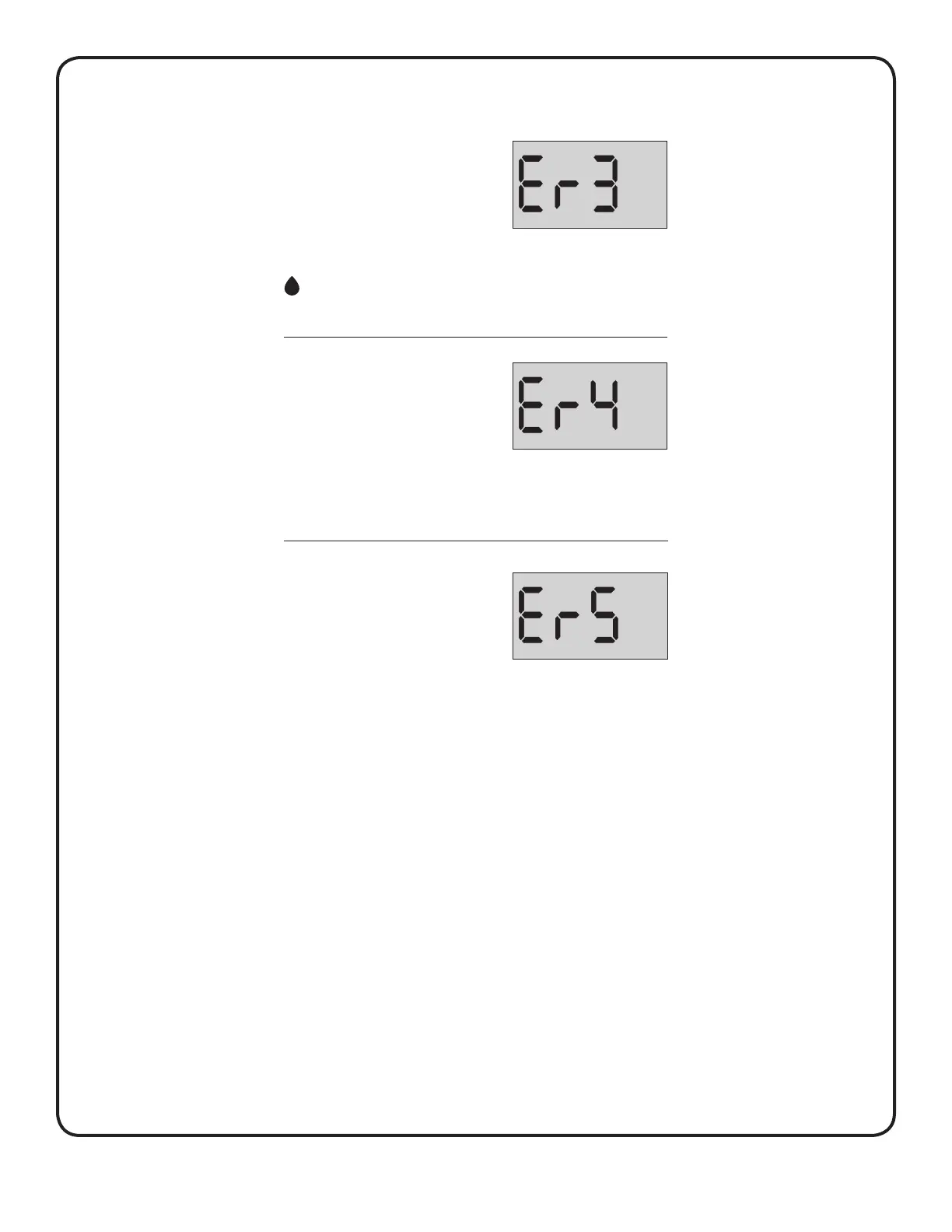
What it means
The sample was applied before the
meter was ready.
What to do
Repeat the test with a new test strip.
Apply a blood or control solution sample only after the flashing
symbol appears on the display. If this message continues to
appear, contact Customer Care.
What it means
The meter has detected a problem
with the test strip. Possible cause is
test strip damage.
What to do
Repeat the test with a new test strip. If the error message appears
again, contact Customer Care.



 To Next Page