13
4.2. Countdown mode:
Press the MODE button to cycle options: timer countdown, distance countdown, calories countdown. The default
value corresponds to the window and flashing display. At this point the SPEED buttons serve as a plus and
minus functions to adjust to the desired value. Press the START, add and subtract speed by using SPEED
buttons once again. When the countdown reaches 0, the machine will stop. You can also directly press the
STOP button or disconnect safety lock to stop.
4.3. Preset programs:
Press the ‘Prog’ button; programs from P1 to P99 are built-in programs. The time window displays the default
value of TIME. When flashing, press the SPEED buttons to adjust to your desired time. Built-in program is
divided into 20 equal segments. Each segment time = the setting time divide by 20.
After pressing the START button, the treadmill will automatically cycle through the time segments. Speed will
automatically adjust to the preset value for the segment. Upon completion of the segments, the program will end,
slowing the treadmill down to a stop.
During the operation speed can be adjusted but the next segment will be automatically adjusted to the program
defaults. Built-in program data is listed on the table. You can also directly press the STOP button or disconnect
safety lock to stop.
5. Heart Rate:
When holding the hand pulse with two hands, the pulse window will show your heart rate after 5 seconds. To
increase accuracy please check heart rate with the machine stopped and after keeping your hands on the
sensors for more than 30 seconds.
The heart rate data is for reference purposes ONLY and should not be used for medical purposes.
6. Body Fat Test:
Press ‘PROGRAM’ button under ready condition, till ‘FAT’ show in the speed window. ‘FAT’ is body fat test
mode. Press ‘MODE’ to choose parameter ‘SEX / AGE / HEIGHT / WEIGHT’, and TIME/DIST window will show
“F1”, “F2”, “F3”, “F4”.
When set each parameter, press SPEED ▲/▼ to adjust the data, and CAL/PULSE window will show the data
and press ‘MODE’ button to finish, and the window will show “F5” and “---" enter ready condition. Hold the
handle pulse with two hands, it will show your BMI data after 5 seconds.
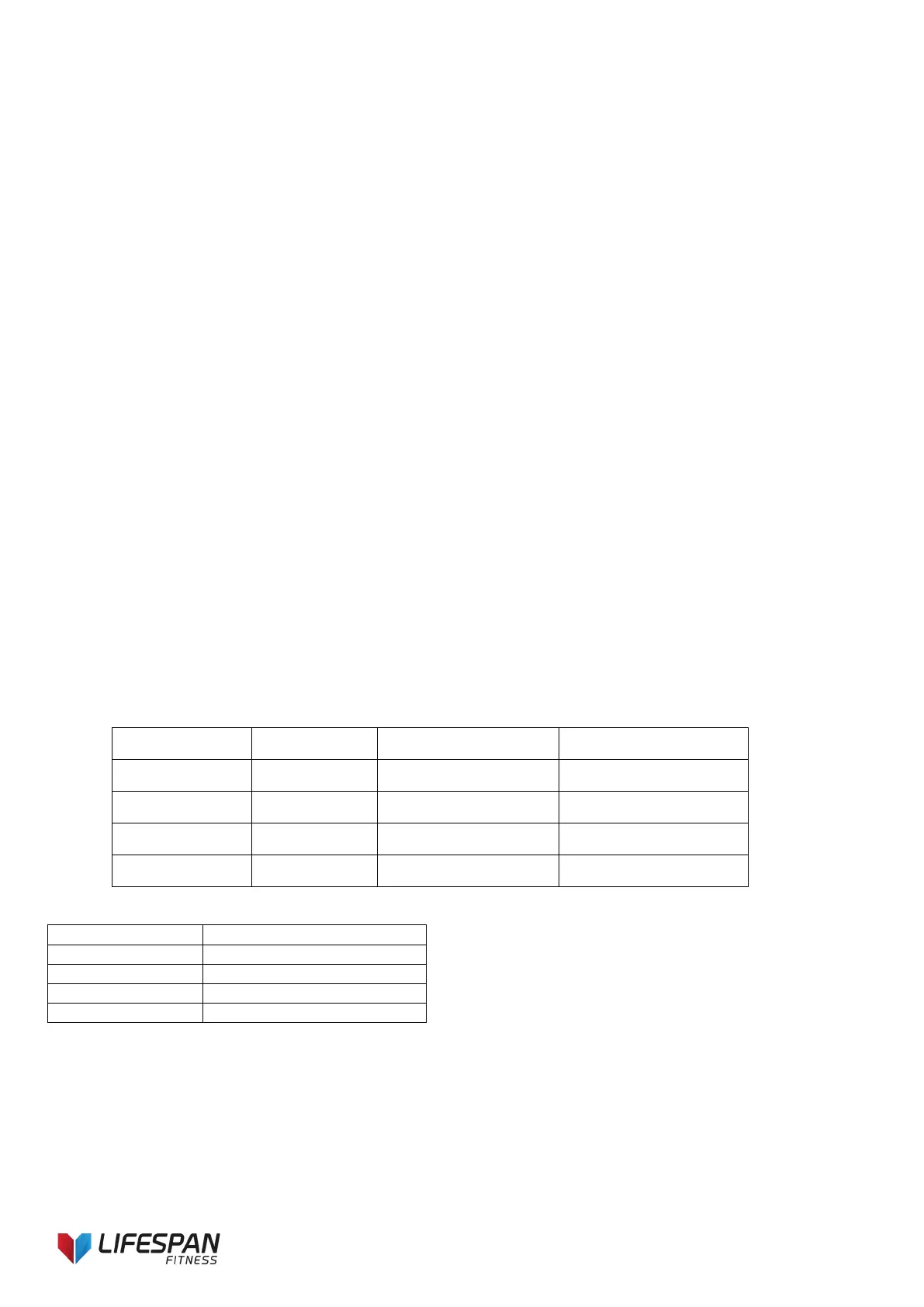
6.1 Data Display and Setting Range
Parameter Type Default Setting range mark
AGE (-2-) 25 10—99
WEIGHT (-4-) 70KG 20—160KG
6.2 BMI Reference
7. Sleep Function:
The system has power-saving features, in the standby mode if within 10 minutes without any key command input,
the system into Power mode, automatically turn off the display, and press any key to re-start the system.
8. Safety key Function:
Pull out the safety key, the treadmill will stop quickly, all data turn to zero, All the windows display “―――”. All
normal operation must be in the state of safety key locked.



 To Next Page