EasyManua.ls Logo

LifeSpan Torque - User Manual

LifeSpan Torque
34 pages
Print Icon
To Next Page IconTo Next Page
Loading...
NOTE: This manual may be subject to updates or changes. Up to date manuals are available through our website at www.lifespanonline.com.au
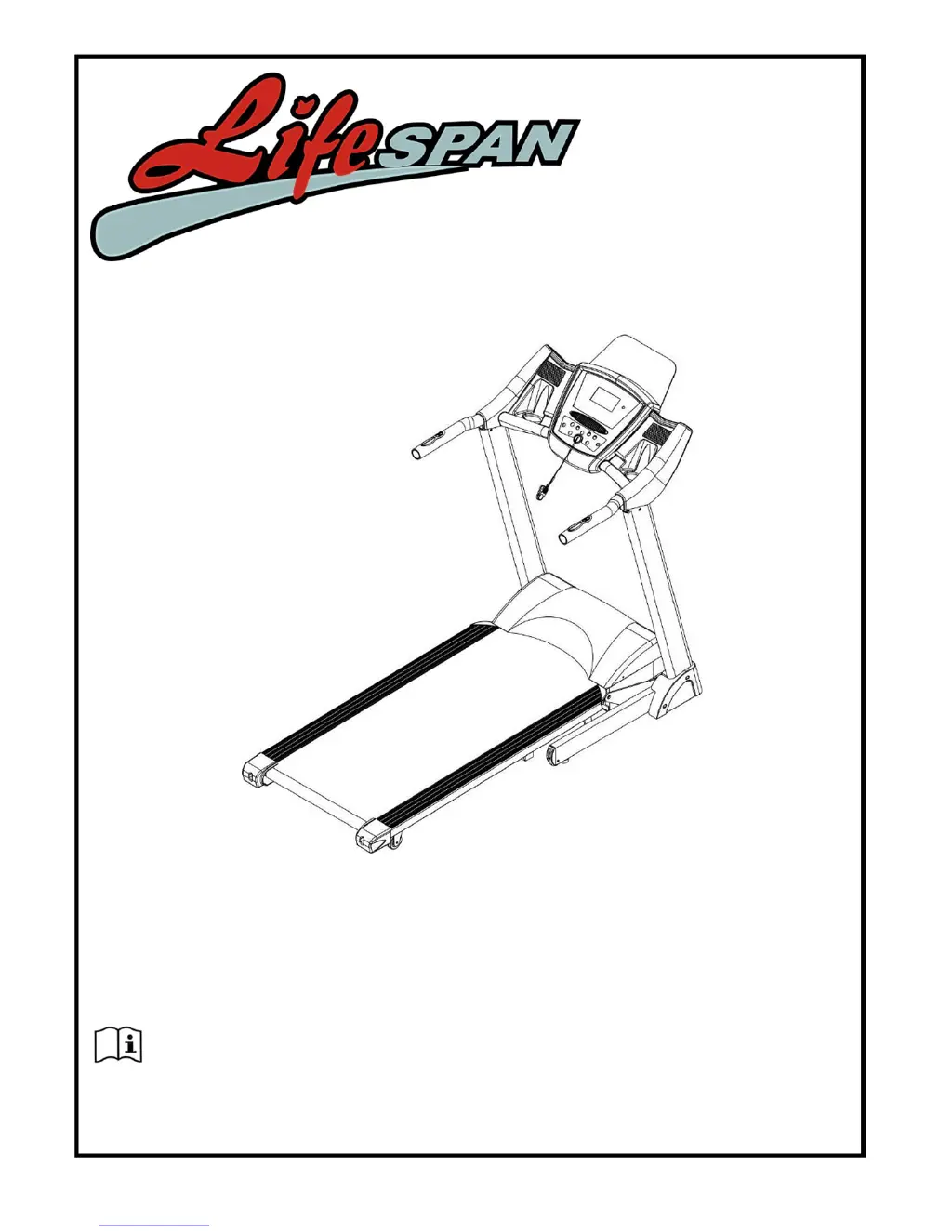
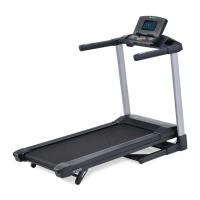
Product may vary slightly from the item pictured due to model upgrades
Read all instructions carefully before using this product. Retain this owner’s manual for
future reference.
TORQUE OWNER’S MANUAL

Questions and Answers

  • R
    Russell WhiteJul 27, 2025
    What to do if my LifeSpan Treadmill displays E01 message failure?
    • B
      Brittany JohnsonJul 27, 2025
      If your LifeSpan Treadmill displays an E01 message failure, the wires from the computer and bottom control board might not be properly connected. Check each wire and replace any that are damaged. Also, verify the transformer's condition; replace it if it's broken.
  • B
    Beth TerryAug 3, 2025
    What to do if my LifeSpan Torque computer is not functioning after connecting power?
    • B
      Brenda AdamsAug 3, 2025
      If the computer on your LifeSpan Treadmill isn't functioning after connecting the power, try the following: * Check if the overload protection has tripped; if so, press it to reset. * Ensure the wires of the power switch, overload protection, control board, and transformer are correctly connected. * Verify the wire from the computer to the control board is properly connected. Remove the upright tube and check the connection between each wire. Ensure each wire is completely plugged in; if wires are damaged please change the wire. * Check the state of the transformer; replace it if it's broken.
  • W
    walterkingAug 10, 2025
    What to do if my LifeSpan Torque Treadmill displays E03 no sensor signal?
    • C
      Carol StuartAug 11, 2025
      If your LifeSpan Treadmill shows an E03 error, it means the sensor signal wasn't detected within 10 seconds. First, check the sensor plug connection. Also, inspect the magnetic sensor for damage, reconnect the plug securely, or replace the sensor if necessary.
  • E
    Erika CooperAug 18, 2025
    How to fix E04 or E06 incline learning defeated on LifeSpan Torque?
    • M
      Melissa GreenAug 18, 2025
      To address the E04 or E06 error on your LifeSpan Treadmill, indicating an incline learning issue: * Check the connection of the VR wire on the incline motor. Reconnect it firmly if it's loose. * Ensure the AC wire of the motor is properly connected to the control board with the correct sign. * Inspect the motor connection line for damage and replace it or the incline motor if needed. * After these checks, press the 'learning' button on the bottom control board to relearn.

Summary

Important Safety Instructions

Safety Precautions

General safety guidelines and warnings for operating the treadmill safely.

Important Electrical Information

Electrical Safety Guidelines

Precautions for safe electrical operation, including outlet usage and power cord handling.

Important Operating Instructions

Operating Procedures

Key steps and precautions for safe and effective operation of the treadmill.

Assembly Instructions

Assembly Steps Overview

Step-by-step guide for assembling the treadmill components.

Folding Instructions

Folding and Unfolding Procedures

Instructions on how to fold and unfold the treadmill safely.

Operation Guide

Console Overview and Display

Explanation of the treadmill console, buttons, and LCD window displays.

Button Functions

Detailed explanation of each button on the treadmill console and its function.

Main Functions and Programs

Covers manual start, countdown modes, preset, and user-defined programs.

Value Ranges and Heart Rate

Details on parameter value ranges and how to use heart rate sensors.

Body Fat Tester and Sleep Function

Instructions for the body fat tester and the treadmill's sleep mode.

Exercise Guide

Warm-up and Exercise Principles

Guidance on warming up, exercise benefits, and core exercise principles.

Training Zones and Cool Down

Instructions for training intensity, breathing, and cool down routines.

Workout Guidelines

Chart showing target heart rate zones based on age during exercise.

Maintenance Instructions

General Cleaning and Care

Procedures for cleaning, general care, and checking parts for wear.

Belt;Deck;Roller Lubrication

Instructions and timetable for lubricating the belt, deck, and rollers.

Checking Running Mat Lubrication

Method to check the running mat for lubrication and recommended lubricant.

Adjusting the Running Belt

Belt Alignment Adjustment

How to adjust bolts to correct belt drift to the left or right.

Belt Tightness Adjustment

How to adjust bolts to achieve proper belt tightness.

Exploded Diagram

Parts List

Trouble Shooting Guide

Common Error Codes and Solutions

Troubleshooting common errors like no power, message failure, and burst clash.

Advanced Troubleshooting

Solutions for incline learning, overload, board issues, and folded machine errors.

Motor and Connection Issues

Troubleshooting motor not functioning after pressing START and connection problems.

Warranty

Program Chart

LifeSpan Torque Specifications

General IconGeneral
Incline15 Levels
FoldingYes
Running Surface20" x 60"
Speed0.5 - 12 mph
Maximum User Weight350 lbs
Display TypeLCD
Heart Rate MonitoringContact

Related product manuals