12
6. OPERATION GUIDE
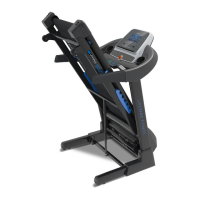
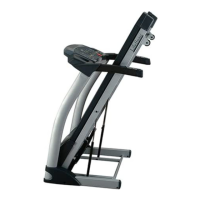
1. OVERVIEW
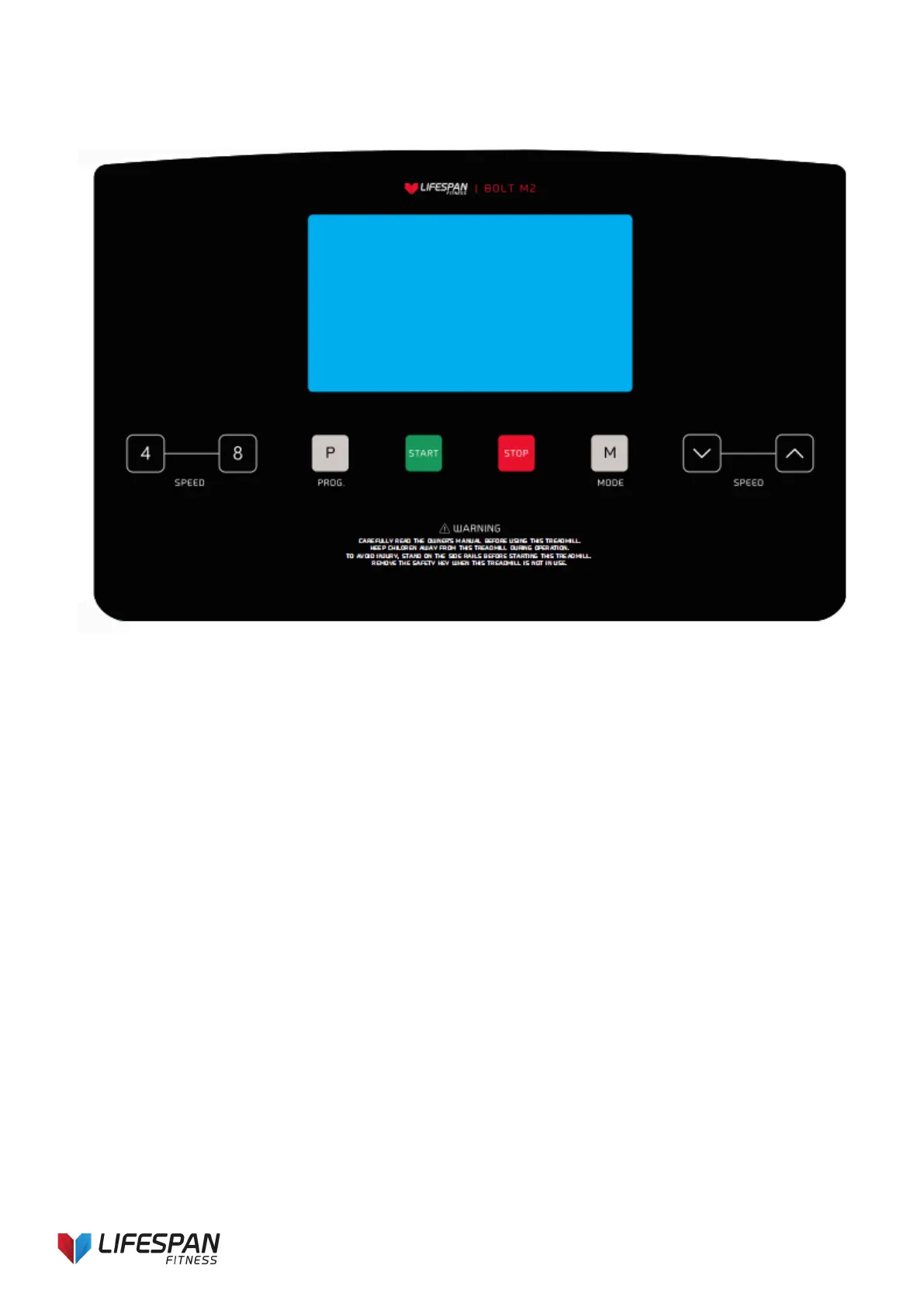
2. LCD WINDOW DISPLAY
1. PROGRAM: Shows the program number
2. SPEED: Shows speed and program.
3. TIME: Displays running time
4. PULSE: Shows heart rate. (Heart rate data is for reference only)
5. DIS/CAL: Shows calories burnt. This is an estimate only. This is not intended to be used as medical data.
3.
BUTTON FUNCTIONS
1. “PROG”: Choose the program, cycle between manual mode, FAT MODE, U01-U03; P01----P99.
2. “MODE”: mode selection button. Press this button to cycle the mode: mode-time count down, mode-
distance count down, mode-calories count down.
3. “START”: begins workout. When the power is on and safety key correctly placed on the computer, press
this button to start the treadmill after a 3 second countdown.
4. “STOP”: press button to stop the motor running and to stop the machine
5. SPEED▲, ▼: Increase or decrease speed when excising. Sets parameter when stopped.
6. SPEED (4, 8) Speed adjustment shortcut key
4. MAIN FUNCTIONS
4.1. Quick Start-up (Manual):
Ensure the safety key is attached. After a 3 second countdown, the treadmill will start running from the lowest
speed, add and subtract to the speed using the SPEED +/- button. Press the ‘STOP’ button or take out the
safety key directly to stop the treadmill.



 To Next Page