10
Tech Support: 1-800-268-1172
C) On your LightSpeaker
®
transmitter, find and press the
“PAIRING Button” located on the back of the transmitter. The
status lights on the front of the transmitter will begin to flash.
Note:
When these lights are flashing, your transmitter is in pairing
mode; and you have approximately 30 seconds to complete the
next two steps. If you are unable to complete these steps, simply
push the pairing button on the transmitter again.
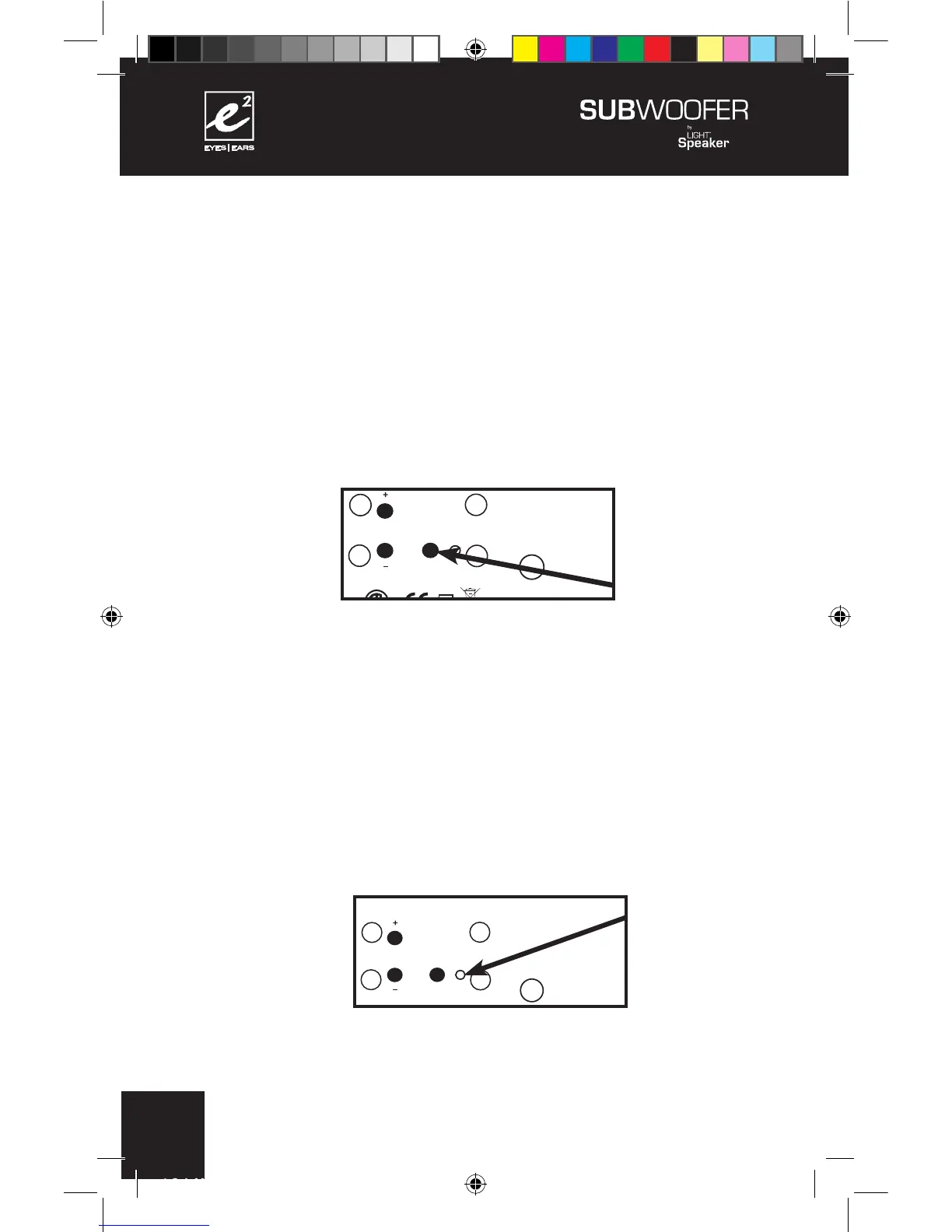
D) Set the Power switch, located on the back panel of your
subwoofer, to “ON”. While the lights are still flashing on the
transmitter, push the “pairing button” on the back panel of your
e²
Wireless SubWoofer. When the “STATUS” LED turns from
Red to Green the pairing is complete.
+
+
+
+
+
110 - 240 V AC 50/60Hz
CONFORMS TO
UL STD. 1993
CERTIFIED TO
CAN/CSA
STD. E968
CONFORMS
TO ANSI/UL
STD. 60065
CERTIFIED TO
CAN/CSA STD.
C22.2 No. 60065
CAUTION:
RISK OF ELECTRICAL SHOCK
USE IN DRY LOCATIONS ONLY
ATTENTION:
RISQUE DE CHOC ÉLECTRIQUE
Utiliser Seulement Dans des
Endroits Secs
SUBWOOFER 6.2.0
Model W 6.2.0
Designed in USA
Manufactured in China
XXXXXXX
Low Pass Crossover
80 Hz 100 Hz 120 Hz
Phase Zone
0° 180° 1 2
110 - 240 V AC 50/60Hz
CONFORMS TO
UL STD. 1993
CERTIFIED TO
CAN/CSA
STD. E968
CONFORMS
TO ANSI/UL
STD. 60065
CERTIFIED TO
CAN/CSA STD.
C22.2 No. 60065
CAUTION:
RISK OF ELECTRICAL SHOCK
USE IN DRY LOCATIONS ONLY
ATTENTION:
RISQUE DE CHOC ÉLECTRIQUE
Utiliser Seulement Dans des
Endroits Secs
SUBWOOFER 6.2.0
Model W 6.2.0
Designed in USA
Manufactured in China
XXXXXXX
Low Pass Crossover
80 Hz 100 Hz 120 Hz
Phase Zone
0° 180° 1 2


 To Next Page
 Loading...