11
Tech Support: 1-800-268-1172
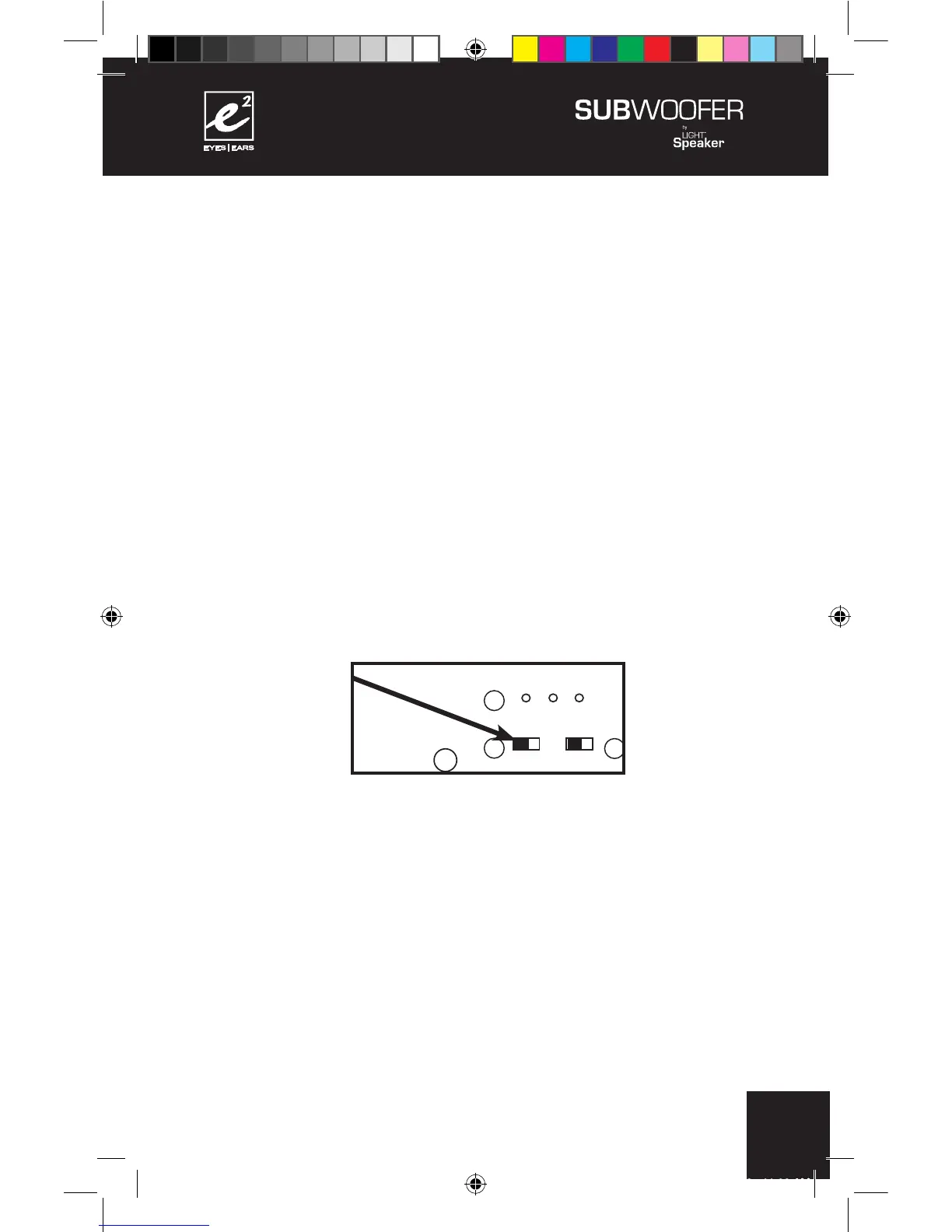
Step 5: Setting the Phase Switch.
This will ensure that your
e²
SubWoofer sounds it’s very best in
your favorite listening position. It is easiest to do with two people:
One at the listening position and the other at the SubWoofer.
A) Your
e²
Wireless SubWoofer is set up and ready to play. Play
a favorite piece of music, ideally one with a lot of bass to ensure
it’s functioning properly.
B) With one person at the listening position or some convenient
position not too close to the subwoofer (6 ft. to 10 ft. back is fine)
and the other person operating the phase, switch on the back of
the SubWoofer.
+
+
+
+
110 - 240 V AC 50/60Hz
CONFORMS TO
UL STD. 1993
CERTIFIED TO
CAN/CSA
STD. E968
CONFORMS
TO ANSI/UL
STD. 60065
CERTIFIED TO
CAN/CSA STD.
C22.2 No. 60065
CAUTION:
RISK OF ELECTRICAL SHOCK
USE IN DRY LOCATIONS ONLY
ATTENTION:
RISQUE DE CHOC ÉLECTRIQUE
Utiliser Seulement Dans des
Endroits Secs
SUBWOOFER 6.2.0
Model W 6.2.0
Designed in USA
Manufactured in China
XXXXXXX



 To Next Page