12
Tech Support: 1-800-268-1172
C) While listening to the deepest bass notes in the music, flip the
phase switch back and forth while the listener determines which
setting produces the most bass. Leave the switch in the position
with the most bass.
D) Keep in mind there is no wrong position for this switch, and if
you can’t reliably hear a difference in either position then it will not
matter which position the switch is left at.
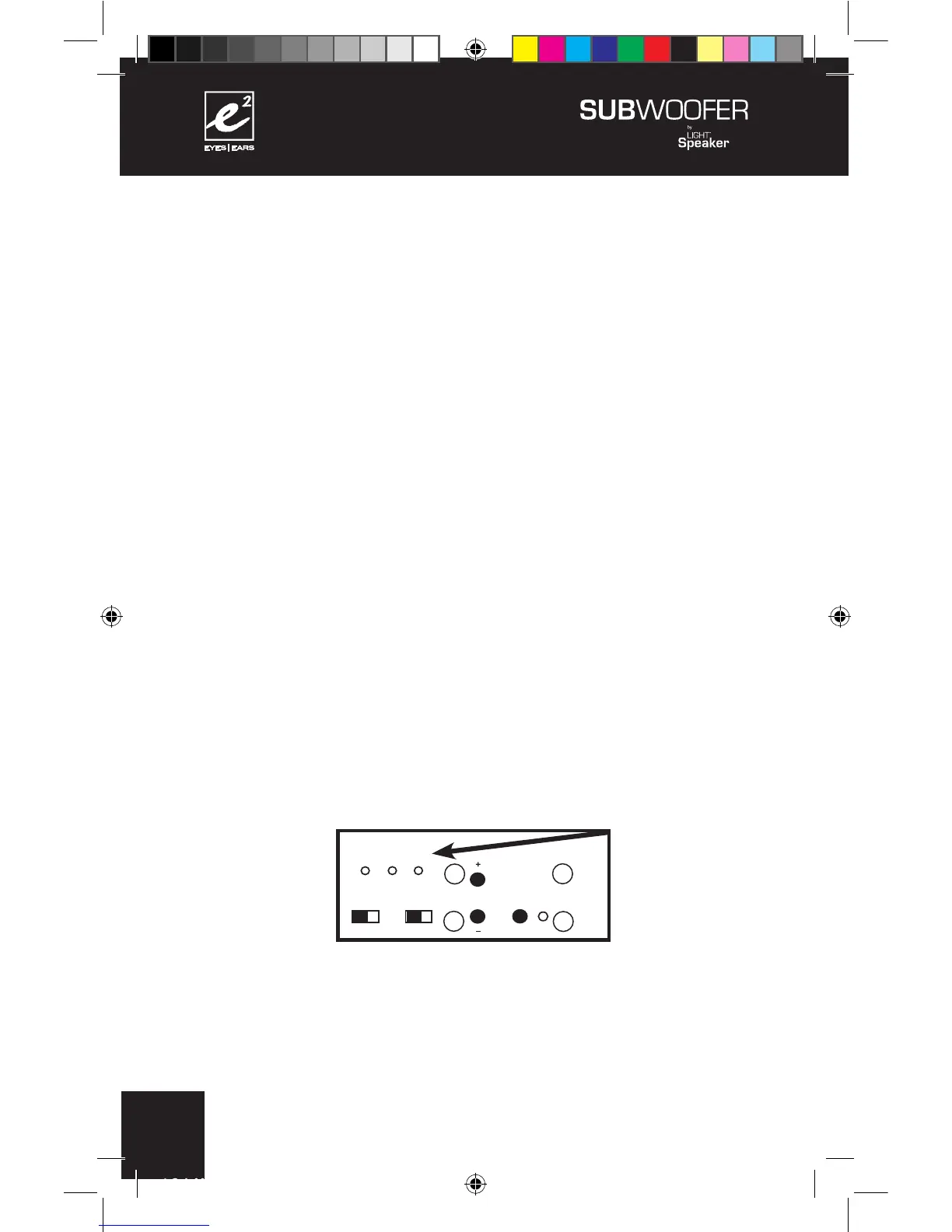
Step 6: Setting the Crossover Frequency.
There are three possible crossover frequencies to choose from:
80Hz, 100Hz and 120Hz. The one you choose will depend on
where your SubWoofer is located and your personal taste.
Remember, if you find one setting you like better than another,
then leave it at the setting you like best. The closer your
e²
Wireless SubWoofer is to the corner, the LOWER the crossover
will be set. There is a lot of variability in rooms so choose the
crossover frequency that sounds right to you. If you cannot hear
a difference then the frequency you choose will not make any
difference.
110 - 240 V AC 50/60Hz
CONFORMS TO
UL STD. 1993
CERTIFIED TO
CAN/CSA
STD. E968
CONFORMS
TO ANSI/UL
STD. 60065
CERTIFIED TO
CAN/CSA STD.
C22.2 No. 60065
CAUTION:
RISK OF ELECTRICAL SHOCK
USE IN DRY LOCATIONS ONLY
ATTENTION:
RISQUE DE CHOC ÉLECTRIQUE
Utiliser Seulement Dans des
Endroits Secs
SUBWOOFER 6.2.0
Model W 6.2.0
Designed in USA
Manufactured in China
XXXXXXX



 To Next Page