13
Tech Support: 1-800-268-1172
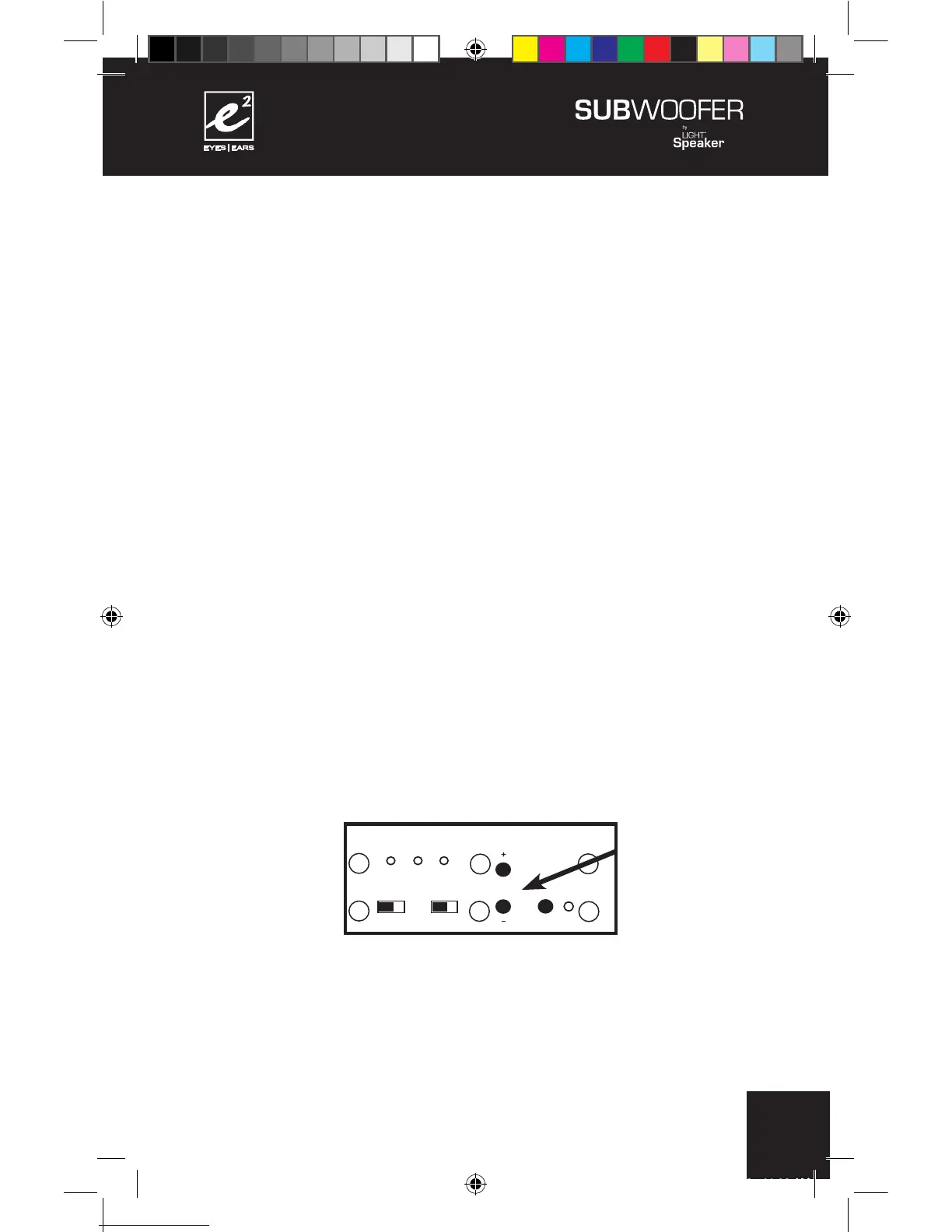
A) As in the case with the phase switch this step is easier to
perform with two people. Sit or stand in your preferred listening
position while another person pushes the button immediately
below the LEDs that mark the three different crossover
frequencies. Each time the button is pushed the crossover will
cycle to the next frequency first 80Hz (LED will light up), then
100Hz, and finally 120Hz. The next push of the button will light
the 80Hz frequency again.
B) Choose the setting that sounds the best and leave the
crossover set to this frequency. This can be changed at any
time in the future and will not affect the operation of either your
SubWoofer or your LightSpeaker
®
system.
Step 7: Setting the volume control.
Your
e²
Wireless SubWoofer has a built in volume control so it
can be matched to different numbers of LightSpeakers
®
. The
more LightSpeakers
®
in the listening area, the higher the volume
should be set.
+
+
+
+
+
+
110 - 240 V AC 50/60Hz
CONFORMS TO
UL STD. 1993
CERTIFIED TO
CAN/CSA
STD. E968
CONFORMS
TO ANSI/UL
STD. 60065
CERTIFIED TO
CAN/CSA STD.
C22.2 No. 60065
CAUTION:
RISK OF ELECTRICAL SHOCK
USE IN DRY LOCATIONS ONLY
ATTENTION:
RISQUE DE CHOC ÉLECTRIQUE
Utiliser Seulement Dans des
Endroits Secs
SUBWOOFER 6.2.0
Model W 6.2.0
Designed in USA
Manufactured in China
XXXXXXX



 To Next Page