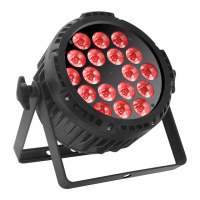
Set up:
All connections of the device should be made before switching on. Only use high-quality cables
that are as short as possible for the connections.
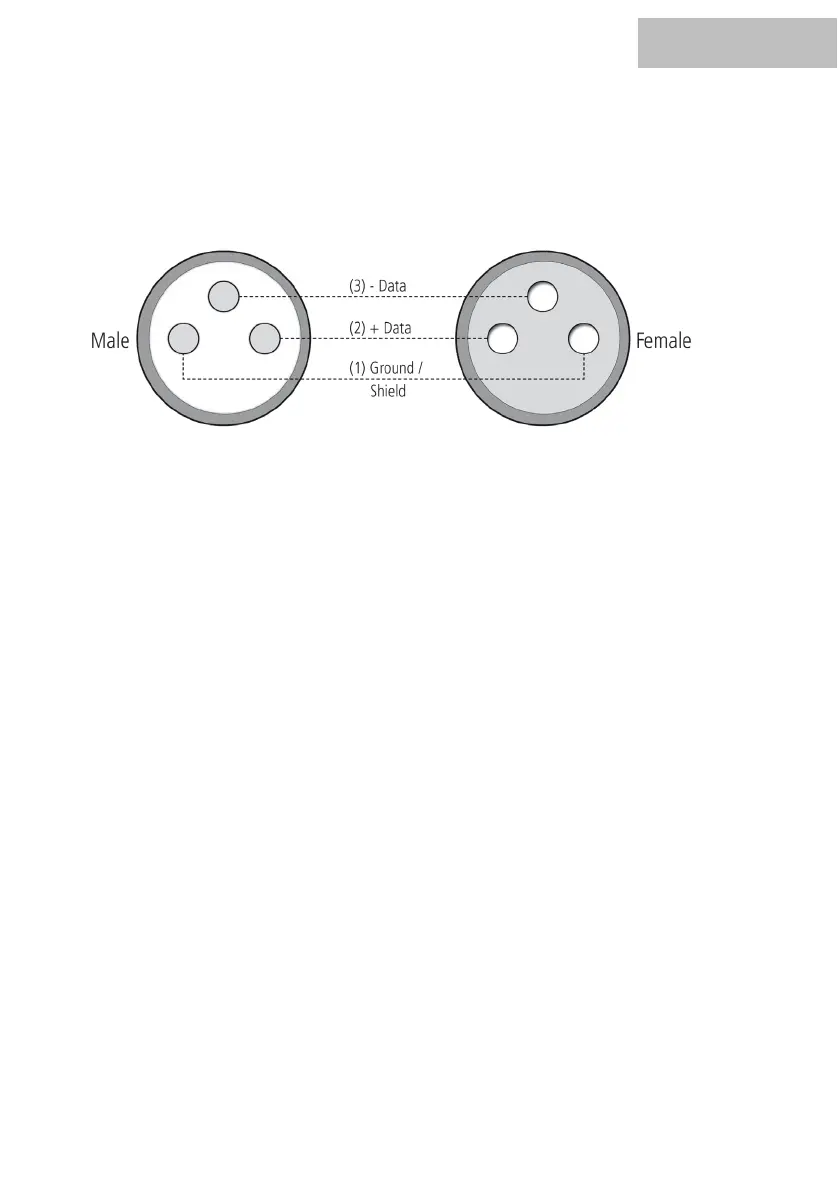
Configuration of the DMX connector:
Resistance 120 ohm // ¼ w between pin 2 (DMX-) and pin 3 (DMX+) oft he last fixture.
Operating mode DMX:
Connect the DMX input of your device to the DMX output of your DMX controller, your DMX
software or the DMX output of a device already in your DMX line. Always use a DMX cable with a
110 Ohm resistor for this connection. Address the device according to your DMX configuration.
The following table shows the respective DMX modes of the individual devices with the
corresponding values and functions:


 To Next Page
 Loading...