7
Here’s how to determine the Square Feet Setting for your home or office:
• Measure total area of each room to be treated.
• Add area of room(s) together for total area to be treated. Note: If doors are open
to another room, add that area also. Measure total enclosed area.
• The customer may use more than one LightningAir unit in order to better control
levels of activated oxygen in different areas of your home or office.
• The concentration of ozone will be higher in the immediate area of the unit.
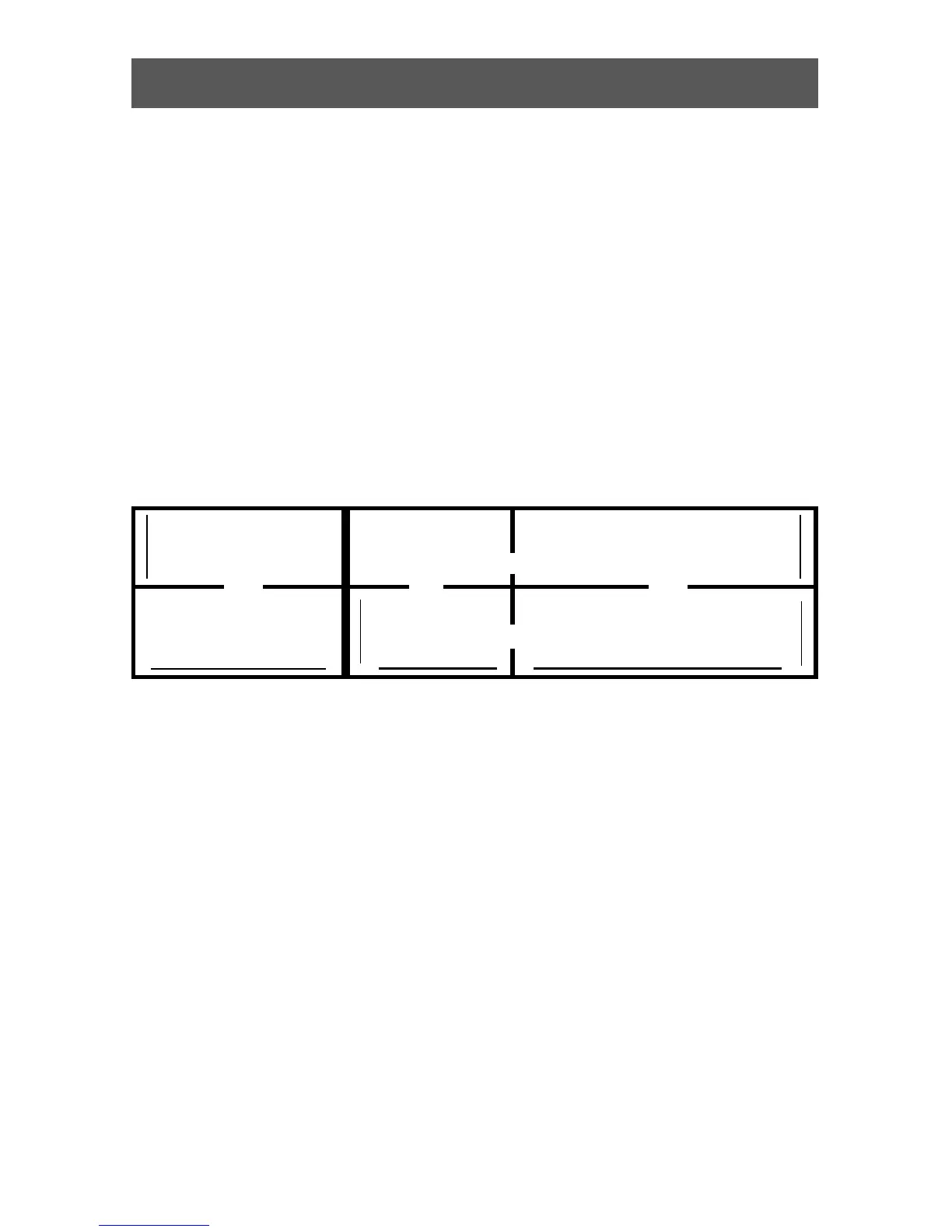
Example: To determine the total square feet of area to be treated.
▲
▲
15’
▲
▲
20’
▲
▲
15’
▲
▲
20’
20’
▲
▲
300
Square
Feet
400
Square
Feet
375
Square
Feet
500
Square
Feet
25’
▲
▲
40’
▲
▲
600
Square
Feet
800
Square
Feet
300+400+600+800=2,100 square feet375+500=875 square feet
Warning: Excessive ozone concentrations may cause mucous membrane or
respiratory irritation and can be harmful. If you smell ozone when you enter a room,
turn the Square Feet dial down to a lower setting.
Determine Your Square Footage


 To Next Page