8 66-UM-4KNVR-CSE-6
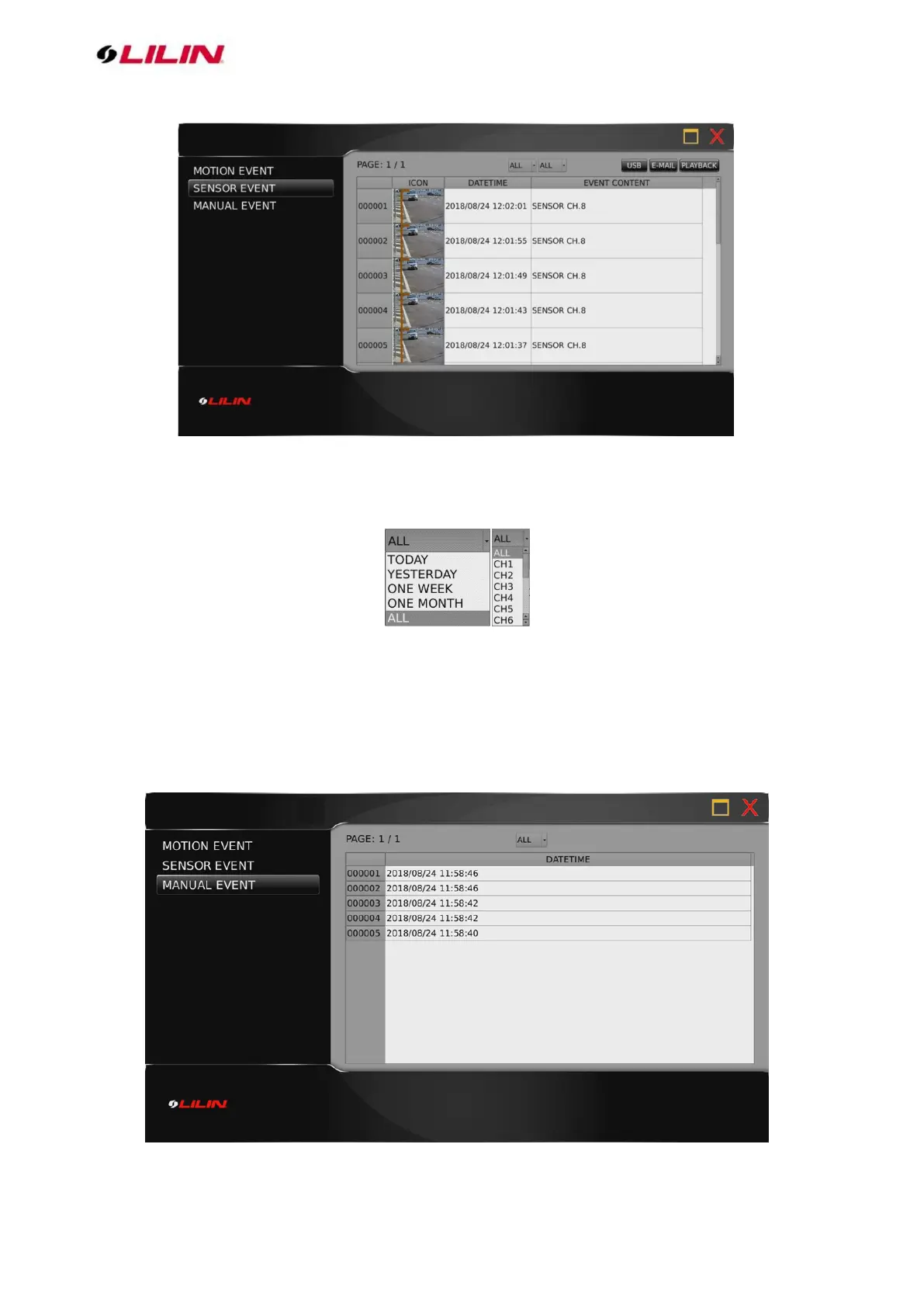
Press the drop-down menu at the top to sort the alarm events by date or channel (as shown in the
image below).
Press USB to back up snapshot in USB storage, press E-MAIL to send a snapshot via e-mail, or press
PLAY to view recorded video.
Chapter 1-3-2 Manual Event
When the recording mode is switched from Schedule to Manual, a record entry will be saved here (as
shown in the image below).



 To Next Page