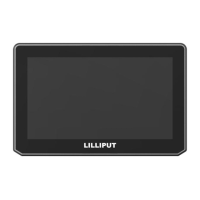
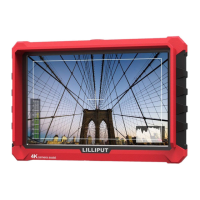
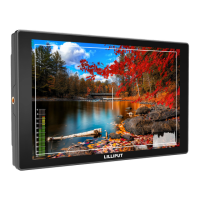
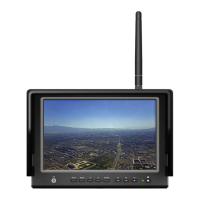
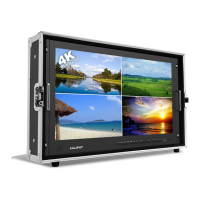
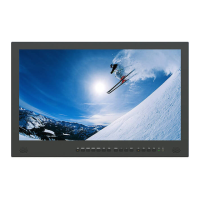
1. PRODUCT
D
ESC
RIP
TI
ON
P
os
itiv
e:
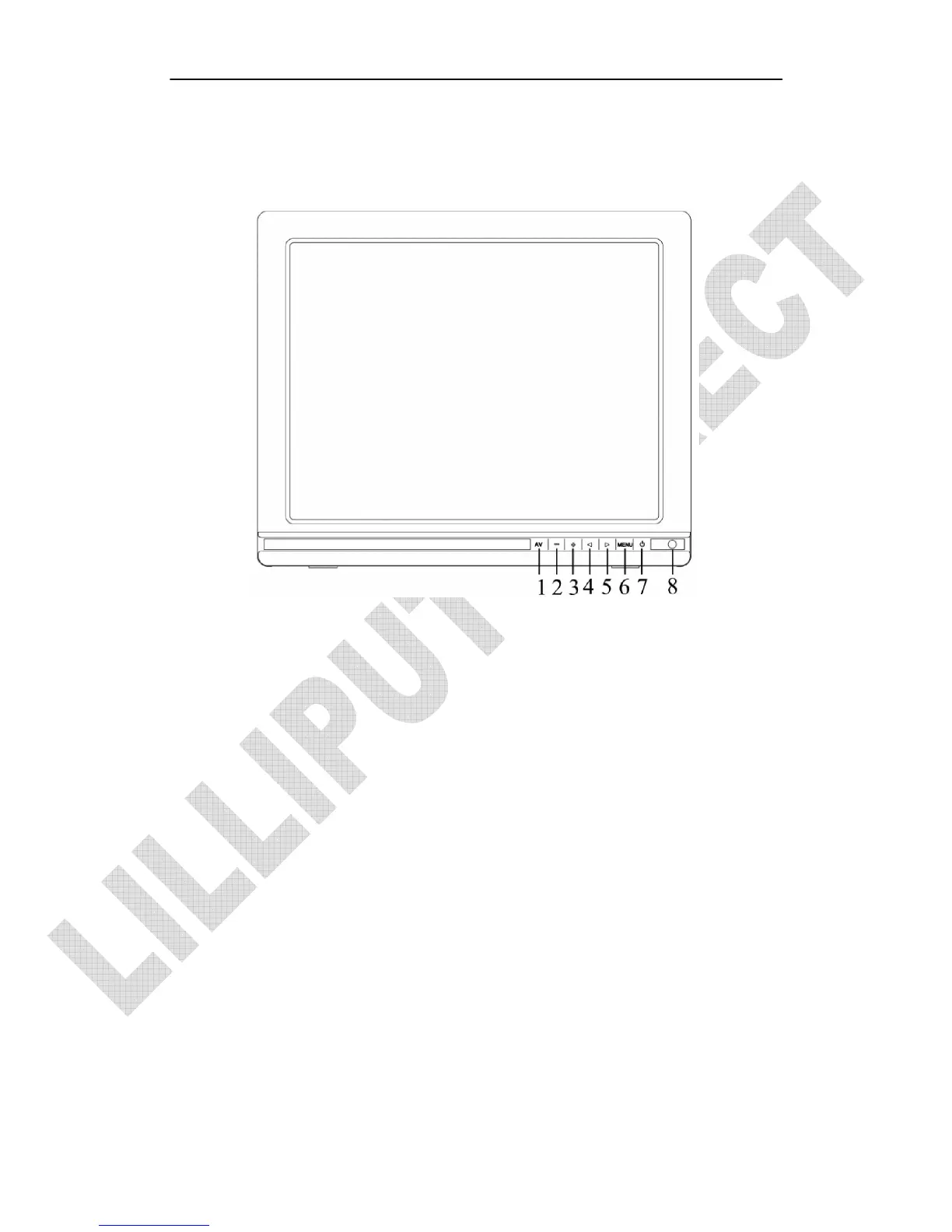
1. A/V: circularly switch among HDMI、PC、DVI、Video 1 and Video 2
2. –: Volume down, or value down while using menu setting functions.
3. +: Volume up, or value up while using menu setting functions.
4. ◄: Left selection key, to select items on OSD menu. Press to make “AUTO
ADJUSTING” function available under the PC mode.
5. ►: Right selection key, to select items on OSD menu. Press to adjust brightness
among 6 levels.
6. MENU: To activate OSD (on-screen display) menu.
Long press to zoom in/out
pictures automatically
when
r
ece
iving
HDM
I
(High-Definition
Multimedia Interface) signals.
7. Power: ON/OFF
;
switch concurrence battery indicator light (red while standby;
green while working)
。
8. Infrared signal receiver (work with remote control).


 To Next Page