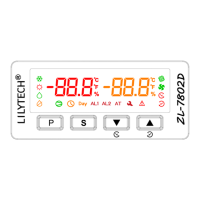
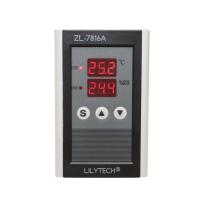
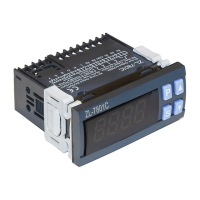
Key Operation
Temperature and humidity setting
Keeping〖S〗pressed for 3s to enter temperature and humidity setting mode, digital shows set temperature.
Press〖P〗choose humidity and temperature value circular, press〖▲〗or〖▼〗change the value(Keeping〖▲〗or〖▼〗
pressed, it will be adjusted quickly)
After setting, press〖S〗to exit and saving parameters. Do not press any key for 30 seconds; the device will leave the set mode
without saving the set data.
Set system parameters
Keeping〖P〗pressed for 3s to enter parameters setting mode, digital shows parameter code, at the same time press〖▲〗or
〖▼〗to choose parameter code.
Press〖S〗to shows its value. Press〖▲〗or〖▼〗to set its value.
Keep depressing【P】for 3 seconds, the set parameters will be saved, the mode exits.
If do not press any key for 30 seconds, the mode will exit without saving all the set data.
ZL-7801C Parameter code and setting instruction:


 To Next Page