8
Operation Instructions cont’d
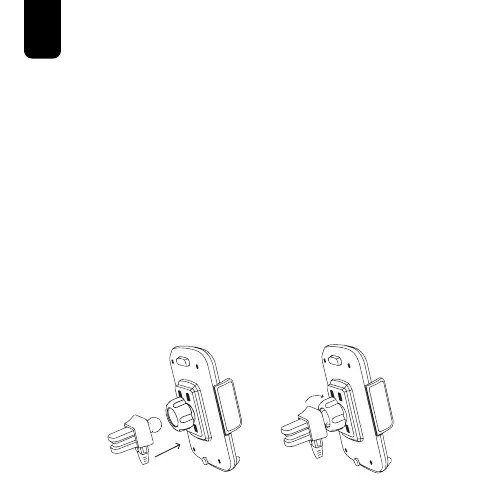
B. Air Vent Clip
1. Place the Socket Cap on the Ball Joint
Socket located on the back side of the
Phone Mount and turn clockwise. Do NOT
tighten the Socket Cap at this time.
2. Insert the Ball Joint of the Air Vent Clip into
the Ball Joint Socket of the Phone Mount.
3. Turn the Socket Cap clockwise until snug,
but do NOT fully tighten at this time. The
Phone Mount should be able to rotate with
applied pressure only.



 To Next Page