IS346 ECN3219
CONNECTING TO THE ELECTRICITY SUPPLY
The unit must be earthed
Check that the voltage of your electricity supply corresponds to the voltage
shown on the serial plate
The product is supplied with a 10 amp plug. If replacing the plug, connect the
terminals as follows:
− Green and yellow wire
Earth E
− Blue wire
Neutral
N
− Brown wire
Live L
OPERATION
• Plug the unit into the mains supply.
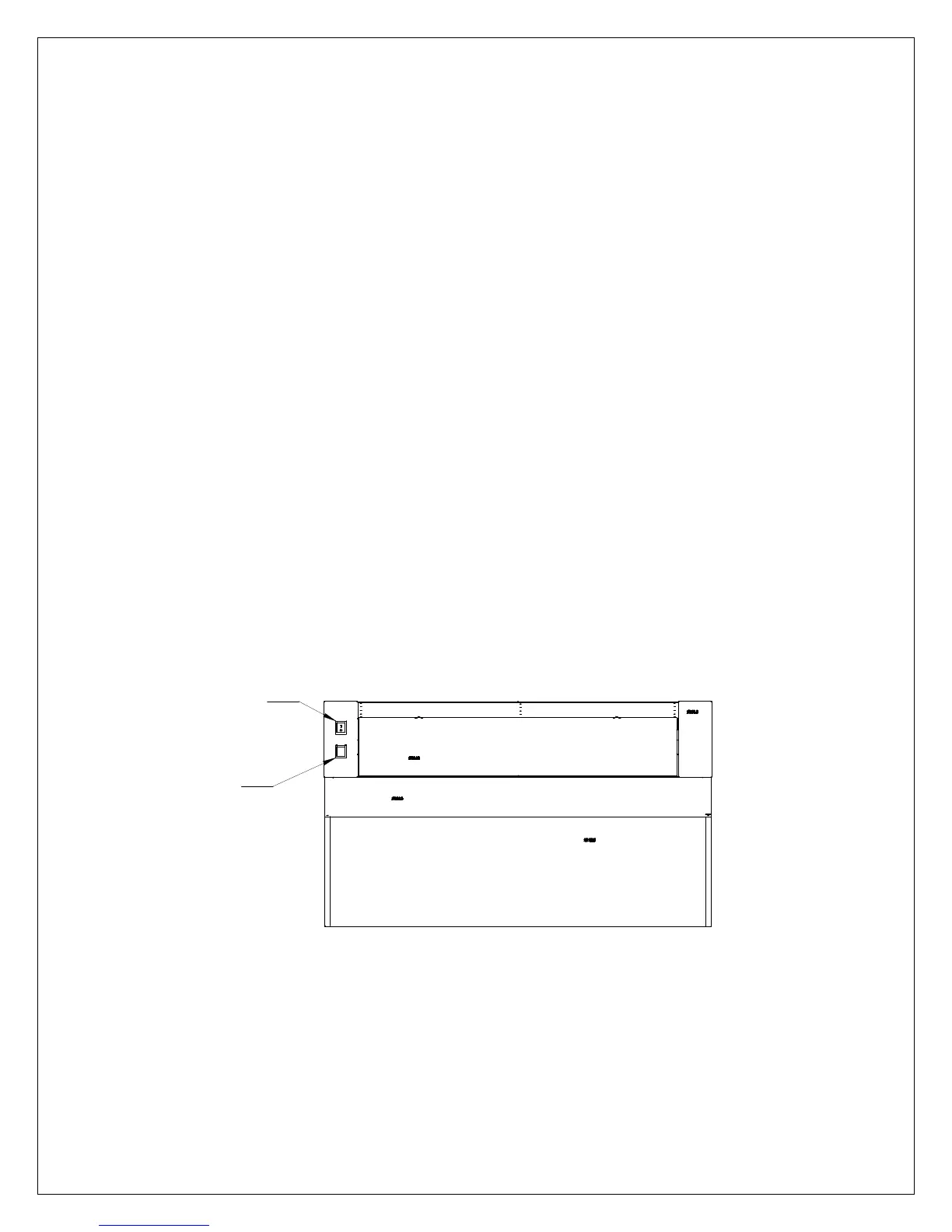
• Turn the power switch on as indicated in Fig 3, the fans will run until the unit
is switched off.
• To use the lights, turn on the light switch as indicated in Fig 3.
Figure 3.
FRONT VIEW
• This unit is fitted with a safety thermostat which will cut power to the fans in
the event of a fire. To re-set the safety thermostat, press in the button as
indicated in Fig 4.



 To Next Page