IS 713 ECN 4386 Page 6 of 11
A
B C
D
E
F
G
H
I
J
G
F
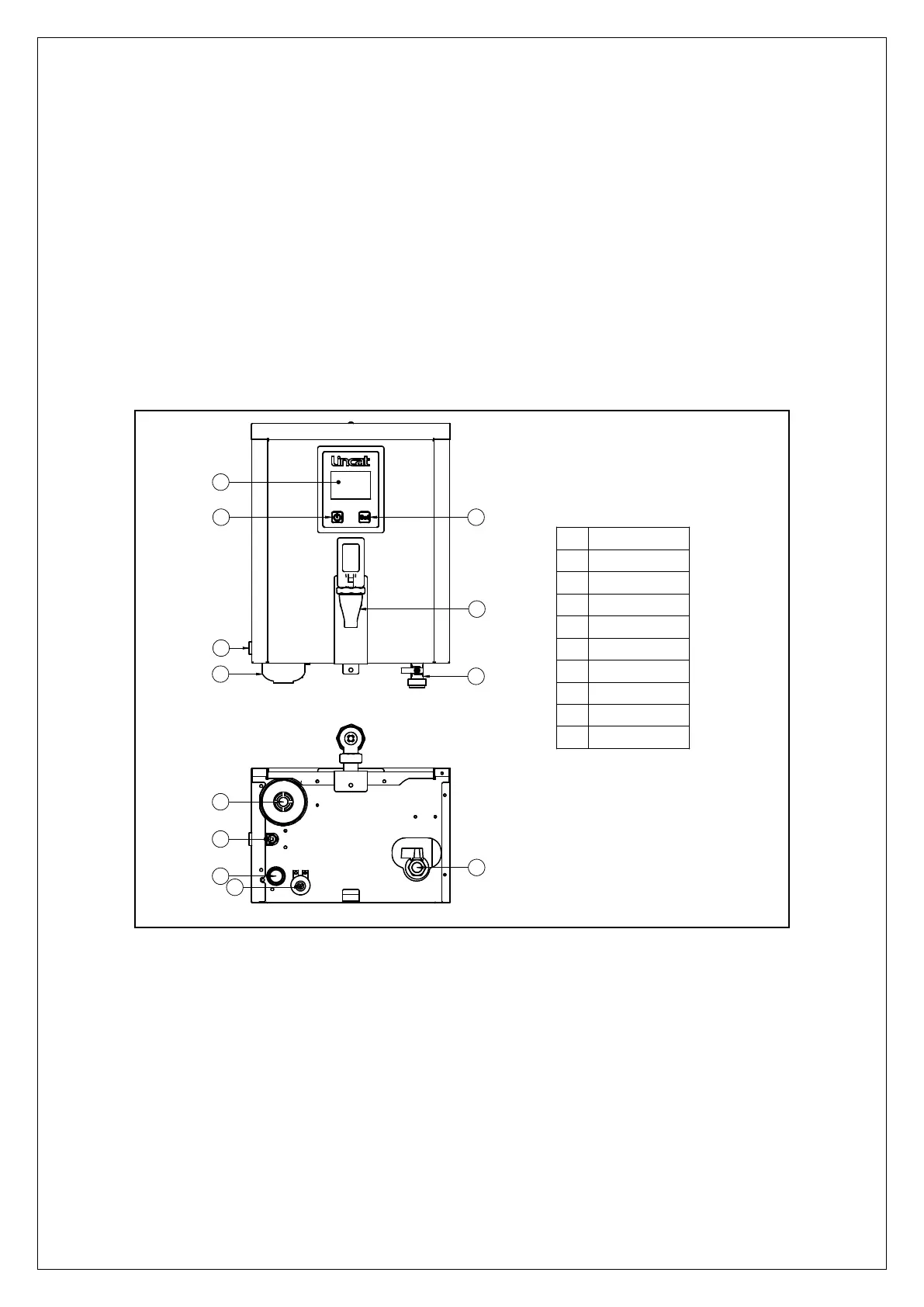
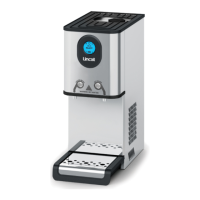
A Display
B Power button
C Set button
D Dispence tap
E Overflow reset
F Water filter
G Drain valve
H Condensate/overflow pipe
I Inlet connection
J Mains connection
New filters have a small amount of loose, harmless, carbon particles. Drain off
approximately 3 litres of water when first setting up or replacing filter.
Regular operation
The appliance starts automatically shortly after the electrical supply is turned on,
filling with water and heating.
The unit will display ‘Wait’ whilst it fills and heats. It will display ‘Ready' when water
can be drawn off.
To ensure that water is always hot, only small quantities are added constantly
during the heating cycle. The appliance is designed to be left on permanently, only
to be turned off for descaling or maintenance.
Fig 2
Adjustment - water temperature, screen backlight and contrast.
Turn power off at the mains for 5 seconds and then back on again. When the
‘Filterflow’ screen is displayed, press and hold the power button (B) until the
software version is displayed. Press the Set button (C) and the temperature will be
displayed.
Press the power button to cycle through the values 70 to 96°C. Press the Set
button to select the required value.


 To Next Page