2
Technical Information
Power Input - Noted on label
Power Output: - Noted on label
Input Fuse - Auto Mini - Noted on label
(Replace with same fuse as in adapter)
Indicators - LED on lighter plug on some models (Input present)
- LED on adapter (Output power present)
Features - Output Short Circuit Protected
- Output Current Limit
- Internal Overtemperature Shut-Down
- Low Input Voltage Shut-Down
- High Input Voltage Shut-Down
- Automatic Reset of Safety Shut-Down
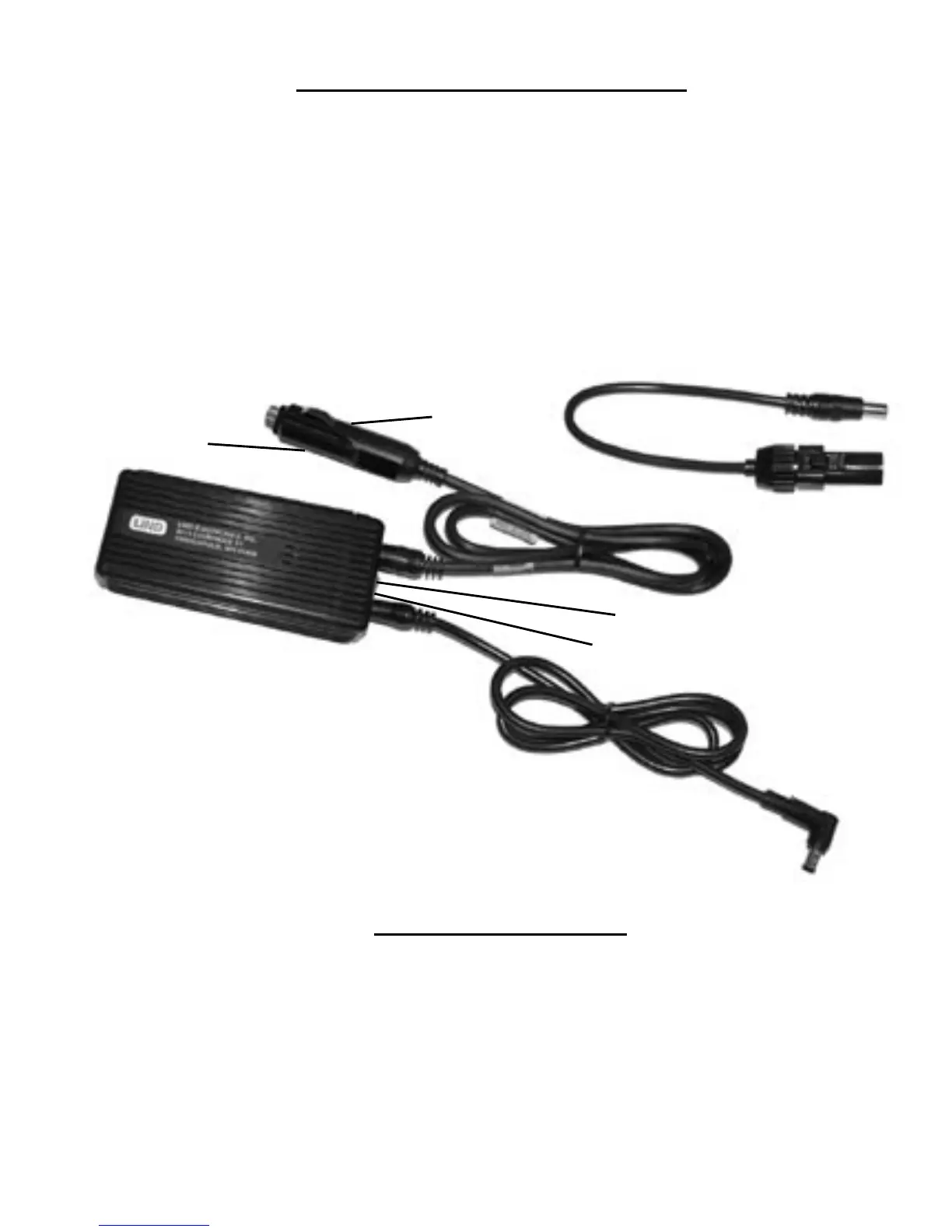
FUSE
AIRLINE POWER
(SOME MODELS)
AUTOMOBILE
POWER
PLUG INTO
THE LAPTOP
POWER JACK
OUTPUT POWER LED
INPUT POWER LED
(SOME MODELS)
SLIDE SWITCH
(SOME MODELS)
Adapter
Connections
YOUR ADAPTER BODY MAY
LOOK DIFFERENT THAN THE ONE
PICTURED
Operating Instructions
This LIND adapter is supplied with one of two types of cigarette plug connectors. One
version has an LED to indicate that input power is present. The other version has a slide
switch to provide a tighter t in some cigarette sockets. Move the switch from position
N(narrow) to W(wide) if the connector ts loosely in the cigarette socket. Some models
also include an airline In-Seat power cable. Lind high power adapters are not supplied
with the airline input cable because the airline In-Seat power source is not capable of
powering them.
Choose the appropriate cable for your use and connect it to the input jack of the adapter.
The output cable plugs directly into the jack on the laptop where the AC power supply
is normally connected.



 To Next Page