19
2022-07-19
lindab | commissioning guide
We reserve the right to make changes without prior notice
FireSystemPro
3.2 System Setup
Configurations and custom compostitions are made in system setups
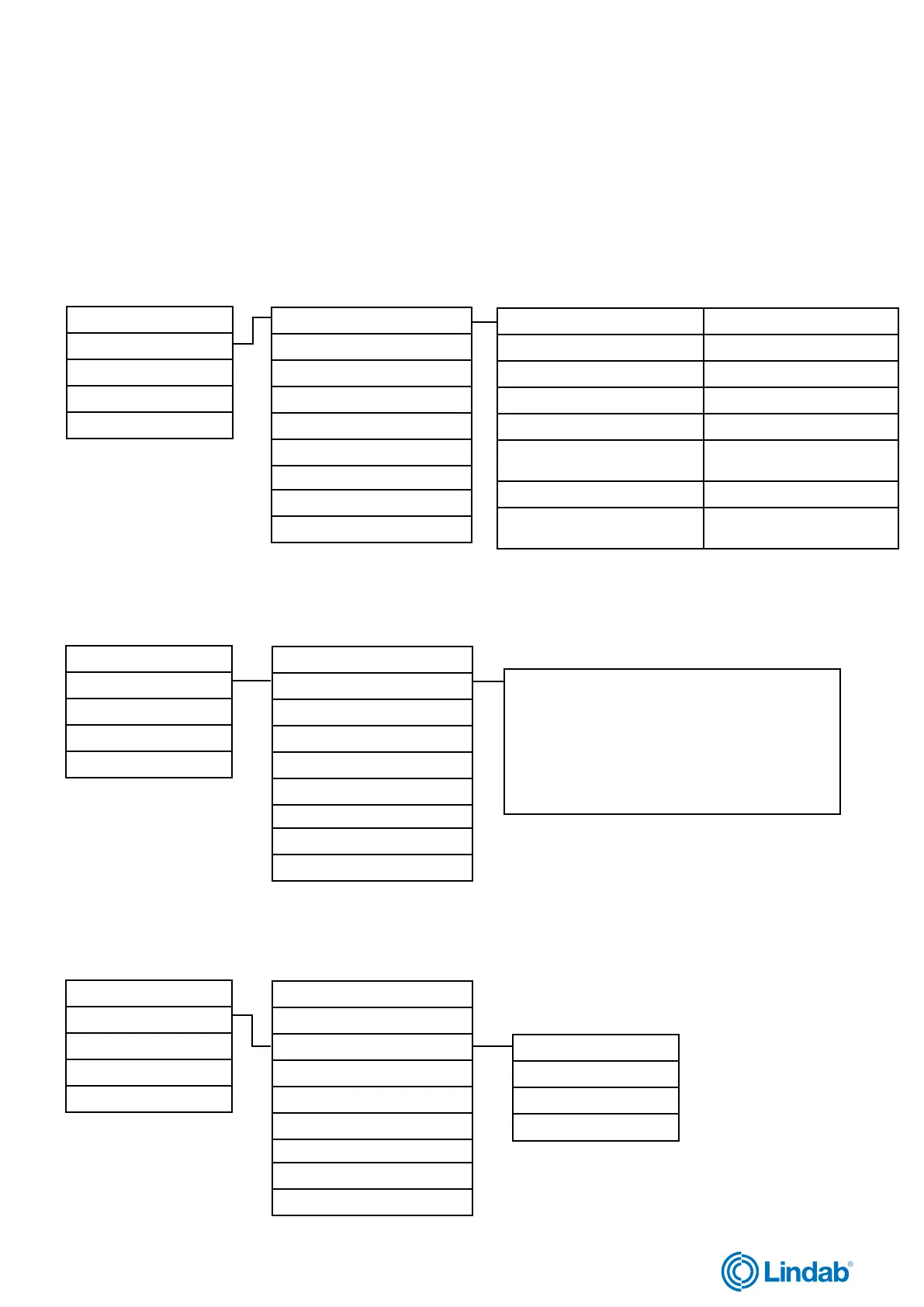
Status Overview (1.0)
System Setup (2.0)
Settings (3.0)
Manual/Auto (4.0)
Access Rights (5.0)
3.2.1 Adressing slaves
Adressing slaves (2.1)
SEF (2.2)
Communication (2.3)
De-Activate damper (2.4)
Detector/Temp AI1 (2.5)
Pressure sensor (2.6)
Miscellaneous (2.7)
System activate (2.8)
Factory settings (2.9)
Add slave (2.1.1) if using PRO-M
Replace slave (2.1.2)
Remove slave (2.1.3)
Reset all slaves (2.1.4)
Find addressed slaves (2.1.5) if using ProLink
TM
app
Slave serials (2.1.6)
See id-serial number for
damper units
Slave names (2.1.7) See all slave names
Set names (2.1.8)
recommended to set new
names via ProLink
TM
app
Status Overview (1.0)
System Setup (2.0)
Settings (3.0)
Manual/Auto (4.0)
Access Rights (5.0)
3.2.2 SEF
Adressing slaves (2.1)
SEF (2.2)
Communication (2.3)
De-Activate damper (2.4)
Detector/Temp AI1 (2.5)
Pressure sensor (2.6)
Miscellaneous (2.7)
System activate (2.8)
Factory settings (2.9)
Setups for:
SEF mode (Pressure/Support)
AFA in system (Yes/No)
SEF setpoint for fire / excercise / support
SEF alarm limit for exercise / AHU suvay / pressure
gain and time interval.
Status Overview (1.0)
System Setup (2.0)
Settings (3.0)
Manual/Auto (4.0)
Access Rights (5.0)
3.2.3 Communication
Adressing slaves (2.1)
SEF (2.2)
Communication (2.3)
De-Activate damper (2.4)
Detector/Temp AI1 (2.5)
Pressure sensor (2.6)
Miscellaneous (2.7)
System activate (2.8)
Factory settings (2.9)
TCP / IP (2.3.1)
Port (2.3.2)
Modbus (2.3.3)
BACnet (2.3.4)



 To Next Page