EasyManua.ls Logo

Linden L40MTV17a - User Manual

Linden L40MTV17a
36 pages
Print Icon
To Next Page IconTo Next Page
Loading...
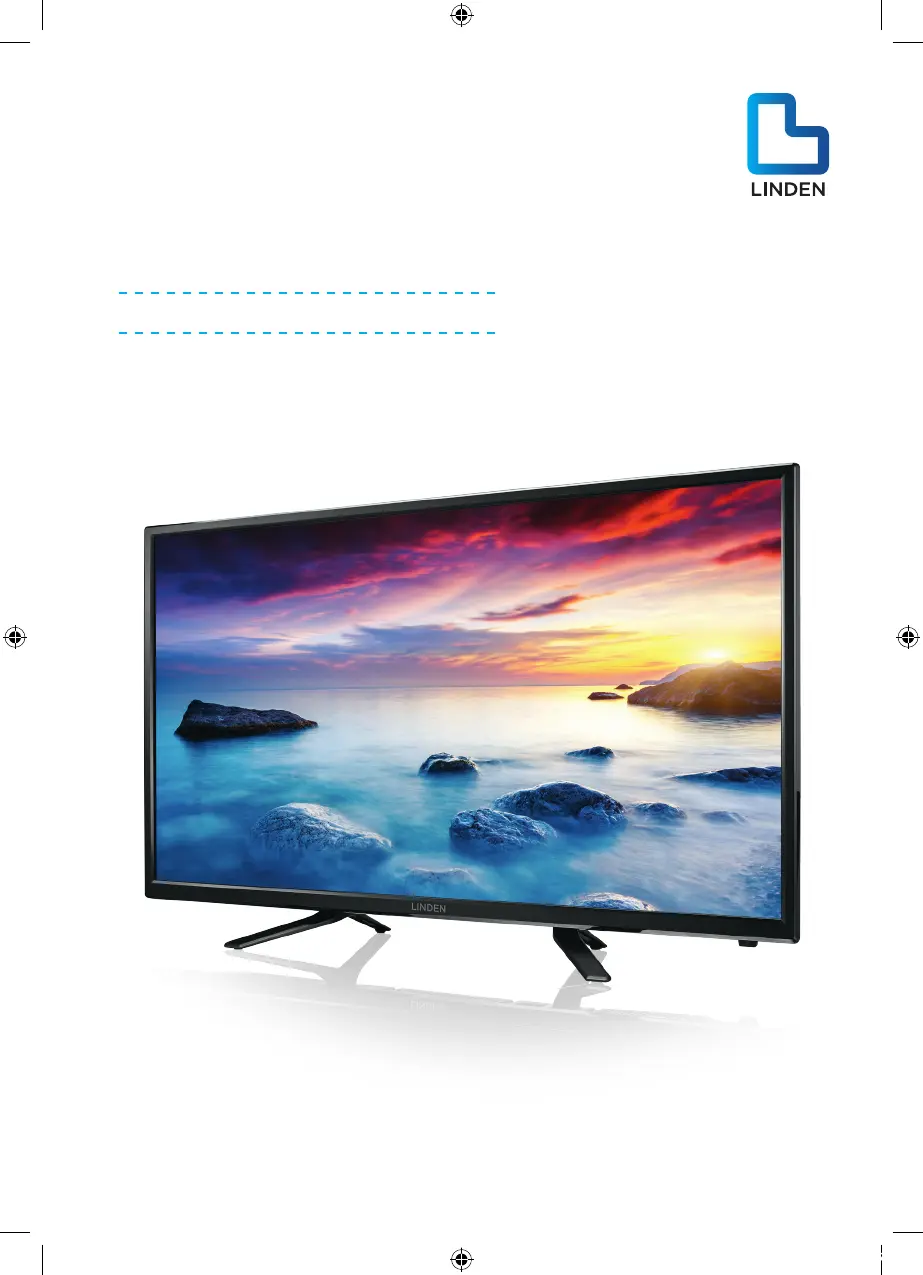
40” (100.7cm) FULL HD
LED LCD TV
Instruction Manual
L40MTV17a
24 Month Manufacturer’s Warranty
L40MTV17a_IB_Final170927.indd 1 29/9/17 上午1:57

Questions and Answers

Summary

Guide to the Television

Controls and Sockets

Overview of the TV's physical controls and connection ports.

Remote Control

Detailed explanation of the remote control buttons and functions.

Teletext and Subtitles

How to use Teletext and select subtitle languages.

Getting Started

Initial steps for setting up and turning on the TV.

Caring for the Environment

Responsible Disposal of the Packaging

Instructions for environmentally sound disposal of TV packaging.

Responsible Disposal of Appliance

Guidelines for environmentally friendly disposal of the TV itself.

Safety Information and Warnings

Symbols

Explanation of safety symbols used in the manual.

Important Safety Instructions

Crucial guidelines for safe operation and installation to prevent injury.

Item in the Box

Basic Set Up

Setting up your TV

Ensure proper placement and ventilation for the TV.

Connect aerial and power

Instructions for connecting the antenna and power supply.

Turn on TV

Steps to power on the TV for the first time.

Advanced Connection Diagrams

AV Input

How to connect audio and video sources via AV input.

Earphone Output

Connecting headphones for audio output.

PC Input

Connecting a computer using VGA and PC Audio inputs.

HDMI Input

Connecting devices via HDMI ports for high-definition signals.

AUDIO Output

Connecting external audio systems via audio output ports.

USB Input

Connecting USB devices for media playback or storage.

Advanced Features

First time powering on the TV

Initial TV setup process including language and country selection.

Channel Menu

How to tune channels using auto or manual methods.

Picture Menu

Adjusting picture settings like contrast, brightness, and color.

Sound Menu

Adjusting audio settings like volume, bass, treble, and sound modes.

Time Menu

Setting the clock, timers for power on/off, and sleep timer.

Option Menu

Accessing settings like language, PVR file system, and CEC.

USB Source Menu

Viewing and playing media files from a connected USB drive.

EPG Menu (Electronic Program Guide)

Accessing program schedules and information for DTV channels.

PVR Function

Recording TV programs using a USB drive.

Timeshift Function

Pausing and resuming live TV programs with a USB drive.

Digital Media Player (DMP)

Playing media files like photos, music, and videos from USB.

Troubleshooting

No power

Steps to resolve issues when the TV does not turn on.

Cannot receive signal properly

Solutions for poor or no TV signal reception.

No picture

Steps to diagnose and fix issues with no image display.

Video working, no audio

Troubleshooting steps for when video plays but there is no sound.

TV has no response with remote

How to fix issues where the remote control is not working.

Technical Specifications

Linden L40MTV17a Specifications

General IconGeneral
Screen Size40 inches
Display TechnologyLCD
Aspect Ratio16:9
USB Ports1
Refresh Rate60 Hz
Built-in SpeakersYes
Resolution1920 x 1080 (Full HD)

Related product manuals