EasyManua.ls Logo

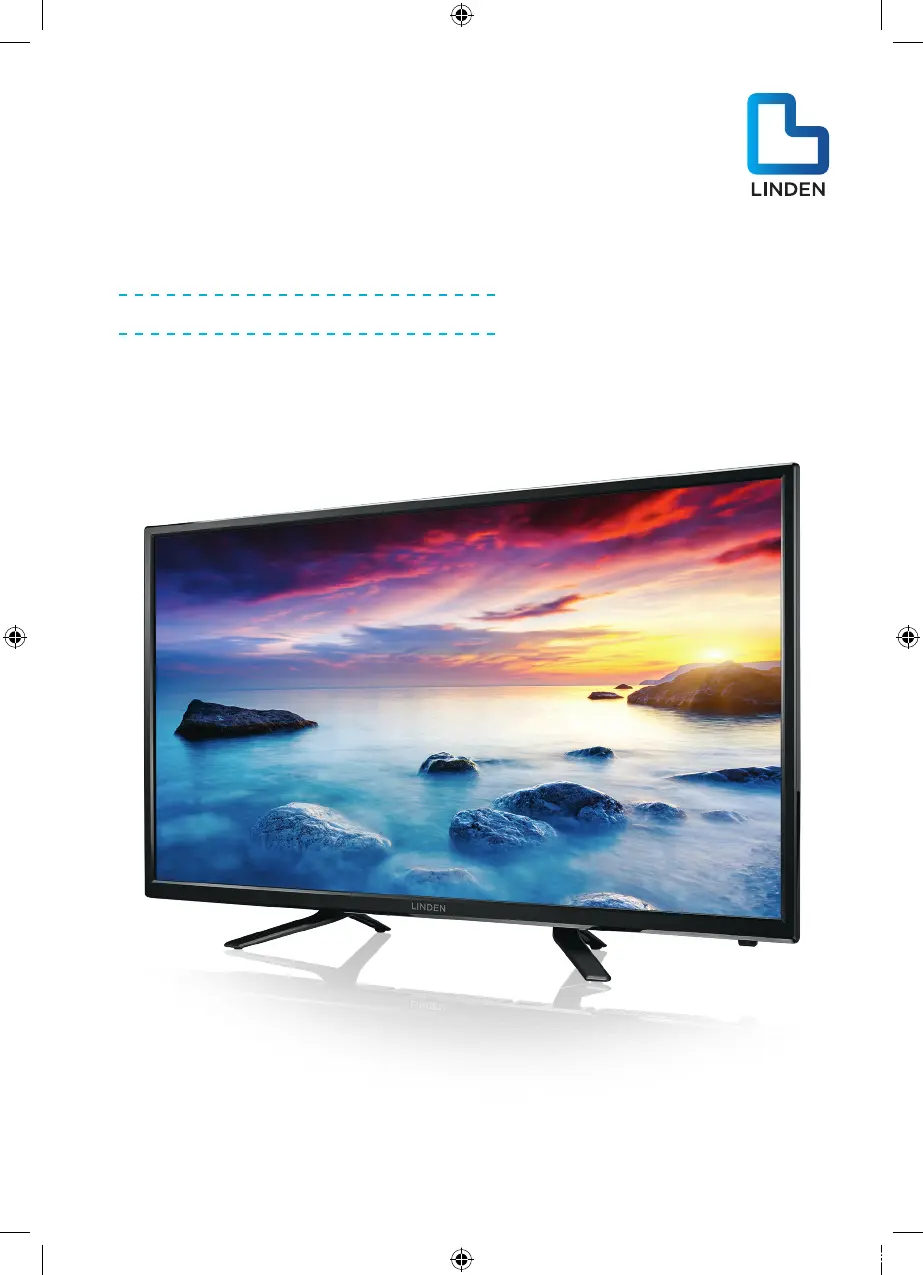
Linden L48MTV17a - User Manual

Linden L48MTV17a
36 pages
Print Icon
To Next Page IconTo Next Page
Loading...
48” (121cm) FULL HD
LED LCD TV
Instruction Manual
L48MTV17a
24 Month Manufacturer’s Warranty
L48MTV17a_IB_170814_Annie.indd 1 14/8/17 下午5:23

Questions and Answers

  • R
    Richard SmithAug 7, 2025
    How to fix Linden LCD TV when it has no power?
    • M
      Mrs. Sarah HernandezAug 7, 2025
      First, verify that the AC power cable is properly connected to the Linden LCD TV and that the socket outlet is switched on. To ensure the socket outlet is functional, test it with another appliance. Also, check that the rocker switch located under the front panel of the TV is turned on.
  • M
    Melanie BrennanAug 11, 2025
    What to do if my Linden LCD TV has video but no audio?
    • J
      John CollinsAug 11, 2025
      If your Linden LCD TV has video but no sound, try increasing the volume using your remote control. Also, make sure the mute function on your remote hasn't been activated. If it is, press the Mute button to restore the sound.
  • M
    Michael FarleyAug 16, 2025
    Why Linden LCD TV has no response with remote?
    • K
      kellymartinAug 16, 2025
      Ensure that you are operating the remote control directly facing the sensor on the front of the Linden LCD TV. Verify that the batteries are installed with the correct polarity. If the issue persists, try using a new set of batteries. Note that the TV will automatically switch to STANDBY mode if it doesn't receive any input from the remote for a few minutes.
  • A
    ashley82Aug 20, 2025
    What to do if my Linden L48MTV17a LCD TV has no picture?
    • M
      Michael Wang MDAug 20, 2025
      Check that the antenna is properly connected to the back of the Linden LCD TV. Try selecting different channels to determine if the issue is with the TV or a specific channel. Also, ensure that the TV is correctly tuned.
  • S
    steven26Aug 25, 2025
    How to improve signal reception on my Linden L48MTV17a LCD TV?
    • J
      Jesus TaylorAug 25, 2025
      Double or phantom imaging can occur in high buildings or mountainous areas. Consult your television provider or manually adjust the direction of your external antenna. Note that using an indoor antenna may make receiving a signal more difficult. Adjust and move the antenna until the desired picture is displayed. If the image quality doesn't improve, consider using an external antenna.
  • B
    baldwinandrewAug 29, 2025
    Why is there no video in PC mode on my Linden L48MTV17a?
    • B
      Bridget ThomasAug 29, 2025
      Make sure the display cable connected to the VGA port is correctly connected to your Linden LCD TV. Inspect the cable for any damage or bends.
  • R
    Rachel ScottSep 1, 2025
    How to unlock Linden L48MTV17a LCD TV if I lost parental lock code?
    • M
      Michael WyattSep 1, 2025
      If you've lost the parental lock code for your Linden LCD TV, use the master code: 4711 to unlock it.

Summary

Guide to the Television

Remote Control Functions

Detailed explanation of all buttons and their operations on the remote.

Safety Information and Warnings

Important Safety Precautions

Critical safety instructions to prevent injury and damage.

Basic Set Up

TV Setup Guide

Steps for physically setting up your television in a suitable location.

Connecting Aerial and Power

How to connect the TV to an antenna and power source.

Advanced Connection Diagrams

Advanced Features

Initial TV Power-On Setup

Guide to the initial setup wizard upon first powering on the TV.

Picture Settings Adjustment

Adjusting brightness, contrast, color, and other picture parameters.

Sound Settings Configuration

Customizing sound modes, balance, and surround effects.

PVR File System Setup

Preparing a USB drive for recording and time-shifting.

Program Recording

Instructions on how to record TV programs.

PVR Recording Functionality

Detailed guide on using the Personal Video Recorder.

PVR File System Check

Verifying USB drive compatibility for PVR functions.

DTV Program Recording

Step-by-step guide to record Digital TV programs.

Timeshift Live TV Pause

Using the Timeshift function to pause and resume live TV.

Troubleshooting Guide

Linden L48MTV17a Specifications

General IconGeneral
Screen Size48 inches
Display TechnologyLCD
Aspect Ratio16:9
Refresh Rate60 Hz
USB Ports1
Built-in SpeakersYes
Resolution1920 x 1080 pixels

Related product manuals