EasyManua.ls Logo

Linden L42MTV17a - User Manual

Linden L42MTV17a
36 pages
Print Icon
To Next Page IconTo Next Page
Loading...
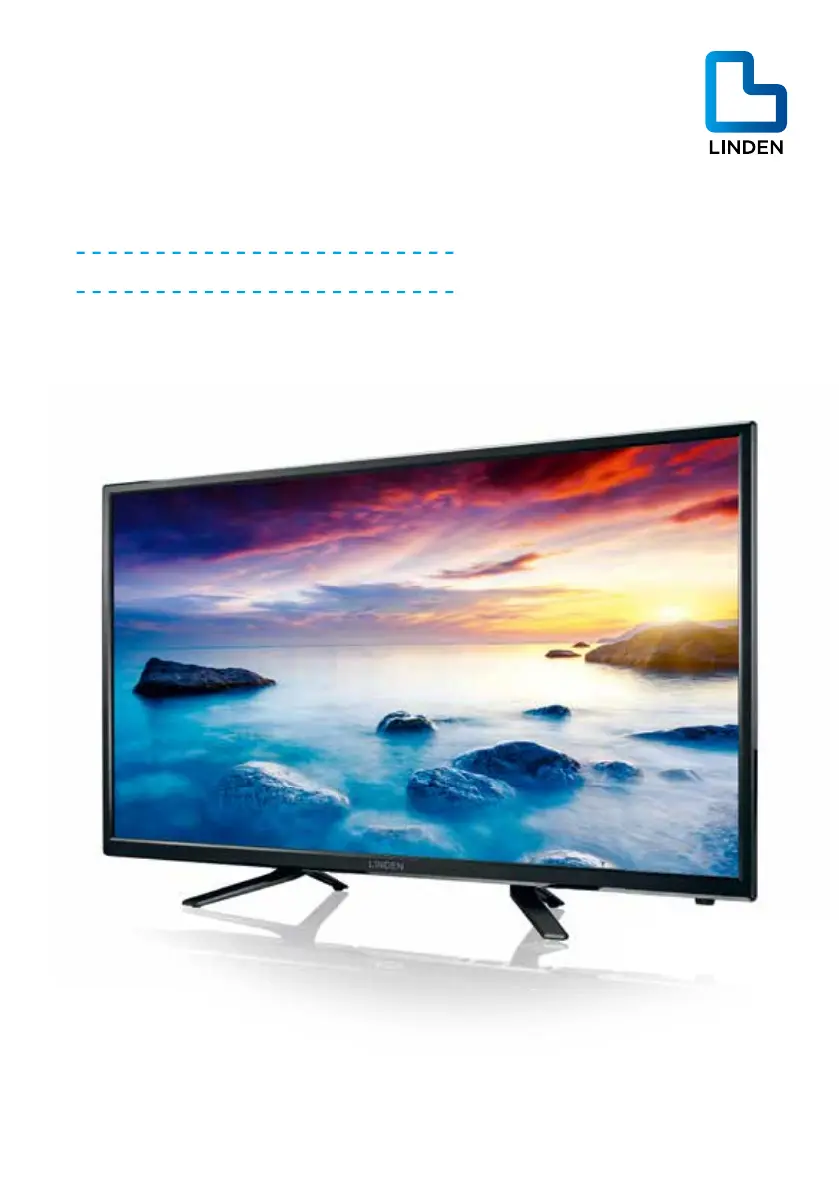
42” (106cm) FULL HD
LED LCD TV
Instruction Manual
L42MTV17a
24 Month Manufacturer’s Warranty

Questions and Answers

Summary

Guide to the Television

Controls and Sockets

Explains the physical controls and connection ports on the TV.

Remote Control Overview

Details the functions and buttons of the TV remote control.

Teletext and Subtitles

Instructions on using Teletext and subtitle features.

Caring for the Environment

Packaging Disposal

Guidelines for responsibly disposing of the TV packaging materials.

Appliance Disposal

Recommendations for environmentally friendly disposal of the television.

Safety Information and Warnings

Safety Symbols

Explanation of symbols used in the manual and on the TV set.

Key Safety Instructions

Essential safety precautions for using the television to prevent injury or damage.

Item in the Box

Package Contents

Lists all items included in the television package.

Basic Set Up

TV Setup Guide

General advice on positioning and setting up the TV.

Connecting Aerial and Power

Steps to connect the TV to an antenna and power source.

Powering On the TV

Instructions for the initial power-on and first-time setup process.

Connection Diagrams

AV Input Connection

Diagram showing how to connect AV devices to the TV.

Headphone Output

Illustration of connecting headphones to the TV.

PC Input Connection

Diagram for connecting a PC or laptop to the TV.

HDMI Input Connection

Shows how to connect devices via HDMI ports.

Audio Output Connection

Illustrates connecting external audio systems to the TV.

USB Input Connection

Diagram showing how to connect USB storage devices.

Advanced Features

Initial TV Power On

Guide to the first-time power-on and auto-tuning process.

Channel Menu Navigation

How to navigate and use the channel tuning menus.

ATV Manual Tuning

Steps for manually tuning analog TV channels.

Picture Menu Settings

Adjusting picture quality settings like contrast, brightness, and color.

Sound Menu Settings

Configuring sound modes, balance, and other audio options.

Time Menu Settings

Setting the clock, timers, and sleep functions.

Option Menu Settings

Accessing and adjusting various TV options and preferences.

Lock Menu Options

Managing parental controls, program locks, and system passwords.

USB Source Menu

Browsing and playing media files from a USB device.

EPG Menu Guide

Using the Electronic Program Guide to view TV schedules.

PVR Recording Function

How to prepare for and perform program recordings using PVR.

Timeshift Function

Pausing and resuming live TV broadcasts.

Digital Media Player (DMP)

Playing back various media file formats from USB.

Troubleshooting

Troubleshooting: No Power

Steps to resolve issues where the TV unit does not power on.

Troubleshooting: Signal Issues

Diagnosing and fixing problems with receiving TV signals.

Troubleshooting: No Picture

Solutions for when the TV screen displays no image.

Troubleshooting: No Audio

Steps to fix issues where video plays but there is no sound.

Troubleshooting: Remote Response

Resolving problems with the TV remote control not working.

Troubleshooting: PC Mode Video

Checking connections and cables for video issues in PC mode.

Troubleshooting: Parental Lock Code

How to unlock the TV if the parental lock code is lost.

Technical Specifications

Linden L42MTV17a Specifications

General IconGeneral
BrandLinden
ModelL42MTV17a
CategoryLCD TV
LanguageEnglish

Related product manuals