EasyManua.ls Logo

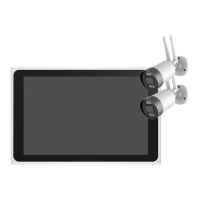
Link2Home 6824F - Wireless NVR Overview; Front View; Back View; Top View

Link2Home 6824F
Print Icon
To Next Page IconTo Next Page
To Previous Page IconTo Previous Page
Loading...
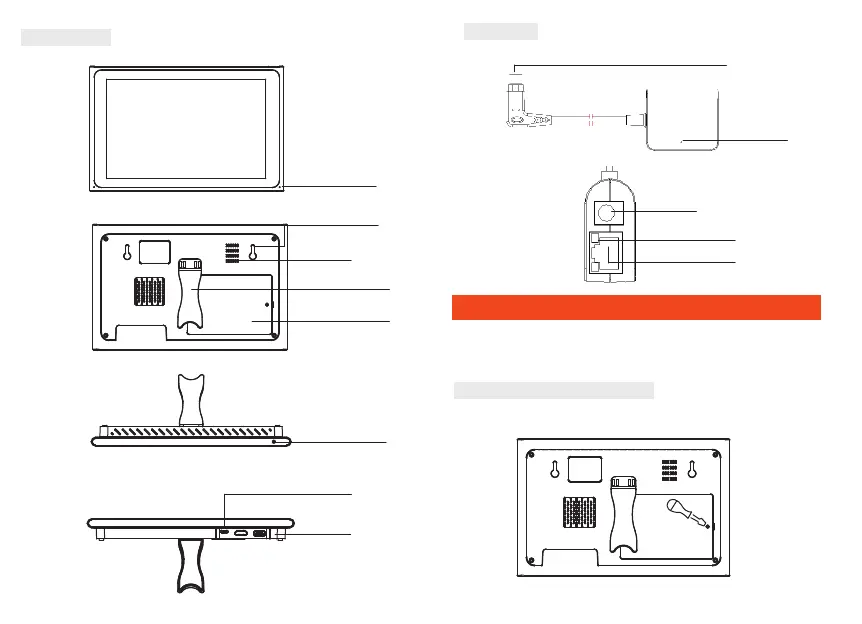
Bottom view
Type-c
interface
52 53
Adhesive tape
USB cable
Bracke
Power dapter
Protective strip
Wireless NVR
Front view
back view
top view
Power box
Overall view
Port view
2. Then put the 2.5" SATA hard drive in
power light
hanging hole
speaker
Support frame
hard drive cover
screen switch
Type-c
Power light
Power
Network light
Network port
USB
1
Installation of device
Note: 1. A factory recommended HDD could be installed before
power on.
2. The maximum of hard disk capacity is 4TB.
Install HDD to NVR Optional
1. Using a Phillips screwdriver, remove the top cover and
install the hard drive.

Related product manuals