Instant Broadband Series
Table of Contents
Introduction 1
Features 1
Package Contents 2
System Requirements 2
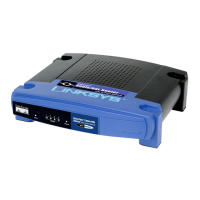
Getting to Know the 4-Port Cable/DSL Router 3
The 4-Port Router’s Rear Panel 3
The 4-Port Router’s Front Panel LEDs 4
The Reset Button 5
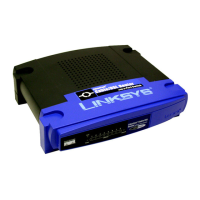
Getting to Know the One-Port Cable/DSL Router 6
The One-Port Router’s Rear Panel 6
The One-Port Router’s Front Panel LEDs 7
Connecting Your Cable/DSL Router to 9
Your Network
Overview 9
About Static & Dynamic IP Addresses 9
Connecting Everything Together & Booting Up 10
Configuring the Cable/DSL Router 12
Configuring Your Cable/DSL Router 12
Configuring Your PCs to Connect to the Cable/DSL Router 15
The Cable/DSL Router’s Web-based Utility 17
Quick and Easy Administration 17
Basic Features 18-23
Advanced Features 24-29
Troubleshooting 30
Appendix 36
How to Ping Your ISP’s E-mail & Web Addresses 36
Installing the TCP/IP Protocol 39
Twisted-Pair Cabling 41
Crimping Your Own Network Cables 42
4-Port Router Specifications 43
One-Port Router Specifications 44
Customer Support 45





 To Next Page