EtherFast Cable/DSL Routers
39
Installing the TCP/IP Protocol
Follow these instructions to install the TCP/IP Protocol on one of your PCs
only after a network card has been successfully installed inside the PC. These
instructions are for Windows 95 and Windows 98. For TCP/IP setup under
Windows NT, please refer to your Windows NT manual.
1. Click the Start button. Choose Settings, then Control Panel.
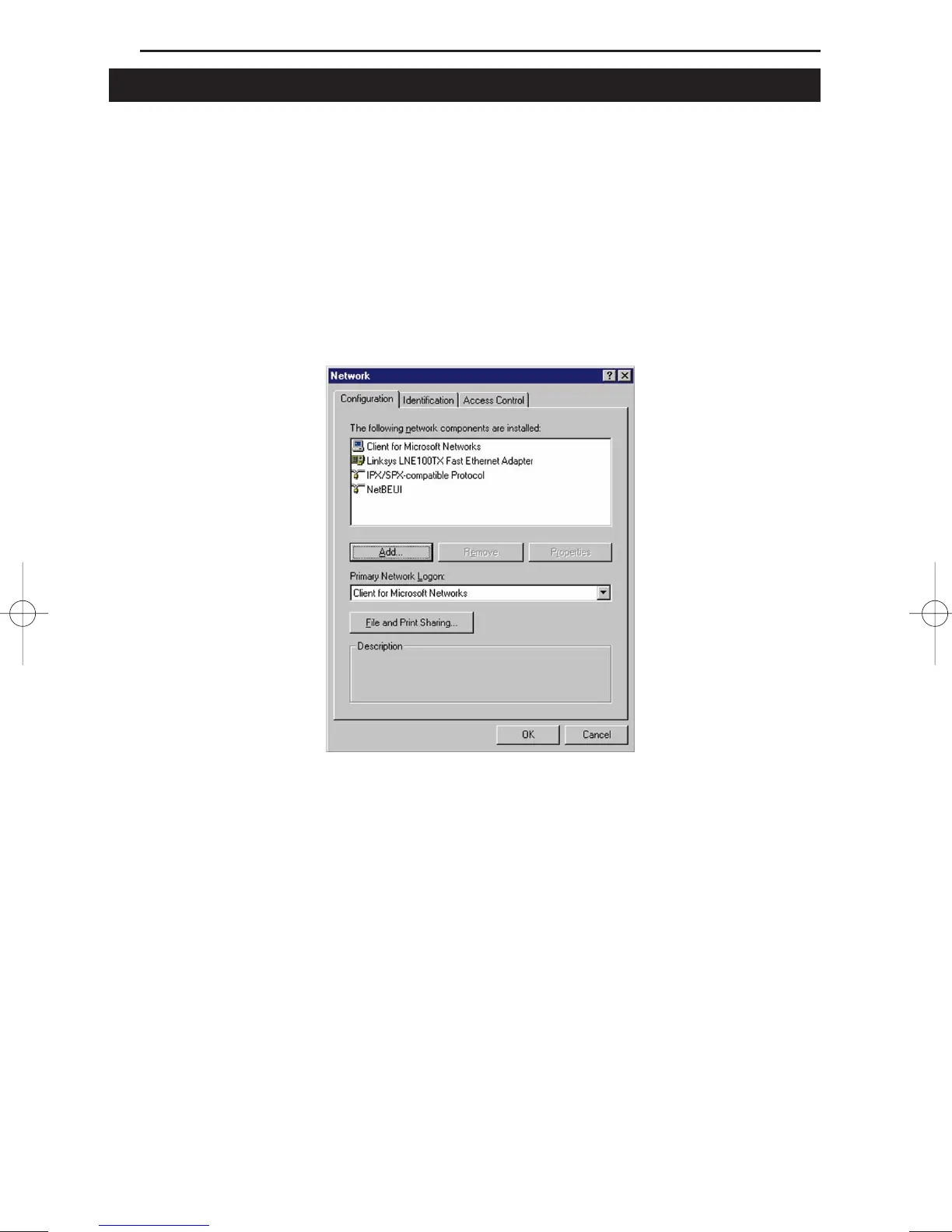
2. Double-click the Network icon. Your Network window should pop up.
Select the Configuration tab.
3. Click the Add button.
4. Double-click Protocol.
5. Highlight Microsoft under the list of manufactures.





 To Next Page