27
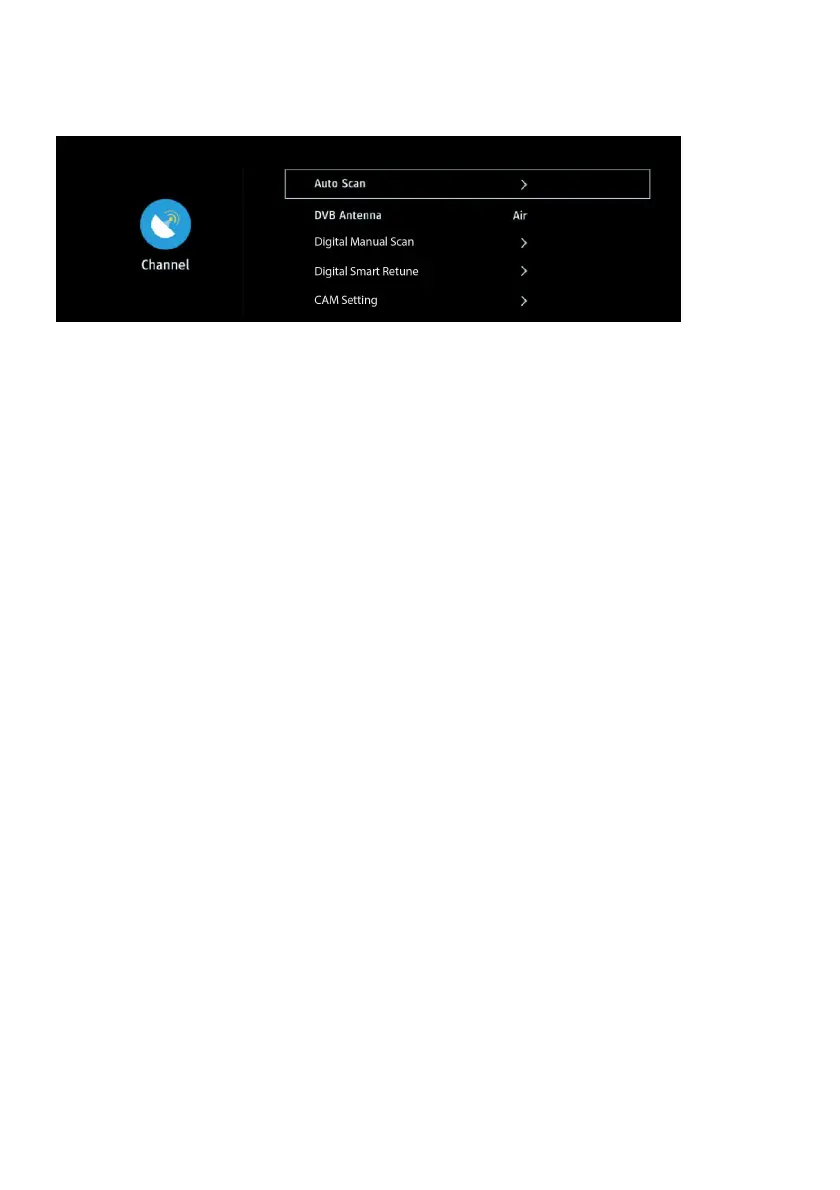
4. Channel
4.1 Auto Scan
- Choose DTV or ATV tuning mode firstly.
- Then enter “Auto Tuning” to scan available channels.
4.2 DVB Antenna
- Display current antenna type.
4.3 Digital Manual Scan
- Press LEFT/RIGHT navigation button to select the channel.
- Then enter “Start Scan” to scan available channels.
4.4 Digital Smart Retune
Quickly scan channels if current saved signals are updated.
4.5 CAM Setting
When an available CAM (Conditional Access Module) card is connected to the CI slot, you
can view related information or manage the CAM card.
4.6 Signal information
- Display signal details, for example: channel number and strength.



 To Next Page