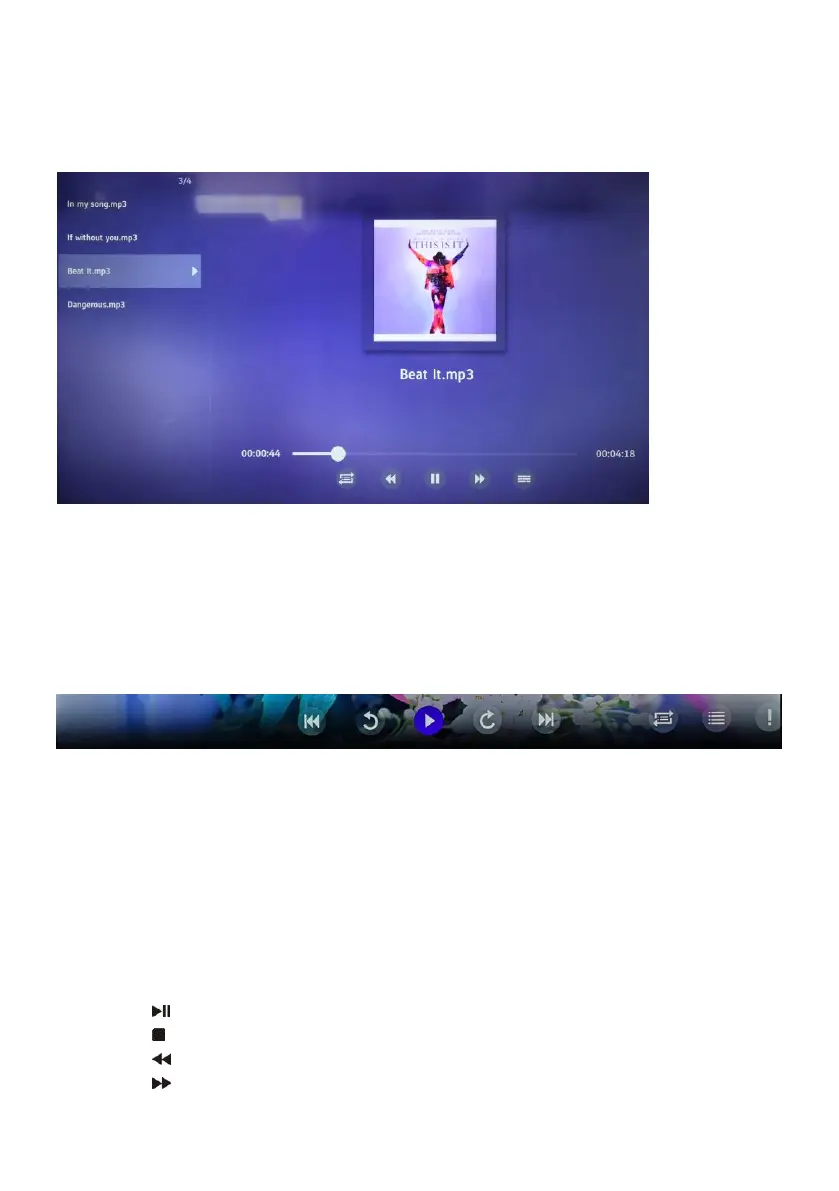
b. MUSIC
- Use the navigation buttons to select a desired folder or file.
- Press the OK button to start playback.
- Press LEFT/RIGHT navigation button to select a desired option in the tool bar and press
OK to confirm the selection.
- Press the EXIT button to return.
c. PHOTO
- Use the navigation buttons to select a desired folder or file.
- Press the OK button to start playback.
- Press LEFT/RIGHT navigation button to select a desired option in the tool bar and press
OK to confirm the selection.
- Press the EXIT button to return.
d. ALL
- Use the navigation buttons to select a desired folder or file.
- Press the OK button to start playback.
Remote control operations when playing multimedia files:
- Press the button on the remote control to play or pause playing.
- Press the button on the remote control to stop playing.
- Press the button on the remote control to move fast backward.
- Press the button on the remote control to move fast forward.



 To Next Page