RECORDER (FOR DTV MODE ONLY)
- Insert your USB memory device into USB slot first.
When watching a digital program:
- Press REC button on remote control to start recording directly.
- Press
button on remote control to stop recording.
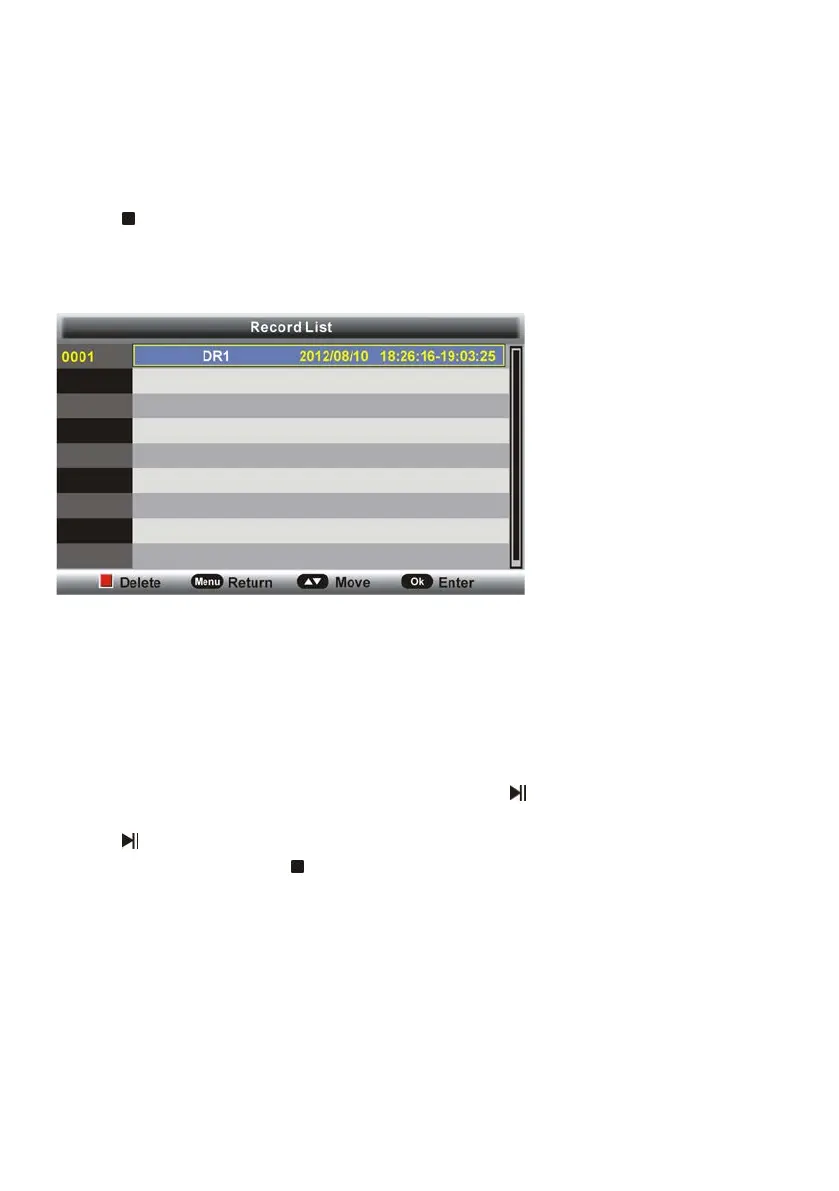
To watch recorded programs:
- Press INDEX button on remote control to call out the Record List menu.
- Press UP/DOWN navigation button to select recorded files and press OK button to start
playback.
TIME SHIFT (FOR DTV MODE ONLY)
- Insert your USB memory device into USB slot first.
When watching a digital program:
-If you don’t want to miss any programs when left, press
button on remote control to
enable TIME SHIFT function.
- Press
button again when you’re back to watch the program in TIME SHIFT mode.
- To stop TIME SHIFT, press
on remote control.



 To Next Page