MEDIA PLAYBACK
- Press SOURCE button on the unit or remote control to set the unit in MEDIA mode.
- Insert a USB memory device into USB slot before following operations.
- Press UP/DOWN/LEFT/RIGHT navigation button to move the cursor.
- Press EXIT button to return to previous menu page.
NOTE: Press MEDIA button on remote control to enter MEDIA mode directly.
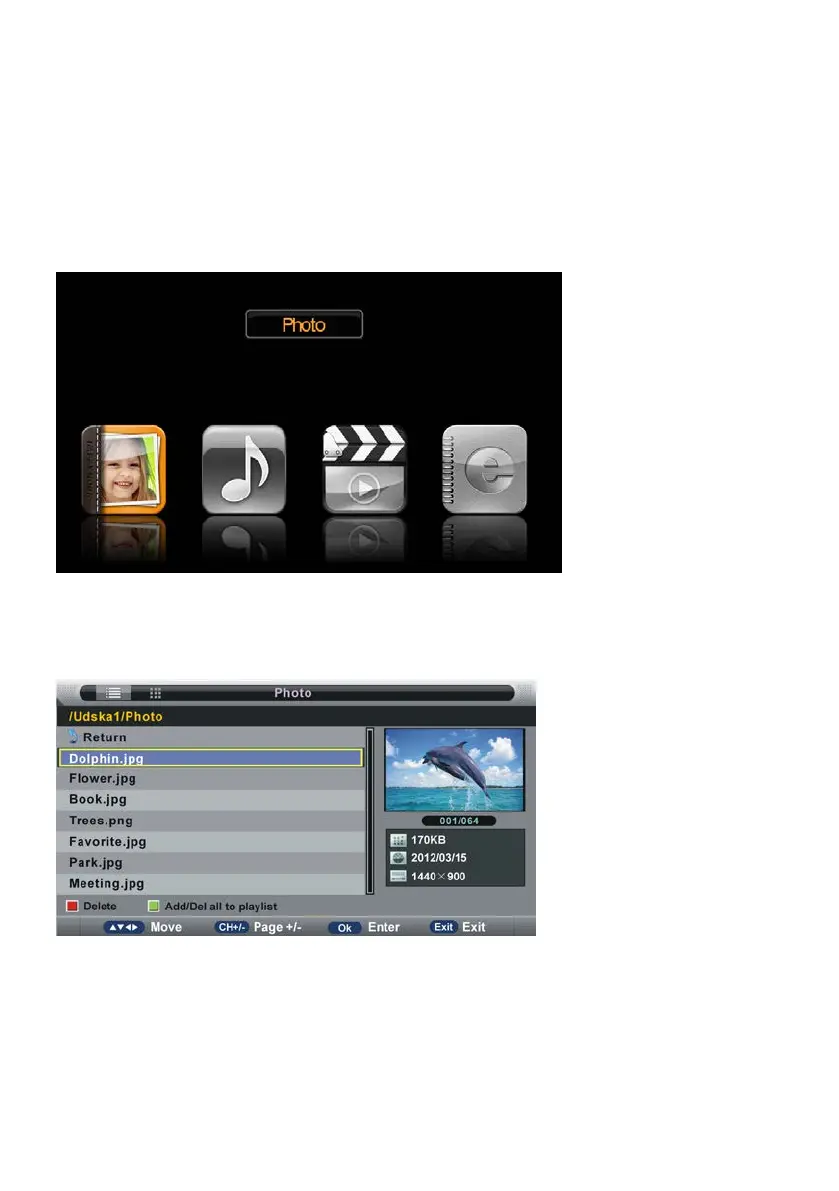
1. Photo
- Press LEFT/RIGHT navigation button to select Photo in the main menu and press OK
button to enter it.
NOTE: When selecting Photo files, press EXIT button to move the cursor to TITLE and then
press RIGHT navigation button to view files in thumbnail mode.
- Use navigation buttons to select preferred file.
- Press RED button to enter a dialog box, and select Yes to delete highlighted file; select No
to cancel this operation.



 To Next Page