- Press GREEN button to add/remove all the files from play list.
- Press OK button to add/remove highlighted file from play list.
- Press
button to start playing.
During photo normal playing:
- Press OK button on remote control to display the tool bar; press EXIT button to hide it.
- Press LEFT/RIGHT navigation button to select preferred option in the tool bar and press
OK button to confirm selection/enter submenu.
- Press
button on remote control to play or pause playing.
- Press
button on remote control to stop playing.
- Press
button on remote control to play previous file.
- Press
button on remote control to play next file.
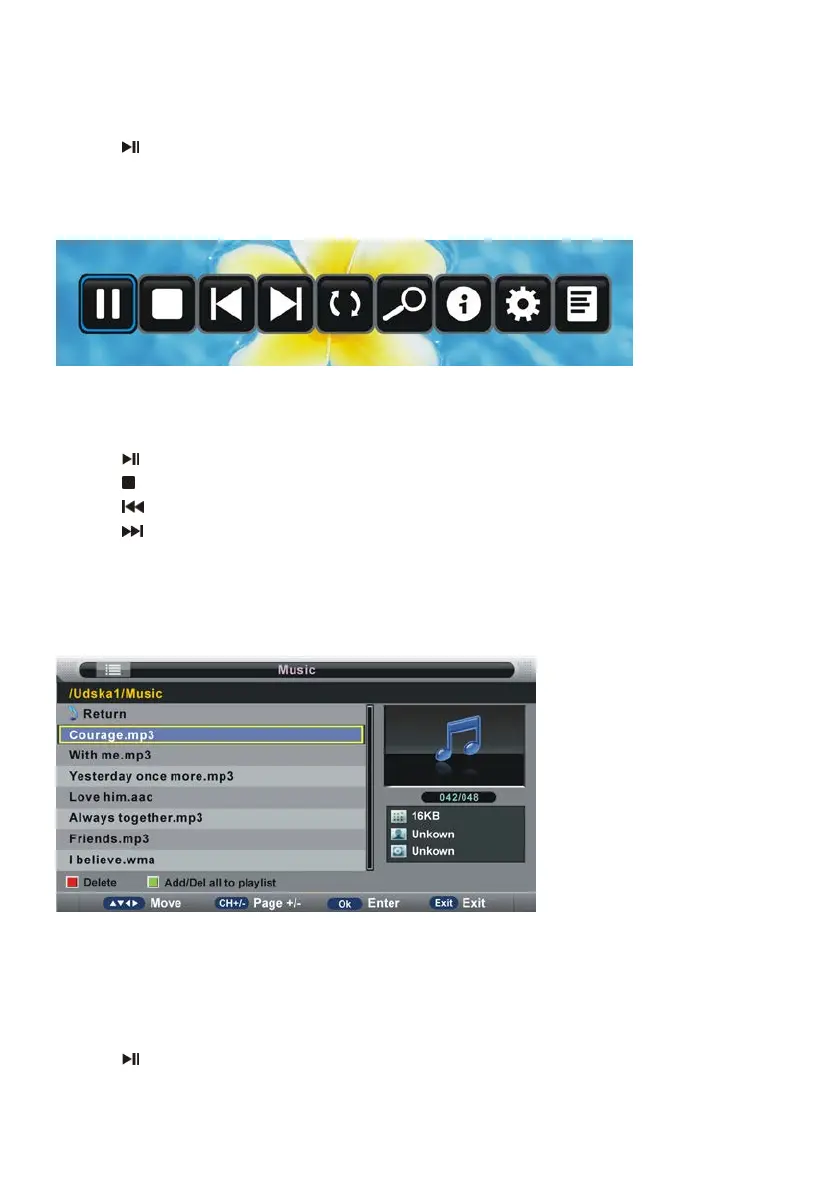
2. Music
- Press LEFT/RIGHT navigation button to select Music in the main menu and press OK
button to enter it.
- Use navigation buttons to select preferred file.
- Press RED button to enter a dialog box, and select Yes to delete highlighted file; select No
to cancel this operation.
- Press GREEN button to add/remove all the files from play list.
- Press OK button to add/remove highlighted file from play list.
- Press
button to start playing.



 To Next Page