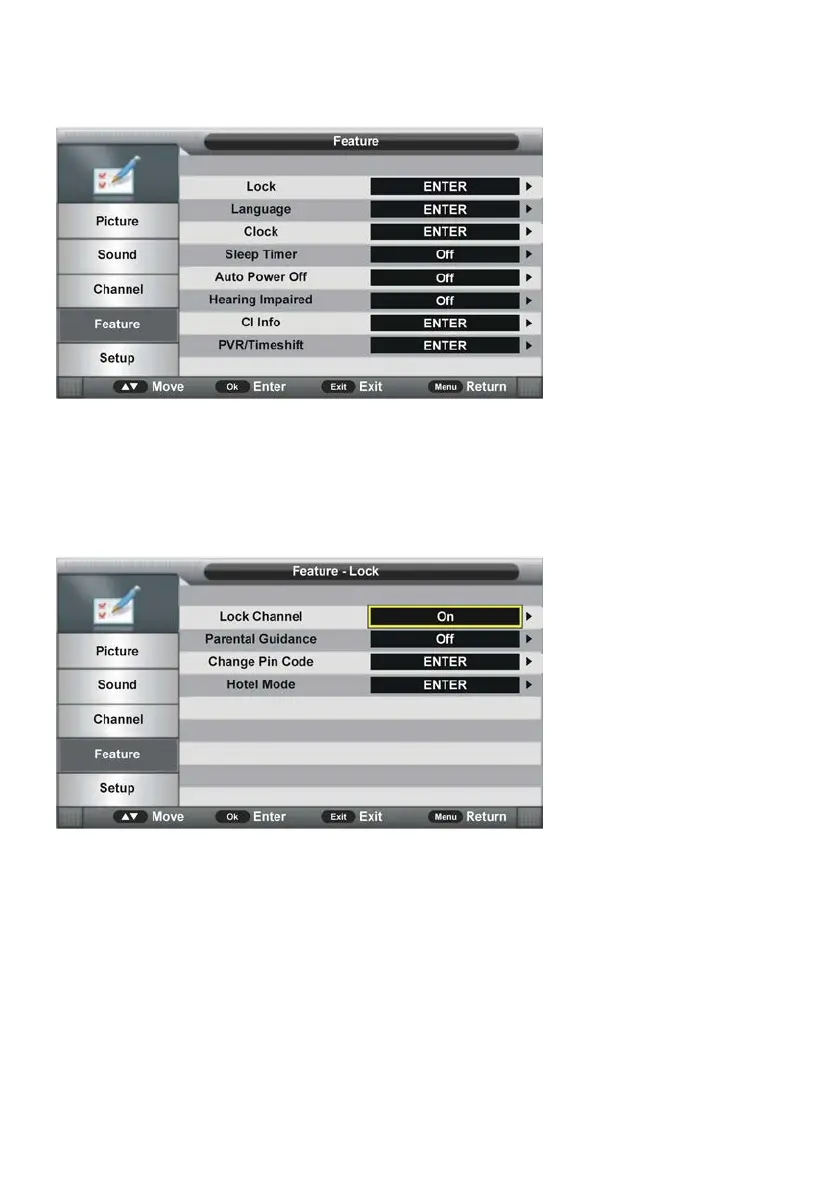
4. Feature
4.1 Lock
- Press OK or RIGHT navigation button to enter submenu.
- Input the factory default password “0000” using number buttons on remote control.
NOTE: If you forget the password, please use the universal password “4711”.
- Press UP/DOWN navigation button to select preferred item.
4.11 Lock Channel
This item is used to turn on/off Lock Channel function.
4.12 Parental Guidance
- Press OK or RIGHT navigation button to enter submenu and press UP/DOWN navigation
button to select preferred option.
Available options: Off, 4 to 18.
4.13 Change Pin Code
- Press OK or RIGHT navigation button to enter submenu.



 To Next Page