12 | OPERATION
Setting Menus
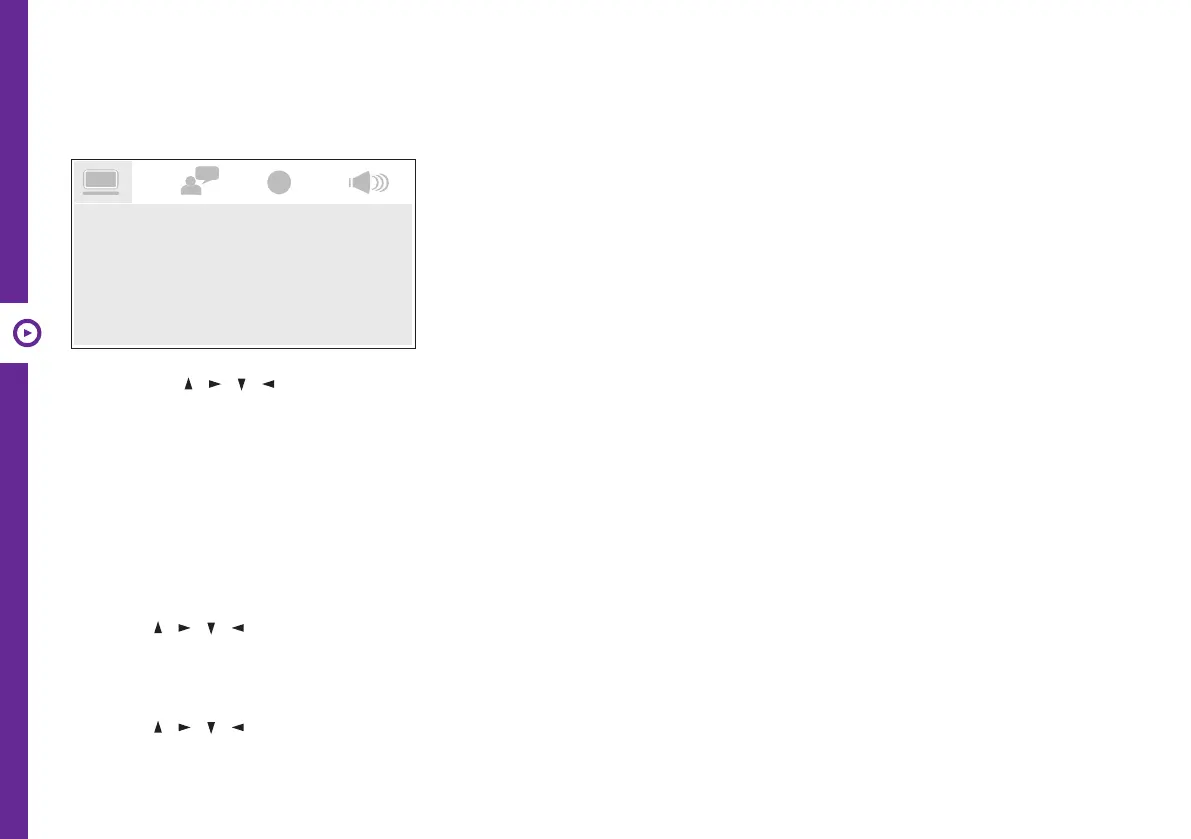
Press the SETUP button and the setting menu will appear.
• Use the / / / buttons to select and highlight the setting you want to adjust. Press the OK button to
confirm the selection.
• After adjusting a setting, press the SETUP button to save and exit.
System
TV System
Use the / / / and OK buttons to set the colour system.
Choose from NTSC, PAL or AUTO according to the connected TV.
Last Memory
Use the / / / and OK buttons to set this function to ON/OFF.
If set to ON, the unit will play a disc from the point where it was last stopped.
TV SYSTEM
SCREEN SAVER
TV SHAPE
DEFAULT
LAST MEMORY
ANGLE MARK


 To Next Page