9
VIDEO/PHOTO PLAYBACK
Video Photo
Playing back videos and photos
To enter the playback menu:
1. Press the Power/Mode Button to select video playback or photo playback
2. Press the shutter/Select button to enter the playback menu
3. Use Power/Mode button to cycle through the carious options
4. Press the shutter/Select button
5. To return to the playback menu,press the WI-FI Button.
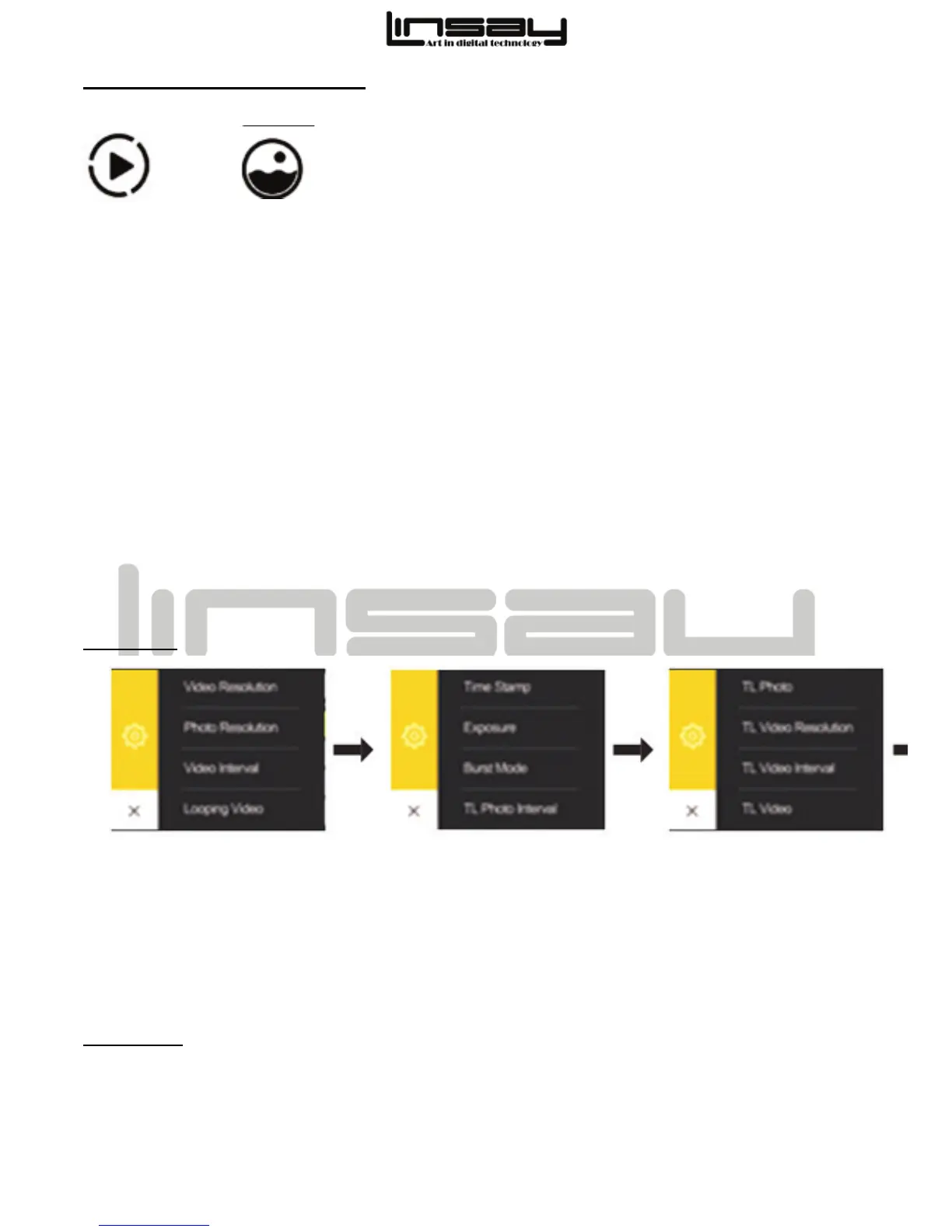
SETTING
Press the Shutter/Select Button to enter the settings menu .Repeatedly press the
Power/Mode Button to cycle through optional and press the Shutter/Select Button to select
desired option.To go back teh previous screen or exit the settings menu ,press the WIFI
Button
BATTERY
To charge the battery
Use the 1.5A USB charger( not included)and USB cable



 To Next Page