11
7. Press and hold the WIFI button for three seconds to turn off WIFI
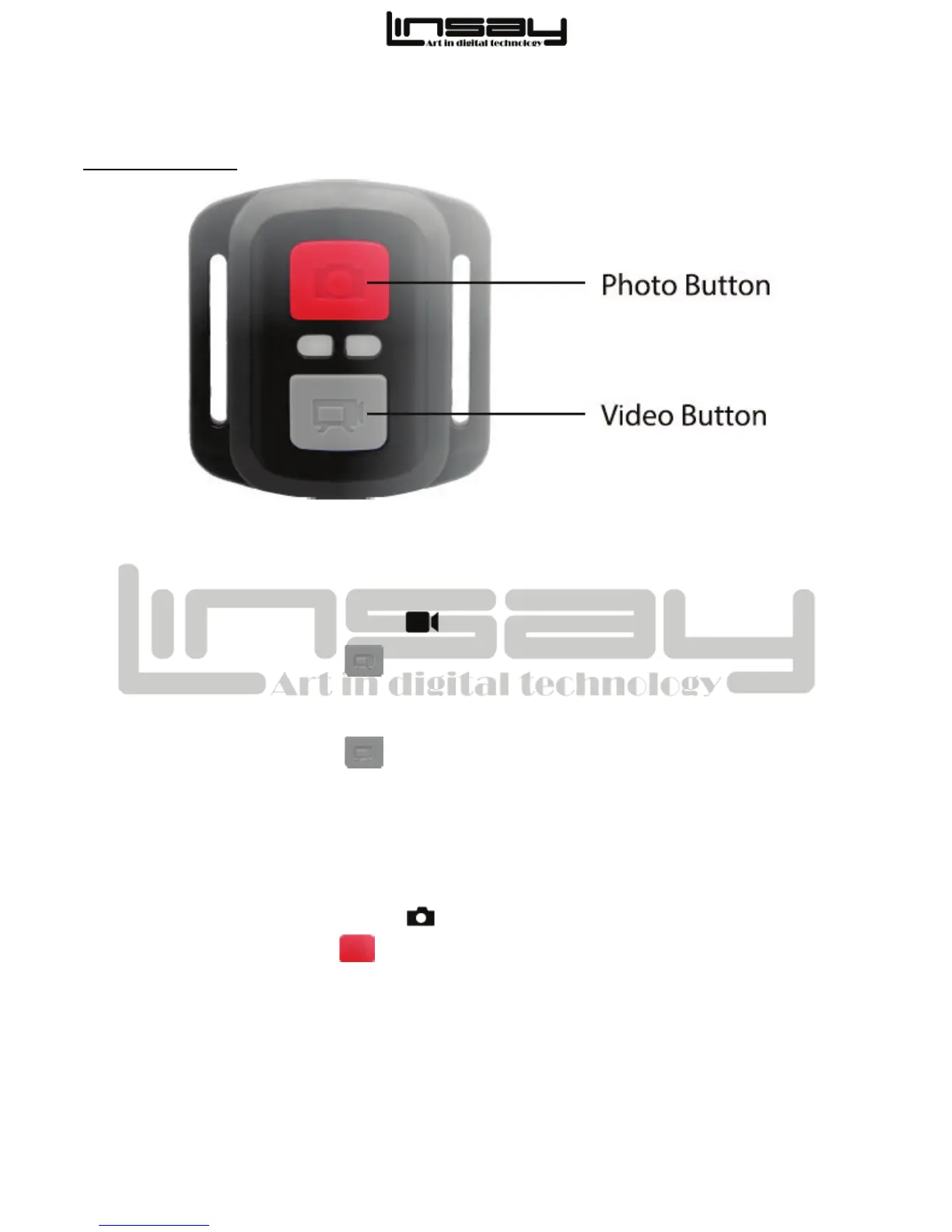
2.4G REMOTE
Video
To Start Recording:
1. Verify the camera is in Video mode .
2. Press the Grey Video button . The Camera will emit one beep and the Camera light will
flash while recording.
To Stop Recording:
• Press the Grey Video button . The camera will emit one beep and the Camera Light
will stop flashing.
Photo
To Take a Photo:
1. Verify the camera is in Photo mode .
2. Press the Red Photo button . The camera will emit a camera shutter sound.
Replacing the Remote Battery
The remote uses a 3 Volt Lithium cell type CR3032.
• You will need a small jeweler’s screwdriver with a Philips or + tip.
• Your working area should be a flat surface like a table or desk so you do not lose the
screws.



 To Next Page