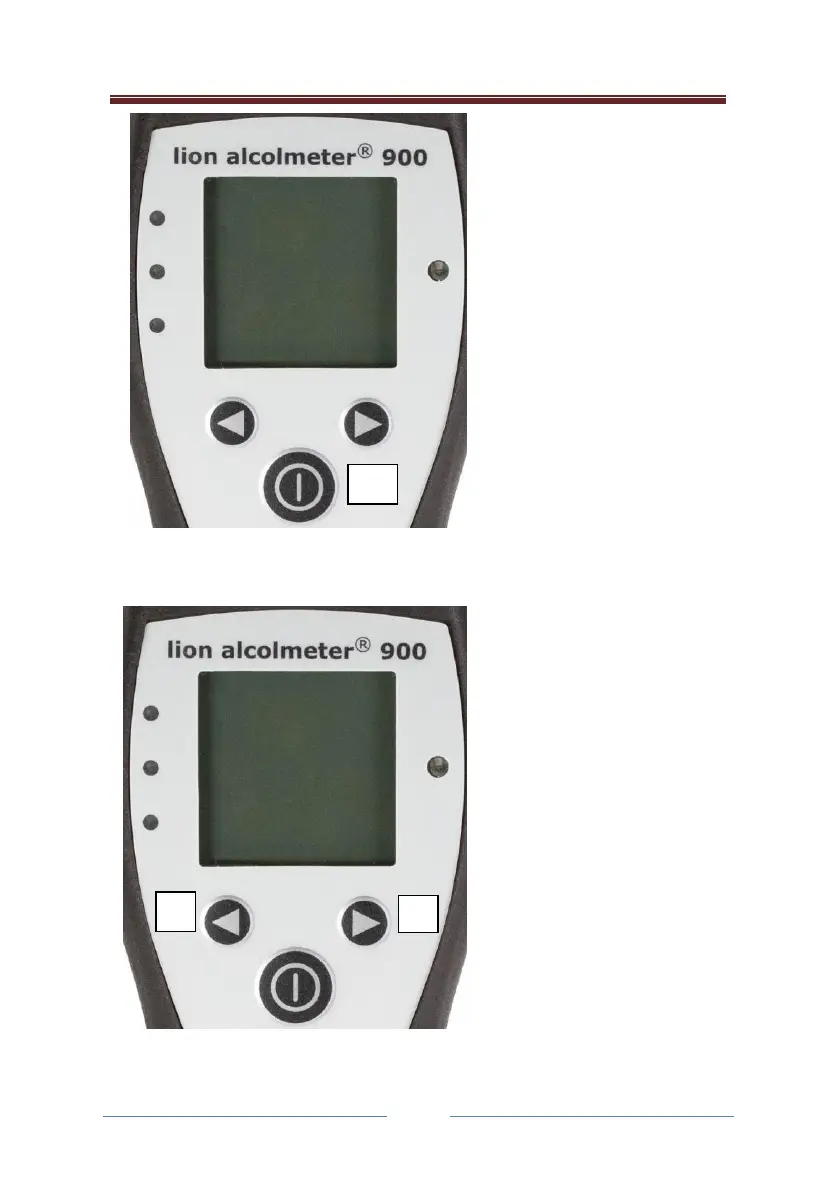
Confirmation / Action
Button
The Confirmation / Action
Button (C), bears a power
symbol and is located
below the display and two
other buttons. This
switches the instrument
ON. To do this, simply
press and hold for 2
seconds, then release.
Confirmation / Action
Button (C), is also used at
certain stages in the lion
alcolmeter® 900
operation, to select menu
options and to power
down the instrument.
Left and Right Button
Located directly above (C),
the smaller two buttons
are Left Button (L) and
Right Button (R). These are
used to scroll through the
menus.
The left (L) button can also
be used to move out of an
option and back to the
previous option.



 To Next Page