OPERATOR MENU. By pressing the Right button (R), the operator can
access the entire test database. This allows the operator to scroll through
the tests and calibration history stored in the instrument. To return to the
OPERATOR MENU, press Confirm / Action Button (C).
Switch Off
This option is provided in the OPERATOR MENU for powering down the
instrument. Use the Confirm / Action button (C) to select this option in
order to shut down the instrument after use. The power symbol will be
displayed before the instrument switches off.
Alternatively, the operator may power off the instrument by pressing and
holding the Confirm / Action button (C) until the above display occurs.
Supervisor Menu
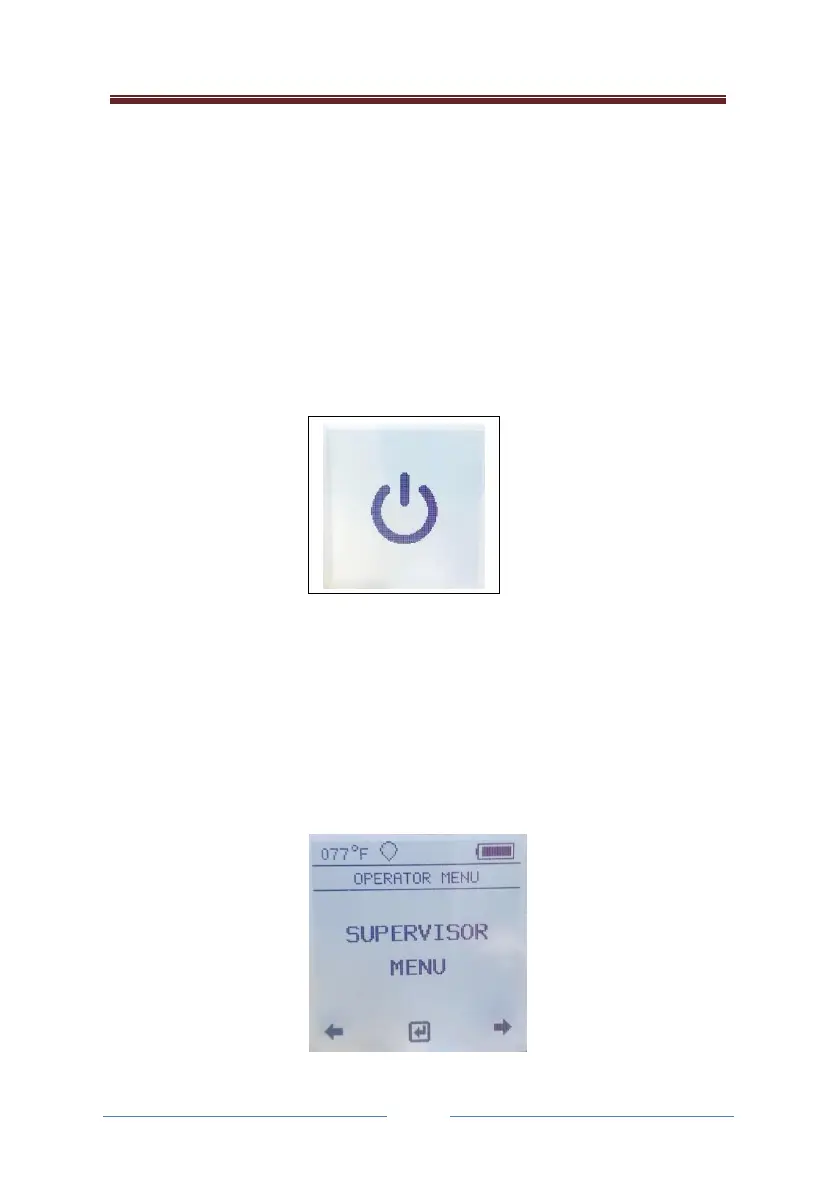
The lion alcolmeter® 900 can be configured to give the operator access to
the SUPERVISOR MENU by selecting this option using the Confirm / Action
Button (C).



 To Next Page