Set Time and Date
Selecting this option allows the operator to adjust the time and date on
the instrument. The screen initially allows the user to adjust the date
using the buttons to determine the correct number and then selecting it.
The format used will depend on the instrument configuration. Once the
date is accepted the screen will display the time.
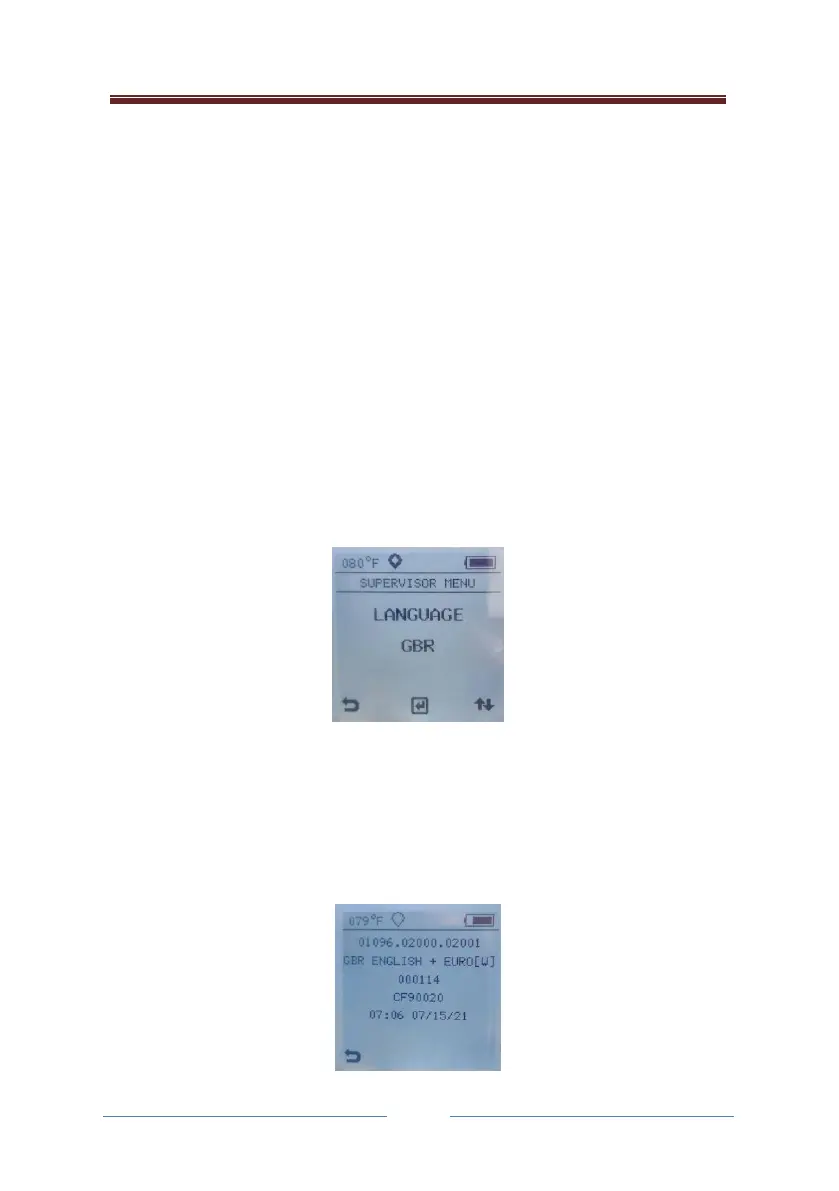
Set Language
Use this option to select a language using the Right button, the © button
to select it and the Left button to return to the SUPERVISOR MENU. The
selected new language will take effect when the instrument is next
powered up. The languages available are English (GBR), French (FRA),
German (GER), Italian (ITA) and Spanish (ESP). See the display below:
Information
This information page provides useful information about the instrument
concerning the software version, the serial number, the configuration and
the date and time, see the example below:



 To Next Page