NA120 Motherboard
9
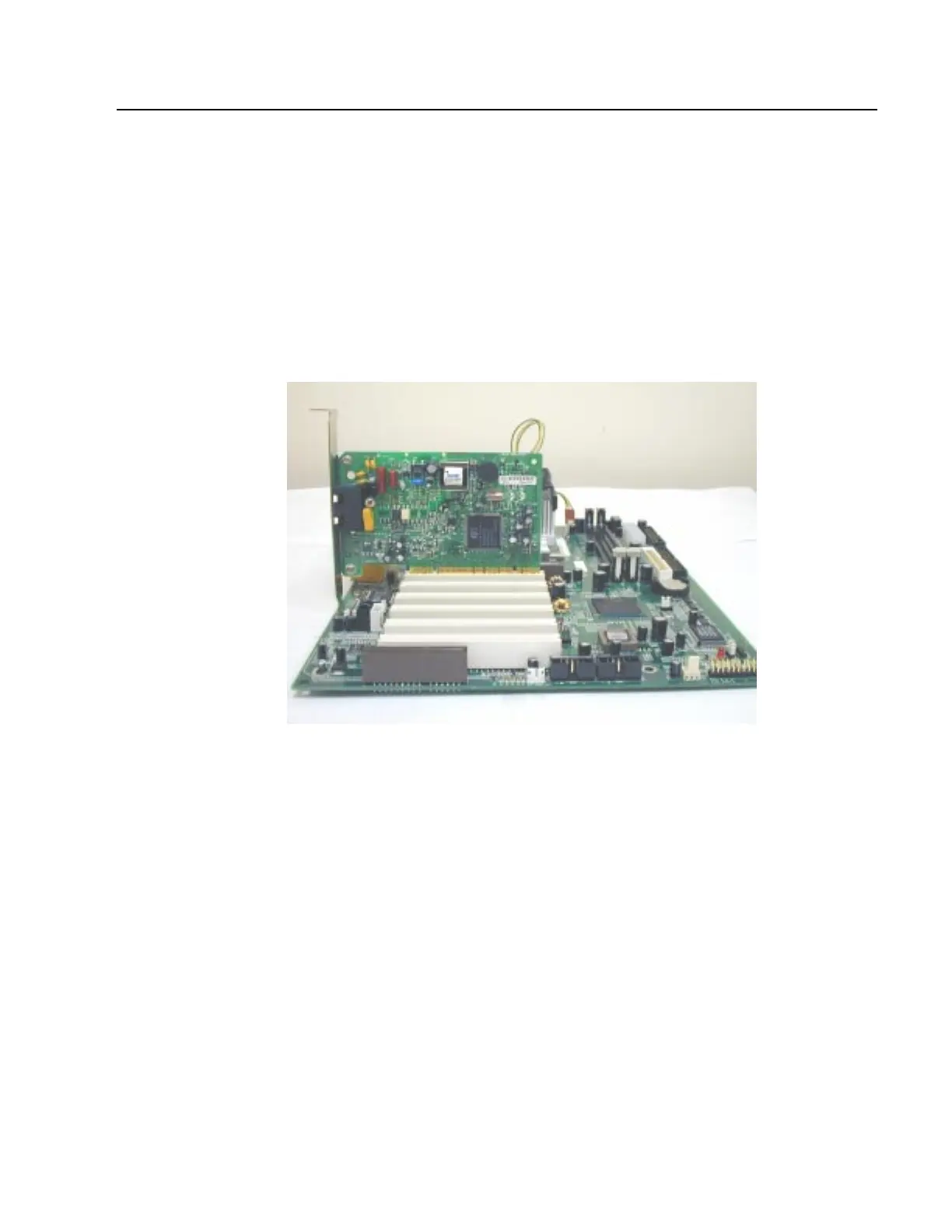
Installing Expansion Cards
1. Read the related expansion card’s installation instructions before inserting the expansion card into the
motherboard.
2. Remove the slot covers from the chassis case where the expansion cards will be placed.
3. Press the expansion card firmly into the expansion slot of the motherboard.
4. Secure the card with the screw provided.
5. Repeat same procedure when adding additional expansion cards.



 To Next Page