NA120 Motherboard
13
Jumper Introduction
Jumper Settings
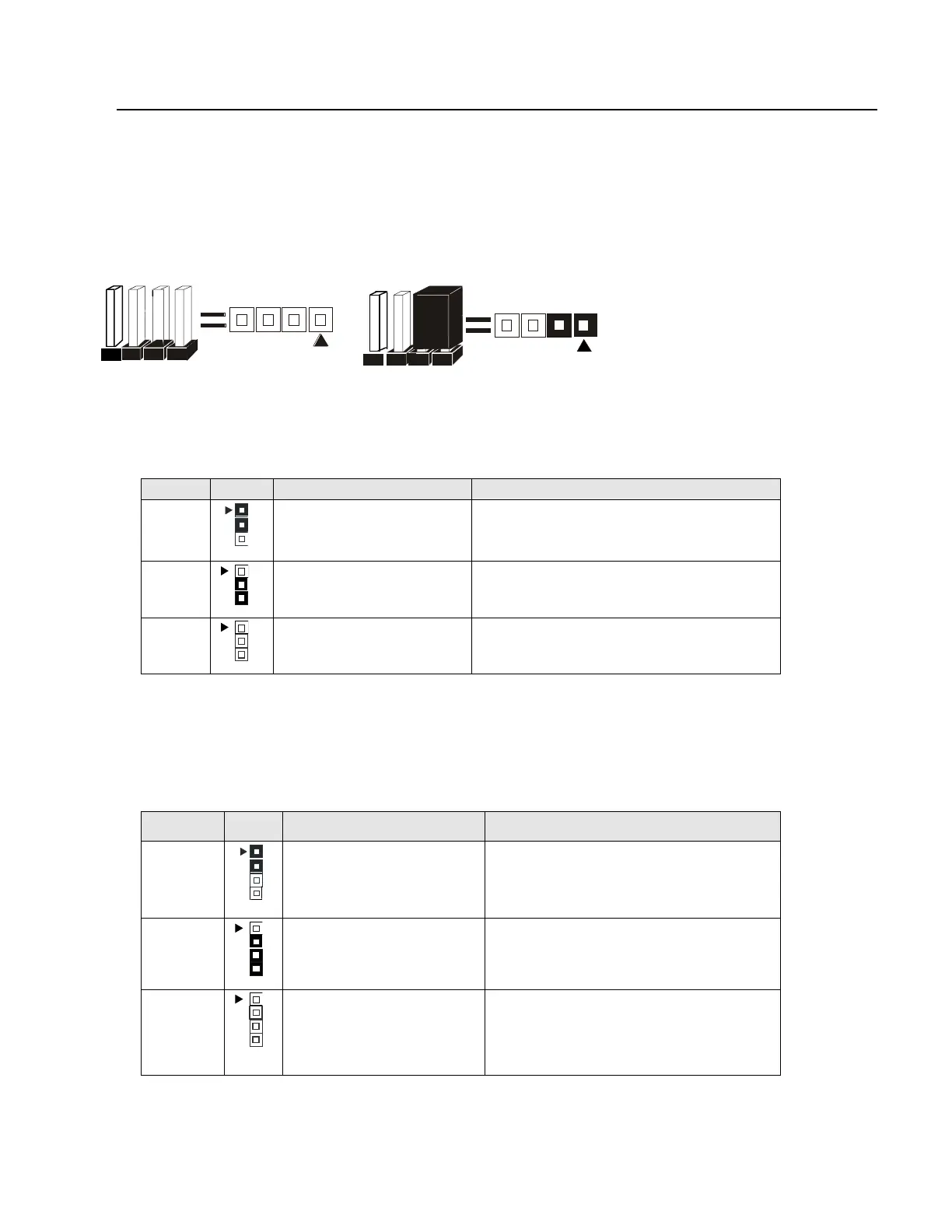
The following graphic shows the meaning of the jumper with cover and without cover.
FWH Lock
This jumper allows you to set FWH lock.
Reference: JP5
Connector Type: 1 x 3
JP5 Description Jumper Placement
1-2
BIOS Setting (Default) Put the jumper cover on pin1 and pin2.
2-3
FWH Lock Put the jumper cover on pin2 and pin3.
OPEN
Unlock Remove jumper from JP5.
BIOS Configuration
This jumper allows you to set CPU speed.
Reference: JP2
Connector Type: 1 x 4
JP2 Description Jumper Placement
1-2, 3-4
100 Mhz Put the jumper cover on pin1 and pin2.
Put the jumper cover on pin3 and pin4.
2-3
Auto (Default) Put the jumper cover on pin2 and pin3.
OPEN
133 Mhz Remove jumper from JP2.
PIN 1
PIN 1



 To Next Page