NA120 Motherboard
14
Jumper Introduction
cont….
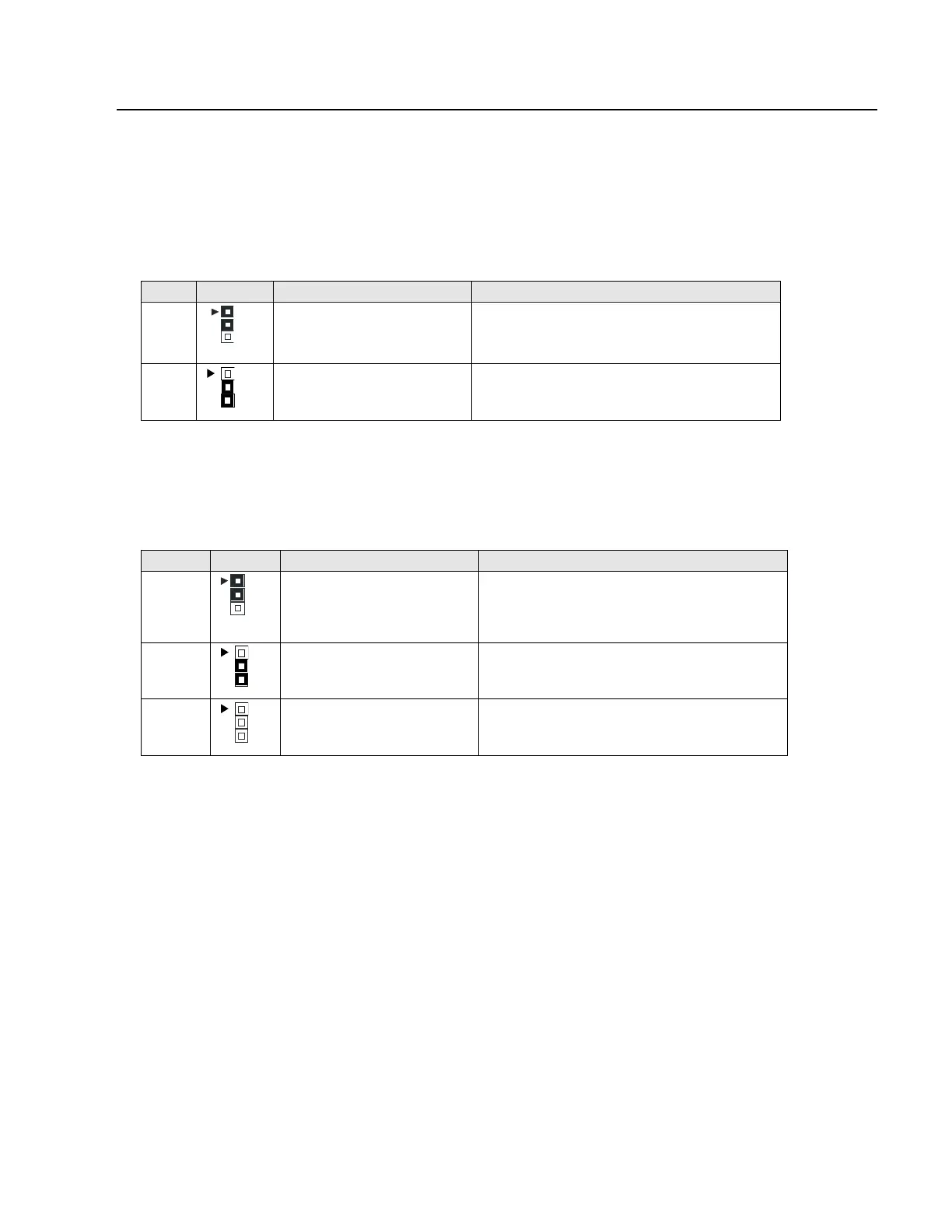
Clear CMOS (Optional)
This jumper allows you to clear the content of the CMOS.
Reference: JP4
Connector Type: 1 x 3
JP4 Description Jumper Placement
1-2
Normal (Default) Put the jumper cover on pin1 and pin2.
2-3
Clear content of CMOS Put the jumper cover on pin2 and pin3.
Onboard LAN
This jumper allows you to set Onboard LAN feature.
Reference: JP1
Connector Type: 1 x 3
JP1 Description Jumper Placement
1-2
Enable Put the jumper cover on pin1 and pin2.
2-3
BIOS Setting (Default) Put the jumper cover on pin2 and pin3.
OPEN
Disable Remove jumper from JP1.



 To Next Page