Need help?
Do you have a question about the Lite-Puter DX-626 and is the answer not in the manual?
Details recommended load power limits for DX-610/DX-626 for various usage scenarios and durations.
Specifies ideal temperature and humidity ranges for optimal device performance.
Lists compatible types of lamps for dimming with the unit.
Lists the key features and capabilities of the DX-610/DX-626 dimmer pack.
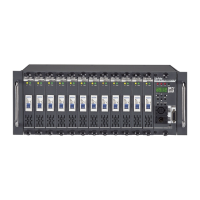
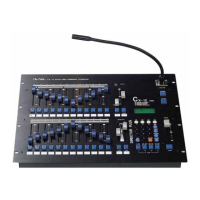
Provides a brief overview and highlights key differences between DX-610 and DX-626 models.
Details electrical, signal, dimension, and weight specifications for the unit.
Identifies and describes the components and connectors located on the front panel.
Explains the output terminal board and socket panel for connecting loads.
Illustrates the wiring diagrams for 3-phase and 1-phase power connections.
Explains the standard DMX512 signal and its indication on the unit.
Guides on how to set the DMX start address for channel control and multi-unit configuration.
Details how to switch between dimming and switching modes for individual channels.
Explains how to configure the warm-up setting for channels, ranging from 0% to 6%.
Describes the procedure to preview the current status of each channel's output.
Explains how to perform manual dimming of individual channels.
Details how to display DMX channel dimming values and the internal unit temperature.
Explains how to check DMX status and addresses, including auto-activation.
Details how to enable or disable protocol control and its impact on signal reception.
 General
| Type | Digital Dimmer |
|---|---|
| Channels | 6 |
| Output Current | 10A per channel |
| Control Protocol | DMX512 |
| DMX Connector | 3-pin XLR |
| Output Connector | Terminal block |
| Weight | 5.5 kg |
| Input Voltage | 100-240V AC |
| Dimensions | 482 x 88 x 338 mm |

 To Next Page