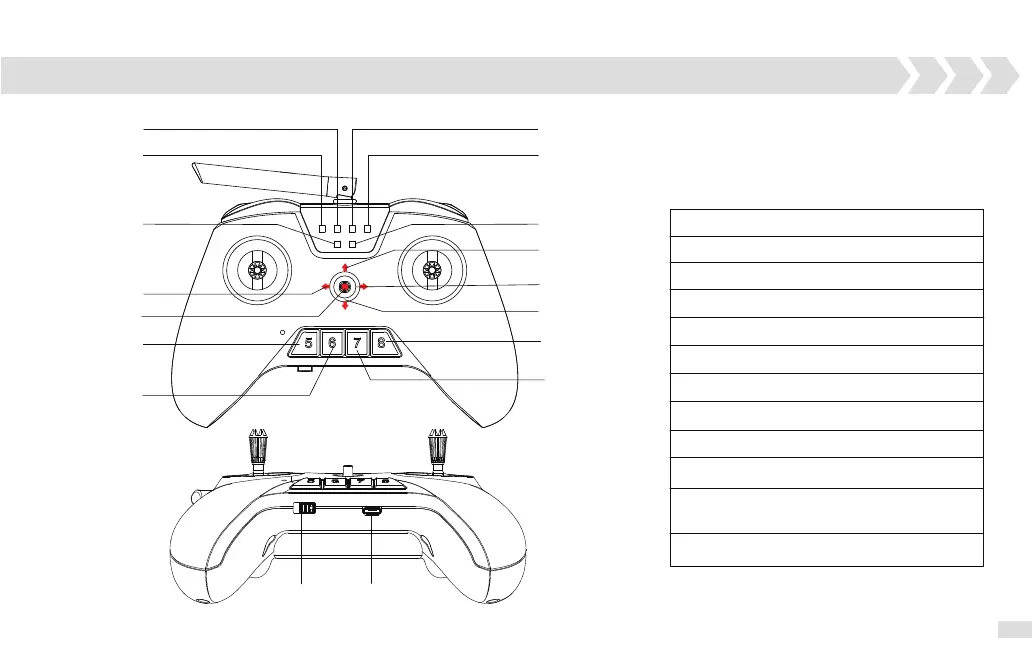
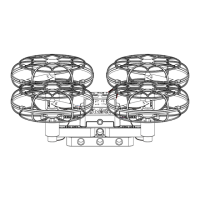
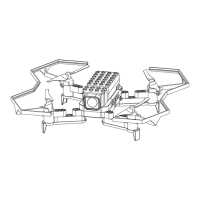
L1 Off: Left throttle/ Mode 2
L1 Solid Green: Right throttle/Mode 1
L2 Off: Success to connect with aircraft
L2 Solid Red: Not connect with aircraft
L3 Off: Not in Binding Mode
L3 Solid Green: Binding Mode
L4 Off: Operation Mode
L4 Solid Green: Programming Mode
L5 Off: Battery of aircraft is fully charged
L5 Solid Red: Low battery of aircraft
L6 Solid Green: Battery of radio transmitter
is fully charged
L6 Solid Red: Low battery of radio transmitter
0: Programming Mode Switch
1/2 /3/4: Customized Programming Button
L1
L2
L3
L4
L5
1
2
4
0
3
On/off USB
Bounce Mode
Take off/Land
L6
Remote Control Overview
360 Degree
Rotation
Calibration
LED Indications:
7


 To Next Page