When playing audio CDs or music files...
..........................................................................................
Repeat
The ‘Repeat’ feature allows you to repeat a track, title, file
or disc, depending on the media type.
1. Select ‘Repeat’, then press ENTER repeatedly to
choose a repeat mode.
Content Type Repeat Mode
DVD-Video /
Video Title
Video File
Audio CD
Music File
Repeat One Repeat All
Repeat Off
..........................................................................................
Shuffle Mode[Audio CD] [Music Files]
1. Select ‘Shuffle Mode’ and choose to switch on or off
this function.
..........................................................................................
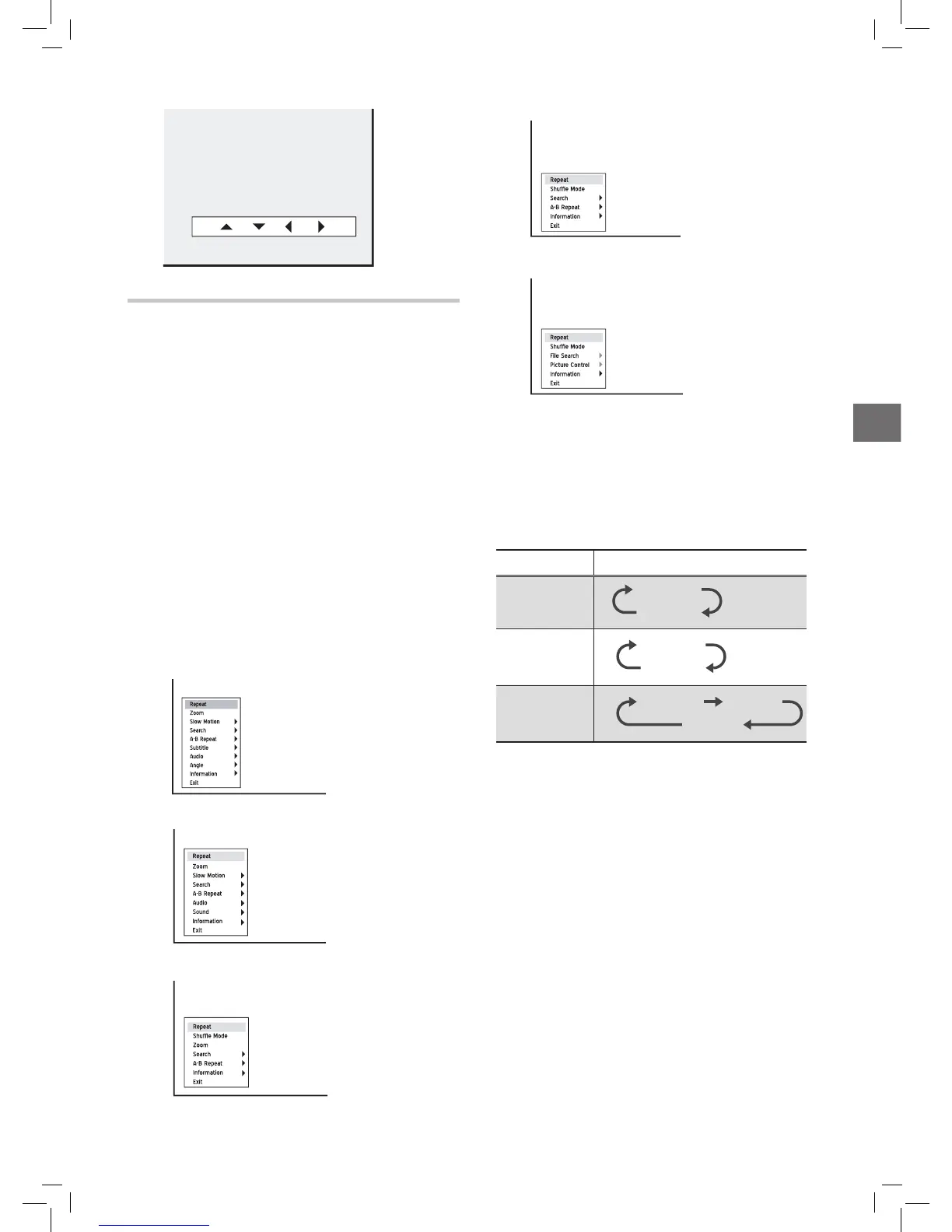
Zoom (For DVD-Video/Video
Title)/Picture Control (For Pic-
tures)
The ‘Zoom’/‘Picture Control’ feature allows you to
enlarge the video/picture image and to pan through the
enlarged image.
1. Select ‘Zoom’/’Picture Control’, then press ENTER. A
control pad will appear.
Introducing Navigation Menu
During playback, press NAVI. button on the remote
control to display the Navigation menu.
The options shown on the Navigation menu vary depend-
ing on the media types (e.g. DVD, audio CD, VCD, etc.)
as well as the supporting features offered by the media
being played.
Unavailable options will be disabled.
..........................................................................................
General operation
1. Press to select one of the functions, then
press ENTER to go to sub-menu. Press to select
one of the choices and confirm with
ENTER.
2. To enter number, press or number buttons
(0-9), then press ENTER.
3. To exit the Navigation menu, press NAVI. or repeat-
edly press .
When playing DVD-Video discs or video titles ...
When playing VCD or SVCD ...
When playing video files...



 To Next Page