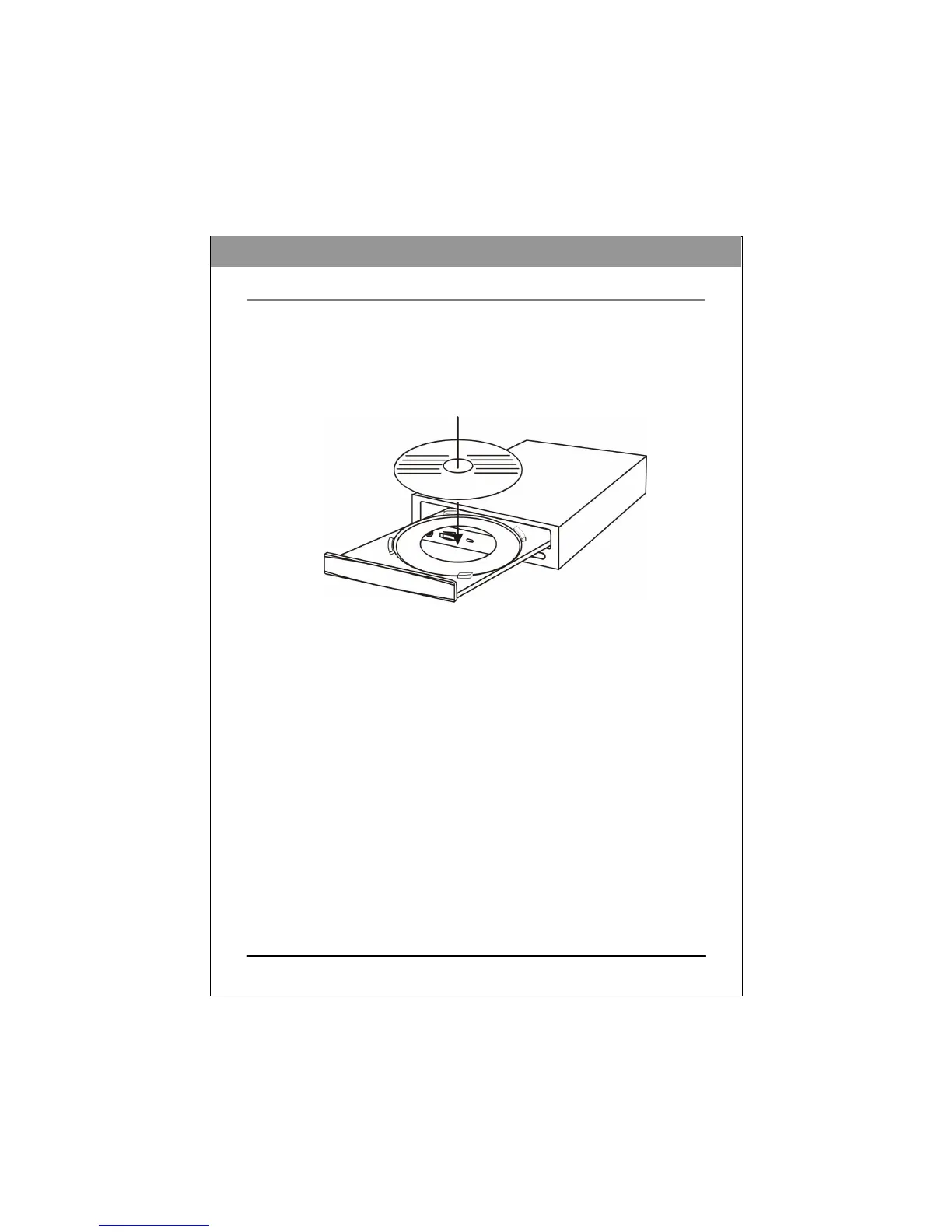
Loading and Unloading the Tray
(1) While the BD drive is powered up, push the Eject button on the front panel to
eject the tray.
(2) Place a disc in the tray’s depression. To write to the data side, place the disc
with the label side up. The disc should lie flat in the tray.
Figure: Loading the
Tray
(3) Press the Eject button again to retract the tray.
ENGLISH



 To Next Page