T
ROUBLESHOOTING
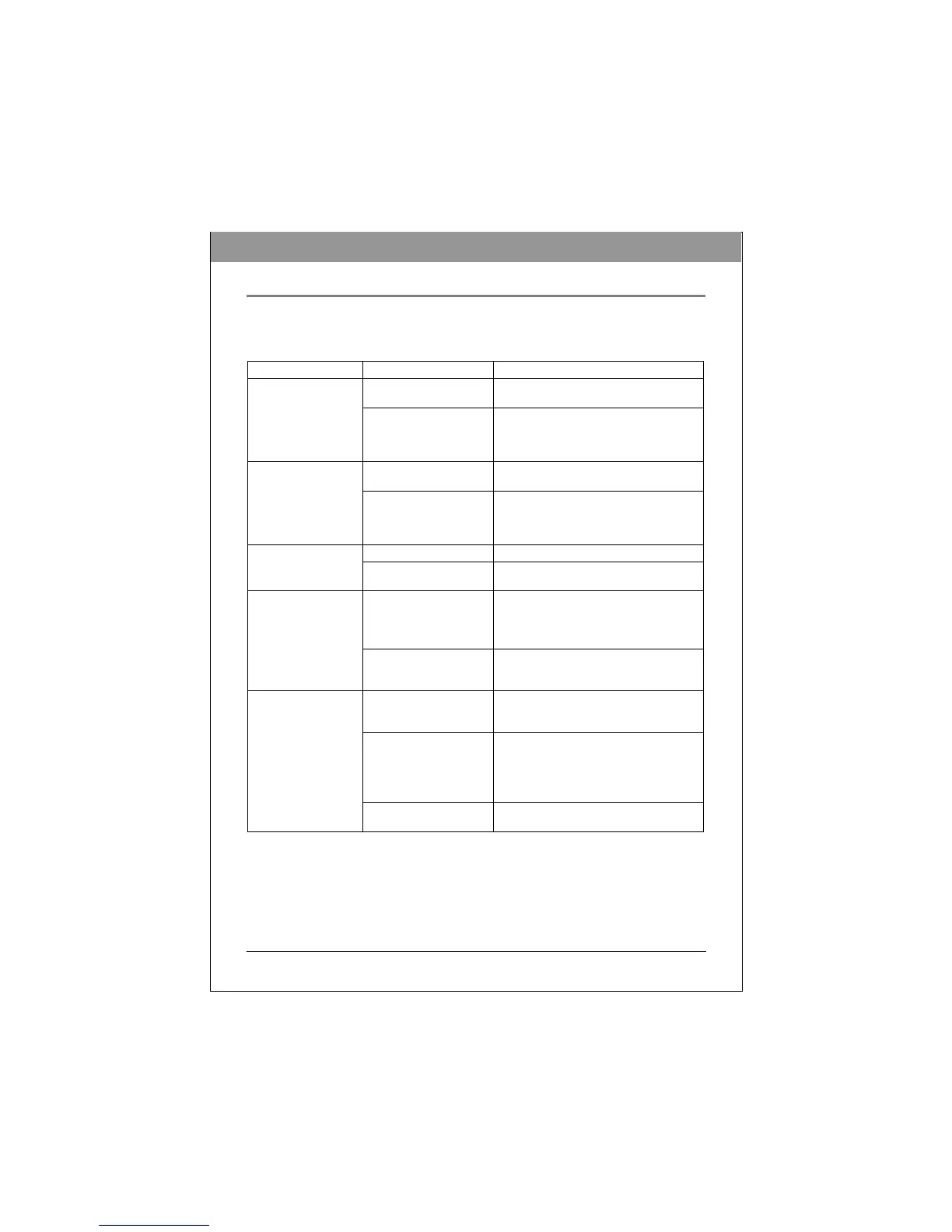
If you have trouble during installation or use of your BD drive, please refer to the following
information.
Read Problems
Symptom
Possible Cause
So
lution
No power
•
Ensure that the power cord is connec
t
ed
securely (at all connec
ti
ons).
Does not opera
t
e
SATA cable not proper
l
y
connec
t
ed
•
Ensure that the SATA cable and
connectors are not damaged (check
t
he
pins carefully), and that both sides are
connec
t
ed.
Power cable not proper
l
y
connec
t
ed
•
Ensure that the power cord is connec
t
ed
securely (at all connec
ti
ons).
BD drive can not be
recogn
i
zed
SATA cable not proper
l
y
connec
t
ed
•
Ensure that the SATA cable and
connectors are not damaged (check
t
he
pins carefully), and that both sides are
connec
t
ed.
Unbalanced disc
l
oaded
•
Replace the disc with ano
t
her.
Excessive noise when
reading a d
i
sc
Sticker or label attached
t
o
the surface
•
Detach the sticker/label carefu
ll
y,
ensuring that you don’t scratch the d
i
sc.
Drive locked by sof
t
ware
•
Wait until the software activity
i
s
finished; or
•
Stop the software activity and then press
e
j
ec
t
.
Cannot open the
t
ray
(E
j
ec
t
)
Disc set incorrectly in
t
ray
•
Turn off power to the drive, then insert a
small stick or paper clip into
t
he
emergency eject hole to eject the
t
ray.
“Load Contents“ or “Import
Session“ was not se
l
ec
t
ed
during write process
•
Make sure you properly select “
i
mpor
t
previous sessions” when writing new
data to the d
i
sc.
Defective or damaged d
i
sc
•
Always use high-quality med
i
a.
•
Always handle discs with care and keep
them clean. Deep scratches, f
i
ngerpr
i
n
t
s,
or other contaminants on a disc’s surface
can make it unreadab
l
e.
Cannot read a prev
i
ous
session of a CD-RW
disc that has been
written to at least
t
w
i
ce
Disc inserted upside down
•
Remove the disc from the tray and
reinsert it label side up.
ENGLISH



 To Next Page