LIVA MINI PC USER MANUAL
11
Chapter 2
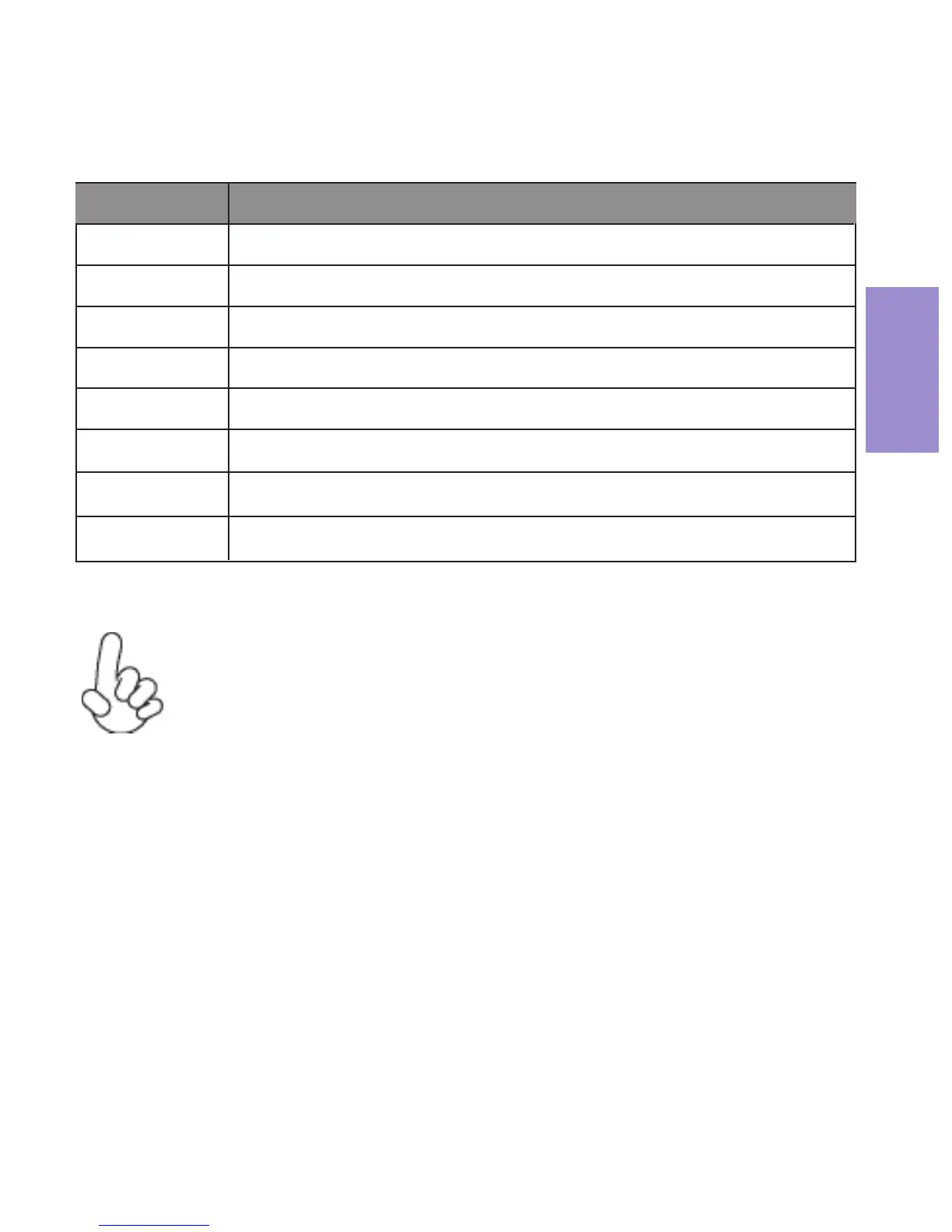
BIOS Navigation Keys
The BIOS navigation keys are listed below:
For the purpose of better product maintenance, the
manufacture reserves the right to change the BIOS items
presented in this manual. The BIOS setup screens shown in
this chapter are for reference only and may differ from the
actual BIOS. Please visit the manufacture’s website for
updated manual.
KEY FUNCTION
Scrolls through the items on a menu
+/-
F2 Pr
evious Value
F3 Optimized Defaults
F1 General Help
ESC
Enter Select
F4 Save & Exit
Exits the current menu
Change Opt.



 To Next Page